
Nano Banana 2: A Complete Features Review for 2026
Complete review of Nano Banana 2 features — text rendering, ultra-wide ratios, Image Search, and 50% lower cost. See how NB2 compares to Nano Banana Pro.
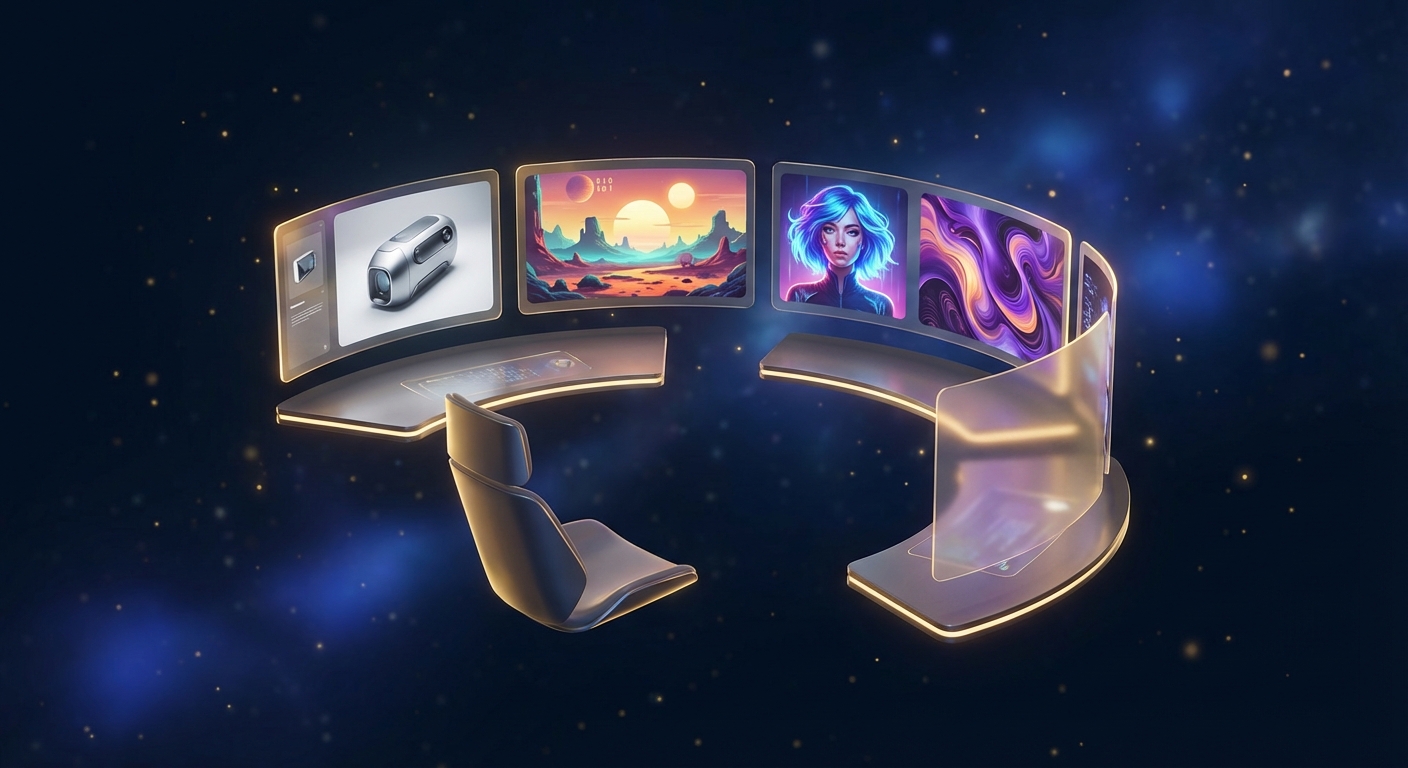
Google launched Nano Banana 2 on February 26, 2026 — the newest addition to the Nano Banana image generation family. Built on the Gemini 3.1 Flash Image model, Nano Banana 2 (NB2) takes a different path than the earlier Nano Banana Pro. Rather than pushing for higher aesthetic quality, NB2 focuses on cost efficiency, exclusive new capabilities, and improved text rendering stability.
If you are evaluating whether to use NB2 for your projects, this review covers every feature that matters: what NB2 does well, where it falls short, and how it compares to the rest of the Nano Banana lineup. We tested NB2 extensively on Banana AI and cross-referenced independent hands-on reviews to give you an honest, data-backed assessment.
What’s New: NB2-Exclusive Features
Nano Banana 2 introduces several capabilities that are not available in Nano Banana Pro or the original Nano Banana. These exclusives make NB2 the right choice for specific workflows, regardless of your quality preferences.
Ultra-Wide Aspect Ratios
NB2 supports 14 aspect ratios, including four ultra-wide options that no other Nano Banana model offers:
- 8:1 and 1:8 — ideal for web banners, scrolling panoramas, and infographic strips
- 4:1 and 1:4 — well-suited for website headers, timeline graphics, and vertical social stories
For context, Nano Banana Pro supports 10 standard ratios (up to 21:9). NB2 adds the extreme formats that open up entirely new creative possibilities. An 8:1 panorama of the solar system or a 1:8 deep-sea dive illustration — these compositions are simply not possible with Pro.

Image Search Tool
NB2 is the only Nano Banana model with access to Google’s Image Search tool during generation. When your prompt references a real location, landmark, or recognizable object, NB2 can search for reference images to produce more accurate results.
Nano Banana Pro has access to Google Search (text only), but cannot pull visual references. This makes NB2 particularly strong for:
- Generating images of real places (cities, landmarks, famous buildings)
- Creating compositions that reference existing visual styles
- Producing more geographically and architecturally accurate scenes
~50% Lower API Cost
For developers using the Gemini API directly, NB2 pricing represents a significant cost reduction. A 4K image costs approximately $0.15 through the API — roughly half the price of an equivalent Nano Banana Pro generation. This cost advantage scales meaningfully for batch workflows, marketing teams generating hundreds of images per week, and applications that serve end users.
Higher Free-Tier Volume
Google offers NB2 at 100 free images per 24 hours for non-subscribers — no credit card required. Pro subscribers get up to 1,000 images per day. This free tier makes NB2 one of the most accessible AI image models available — no subscription, no credit card, just describe what you need.
Core Image Generation Features
Beyond the exclusives, NB2 shares a strong foundation with the broader Nano Banana family.
Text Rendering
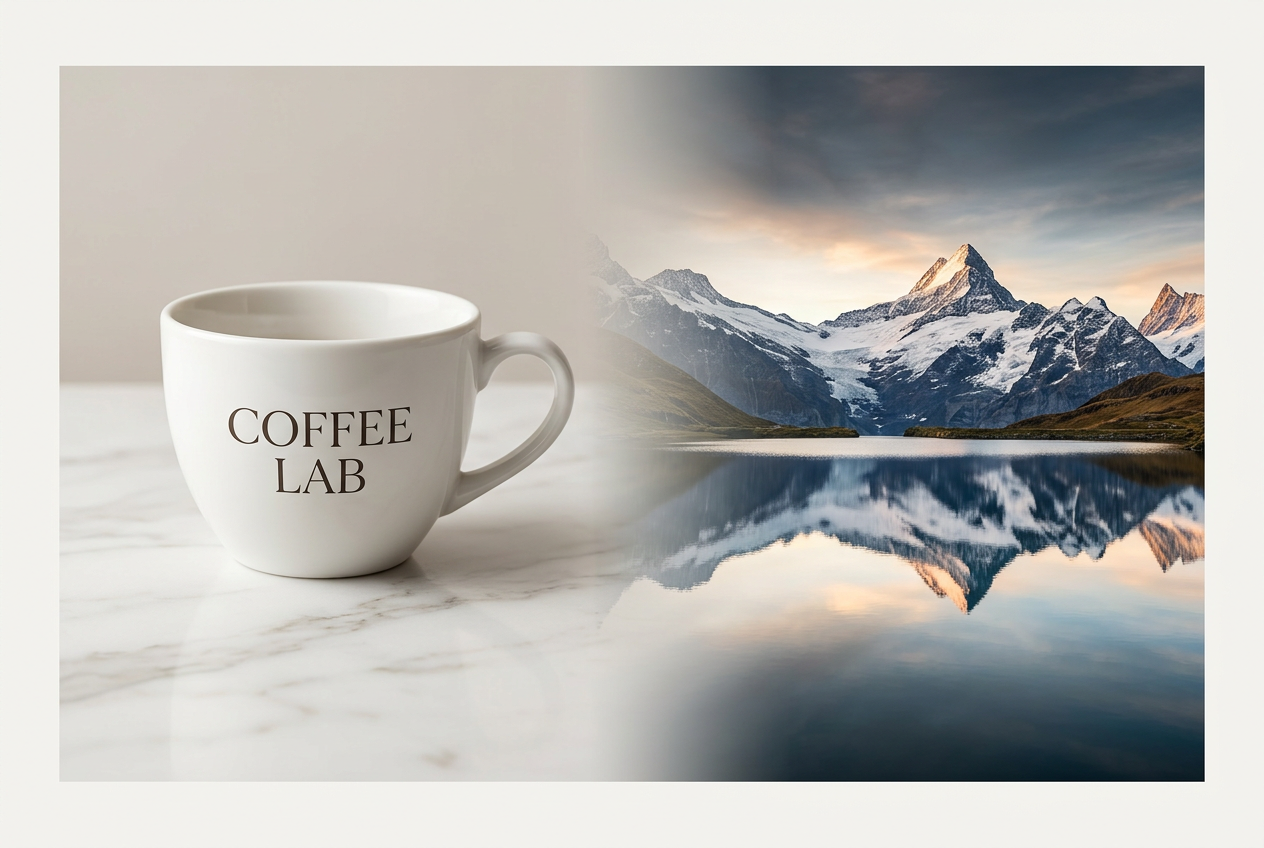
Text rendering has been a defining strength of Google’s image generation models, and NB2 continues that tradition with improved stability. In our testing, NB2 renders English text accurately and consistently across different fonts, sizes, and compositions.
Multilingual text rendering is also solid. Chinese, Japanese, Korean, and other non-Latin scripts produce clean results — though Chinese text tends to default to a uniform font style when no reference image is provided. For multilingual poster work, NB2’s text rendering is more consistent than Pro for multilingual posters and signage with mixed scripts, making it a practical choice for global marketing materials.

Character Consistency
NB2 can maintain consistent character identity across a single generation — up to 5 distinct human faces and 14 objects in one image. This is useful for creating scenes with multiple recognizable characters, product lineup shots, or educational diagrams featuring recurring visual elements.
Resolution Options
NB2 supports three resolution tiers:
| Resolution | Output Size | Best For |
|---|---|---|
| 1K | ~1024px | Social media, thumbnails, quick drafts |
| 2K | ~2048px | Blog posts, presentations, standard web use |
| 4K | ~3840px | Print materials, hero images, commercial output |
At 4K, generated files can reach up to 20 MB — significantly larger than typical AI-generated images and suitable for large-format use.
Generation Speed
NB2 generates images in approximately 4-6 seconds for standard resolutions. 4K generations take longer due to the increased pixel count. The speed is comparable to the original Nano Banana and noticeably faster than Nano Banana Pro, which includes a thinking stage that analyzes composition and lighting before generating. That thinking step adds processing time but often improves the visual coherence of the final output.
Image Editing
Like other Nano Banana models, NB2 supports reference image input. You can upload an existing photo and describe modifications through a chat conversation — changing backgrounds, adding elements, adjusting colors, or applying style transfers. NB2’s Image Search capability can make these edits more contextually accurate when real-world references are involved.
Safety and Verification
NB2 includes upgraded SynthID digital watermarks and C2PA content credentials. These features help verify whether an image was AI-generated and track how it has been modified. According to Google, verification features have been used more than 20 million times since November 2025. For businesses using AI-generated images commercially, this gives you a clear provenance trail if clients or platforms request verification.
How NB2 Fits in the Nano Banana Family
Google now offers three Nano Banana models, each optimized for different priorities. Understanding the tradeoffs helps you pick the right model for each task.
| Feature | Nano Banana | Nano Banana 2 | Nano Banana Pro |
|---|---|---|---|
| Underlying Model | Gemini 2.5 Flash | Gemini 3.1 Flash Image | Gemini 3 Pro |
| Max Resolution | 1K | 4K | 4K |
| Aspect Ratios | 10 standard | 14 (incl. ultra-wide) | 10 standard |
| Image Search | No | Yes | No |
| Text Rendering | Good | Very good | Very good |
| Aesthetic Quality | Standard | Good | Best |
| Thinking Mode | No | No | Yes |
| Speed | Fastest (2-5s) | Fast (4-6s) | Slower (includes thinking) |
| API Cost (4K) | N/A | ~$0.15 | ~$0.30 |
An Honest Assessment
Here is what independent testing confirms, and our own experience supports: NB2’s image quality is not a visible upgrade over Nano Banana Pro. In some scenarios — particularly cross-dimensional fusion (mixing 2D, 3D, and sketch styles in one scene) — NB2 actually produces less natural results than Pro.
Nano Banana Pro remains the stronger choice when raw aesthetic excellence matters. Its thinking mode analyzes composition and lighting before generating, producing images with better visual coherence for commercial and artistic use cases.
Where NB2 genuinely excels is everywhere else: cost, exclusive features, and practical utility. If you need ultra-wide banners, multilingual posters, or high-volume generation at half the cost, NB2 delivers real value that Pro cannot match.
For a detailed side-by-side breakdown, see our Nano Banana 2 vs Pro comparison. For quality data across 53 prompts, see the NB2 quality benchmark.
How to Use Nano Banana 2 on Banana AI
Getting started with NB2 on Banana AI takes about 30 seconds:
- Open the chat interface at bananai.net
- Select Nano Banana 2 from the model picker in the toolbar
- Choose your aspect ratio — all 14 options are available, including 8:1 and 1:8
- Describe what you want in plain language. No special prompt syntax required.
- Refine through conversation — ask for changes, adjustments, or variations in the same chat
You can switch between Nano Banana, NB2, and Pro within the same chat session. Start with NB2 for drafts, then switch to Pro for the final version if you need maximum aesthetic quality.
Banana AI also supports reference image uploads. Drop an existing photo into the chat, describe your changes, and NB2 handles the editing.
Pricing on Banana AI
Banana AI uses a credit-based pricing system. NB2 costs vary by resolution:
| Resolution | Credits per Image |
|---|---|
| 1K | 7 credits |
| 2K | 7 credits |
| 4K | 14 credits |
For comparison, Nano Banana costs 5 credits (1K only), and Nano Banana Pro costs 10-20 credits (10 at 1K/2K, 20 at 4K).
What That Costs in Practice
On the Pro plan ($9.90/month for 500 credits):
- NB2 at 1K/2K: ~$0.14 per image (71 images/month)
- NB2 at 4K: ~$0.28 per image (35 images/month)
- NB Pro at 4K: ~$0.40 per image (25 images/month)
NB2 at 2K is a sweet spot — same credit cost as 1K with noticeably better resolution. At 4K, NB2 costs 30% less than Pro, which adds up fast at scale. An Amazon seller listing 50 products per quarter would spend under $7 on NB2 product photos — less than a single professional product shot.
The Premium plan ($29.90/month for 2,000 credits) drops the per-image cost even further — $0.07 per NB2 image at 1K/2K, or $0.14 at 4K. For high-volume users, this makes NB2 one of the most cost-effective AI image generation options available.
For a complete cost breakdown across all plans and use cases, see our NB2 pricing and cost guide.
Who Should Choose Nano Banana 2
NB2 is the best choice when you need:
- High-volume generation — marketing teams, e-commerce sellers listing dozens of SKUs, content creators who need multiple images per day. NB2’s lower cost per image makes high-volume workflows sustainable.
- Ultra-wide or ultra-tall compositions — web banners (8:1), vertical infographics (1:8), panoramic scenes (4:1). No other Nano Banana model supports these ratios.
- Multilingual text rendering — posters, marketing materials, and educational content in multiple languages. NB2’s text rendering stability across scripts makes it practical for global campaigns.
- Budget-conscious 4K output — when you need high-resolution images but want to maximize your credit allocation.
Consider Nano Banana Pro instead when:
- Aesthetic quality is the top priority (portfolio work, hero images, artistic compositions)
- You need cross-dimensional style fusion (mixing 2D and 3D elements naturally)
- The thinking mode’s composition analysis justifies the higher cost
Use the original Nano Banana when:
- Speed matters most — it generates in 2-5 seconds at 5 credits
- You need quick drafts or concept exploration before committing to a final model
Conclusion
Nano Banana 2 is not a replacement for Nano Banana Pro — it is a complement to it. Where Pro prioritizes aesthetic quality, NB2 prioritizes practical value: lower cost, exclusive features like ultra-wide ratios and Image Search, and stable multilingual text rendering.
For most everyday image generation tasks — blog illustrations, social media content, marketing materials, product mockups — NB2 delivers clean, usable images at roughly half the cost of Pro. Reserve Pro for the shots where visual excellence truly matters, and let NB2 handle everything else.
The combination of both models in one platform is what makes the Nano Banana family unusually flexible. Try NB2 yourself and see where it fits in your workflow.
Try Nano Banana 2 on Banana AI — start free, no credit card required