
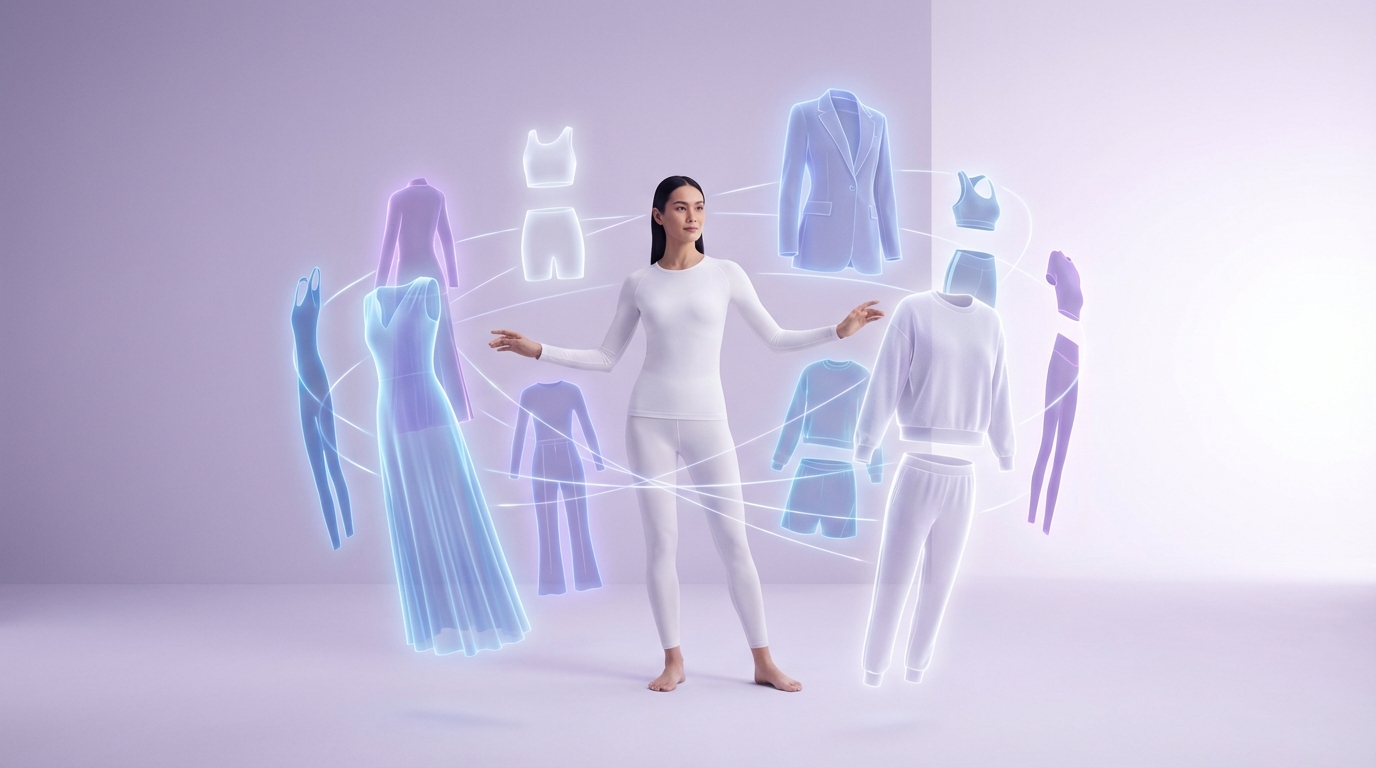
AI Clothes Changer — Swap Outfits on Any Model Instantly
Upload a model photo and a garment image — our AI handles the rest. Realistic fabric draping, accurate color matching, and natural body fit. No Photoshop skills needed. Try your first outfit swap free.
Start with a Professional Model
Don't have a model photo? Download any of our diverse, studio-quality model images below — then upload it alongside your garment to start swapping outfits with the AI clothes changer.
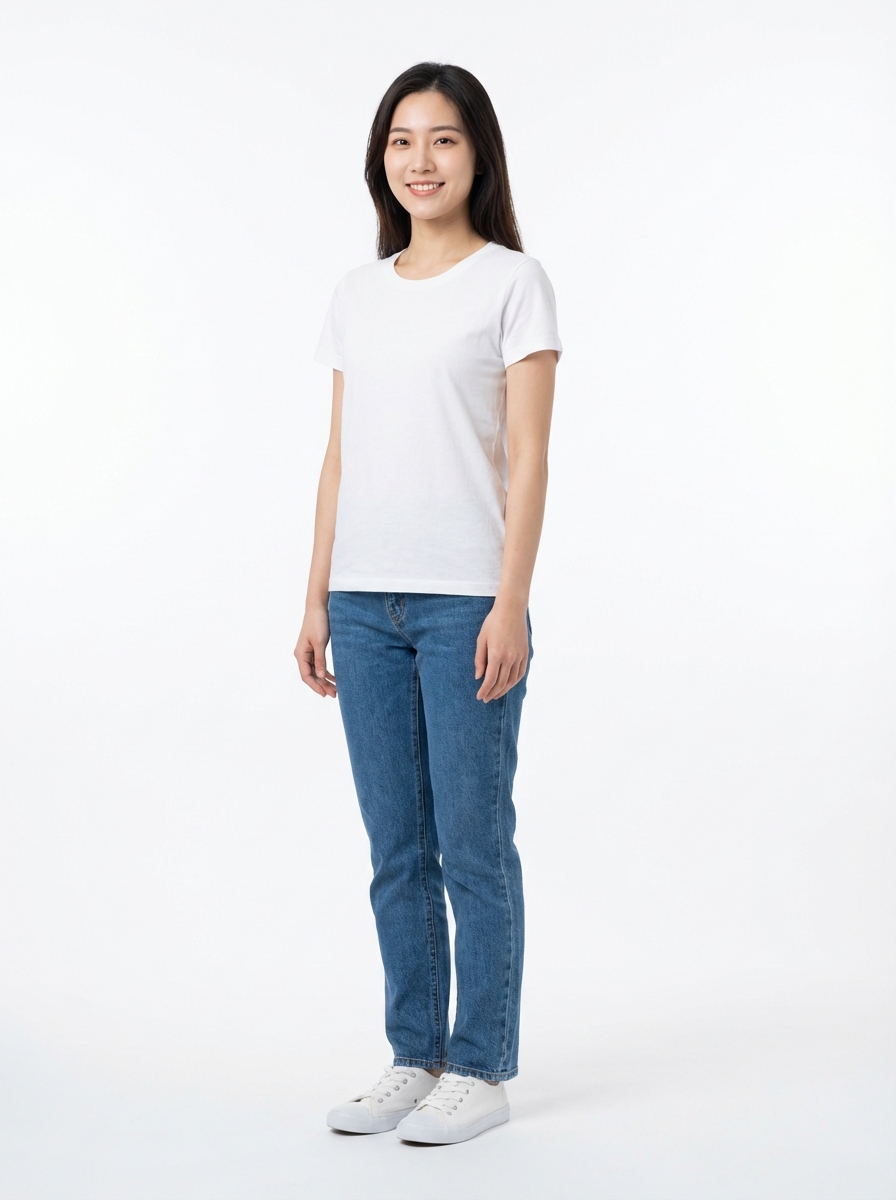
Female · East Asian · Slim
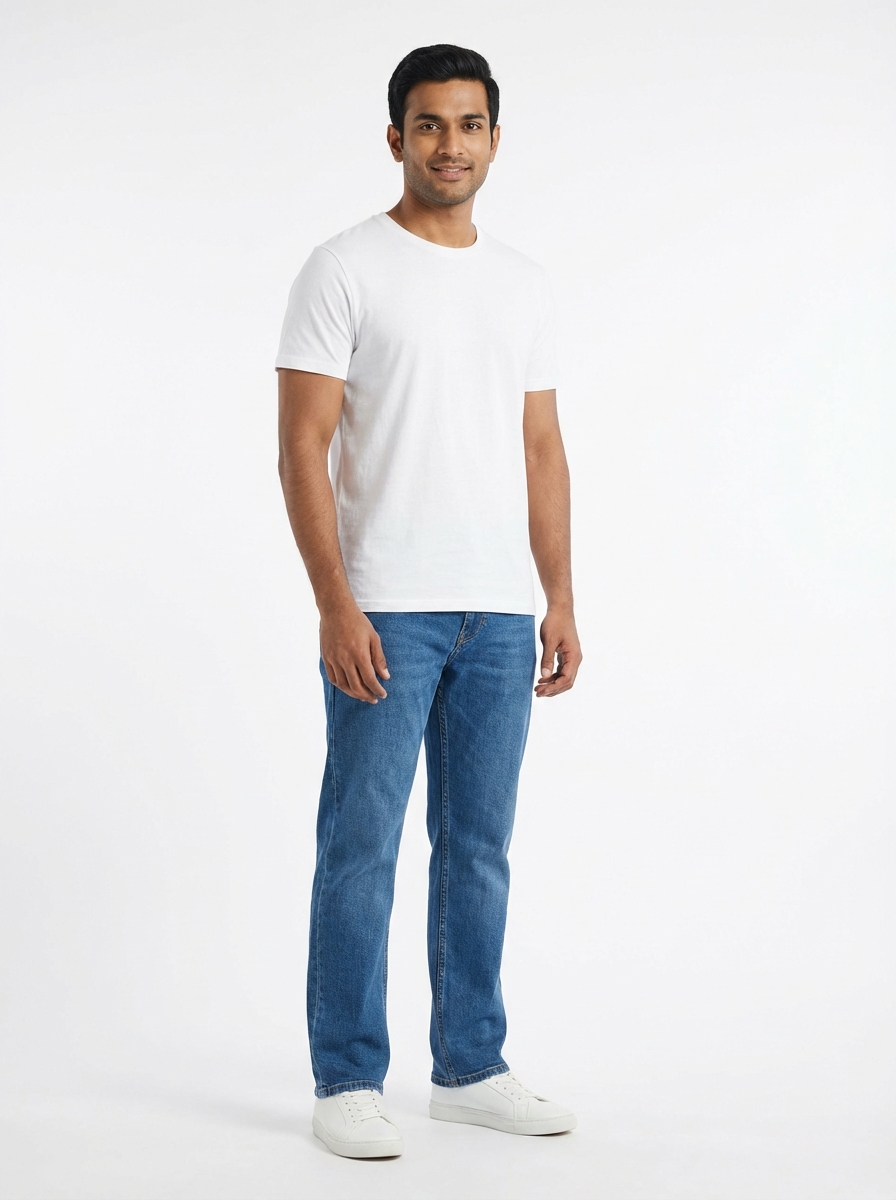
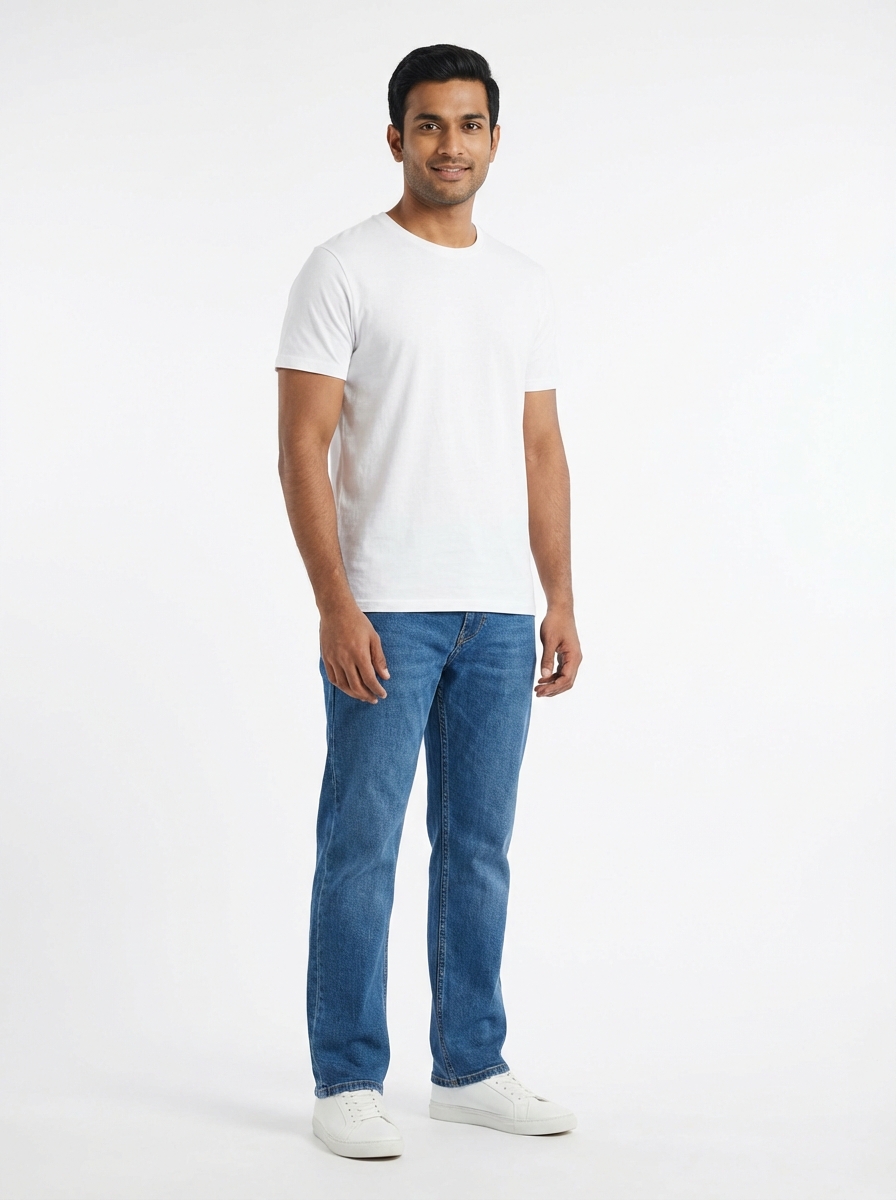
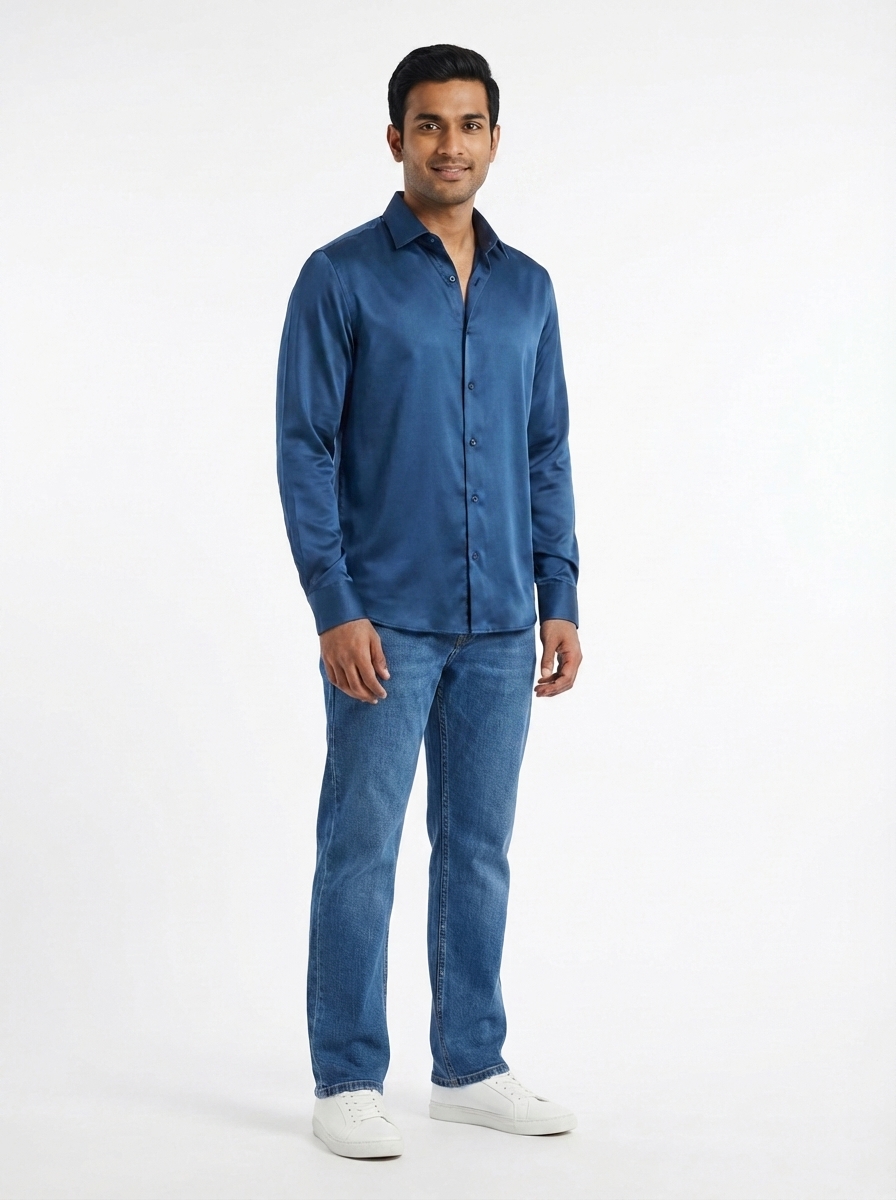
Male · South Asian · Average
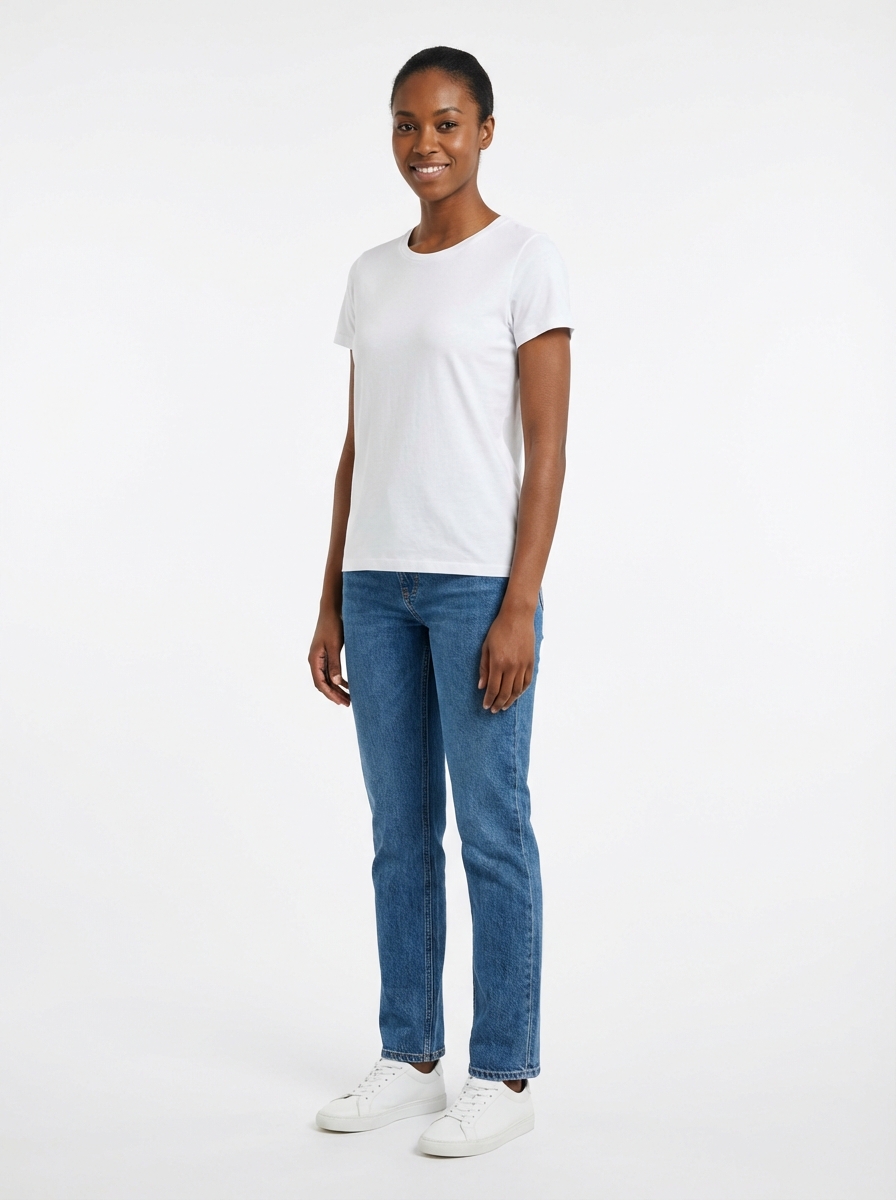
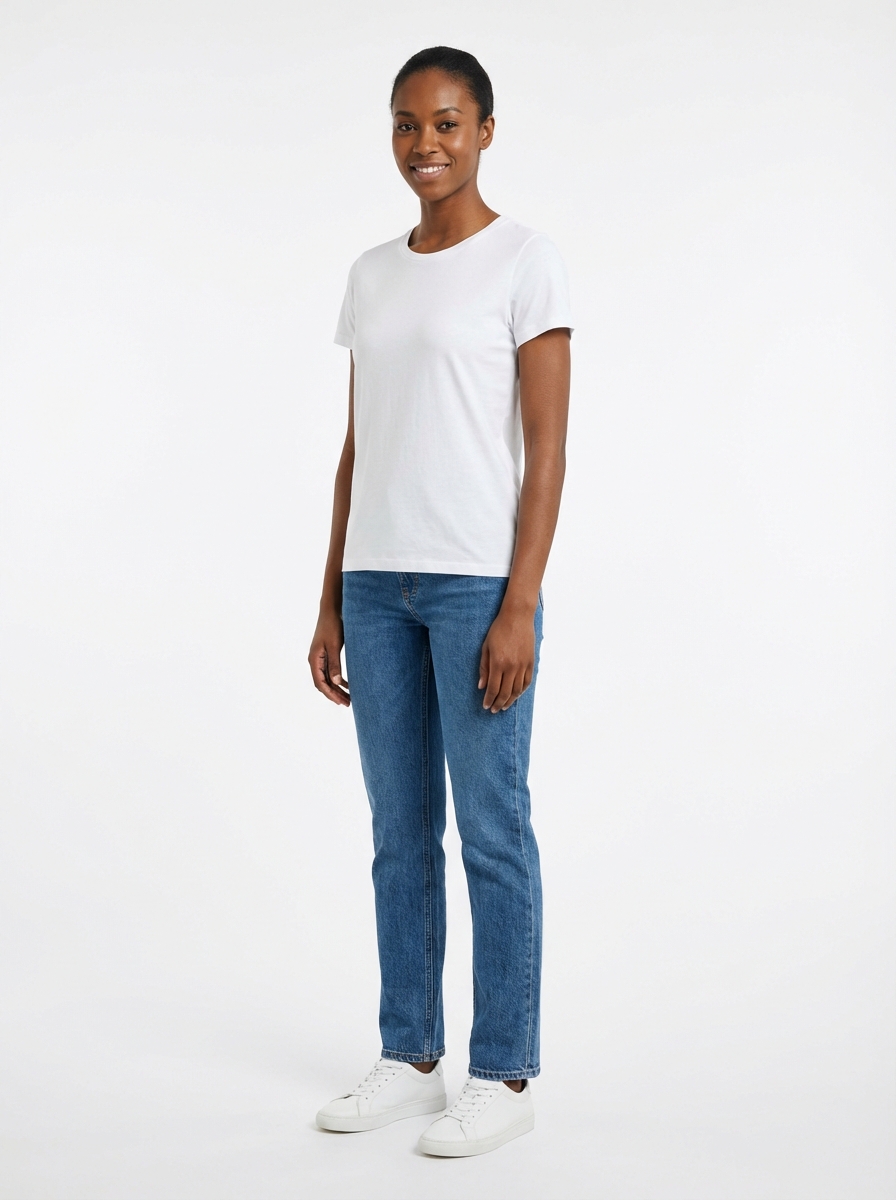
Female · African · Tall
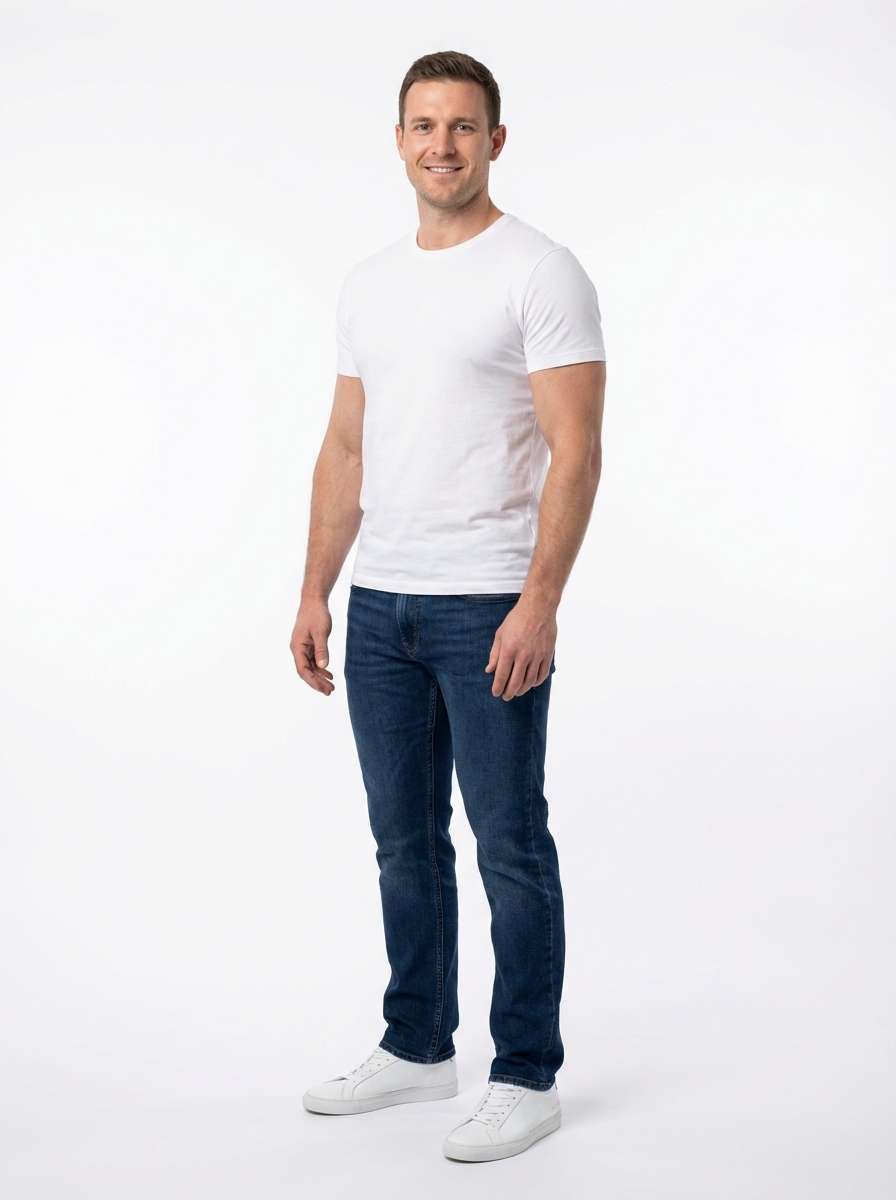
Male · Caucasian · Muscular
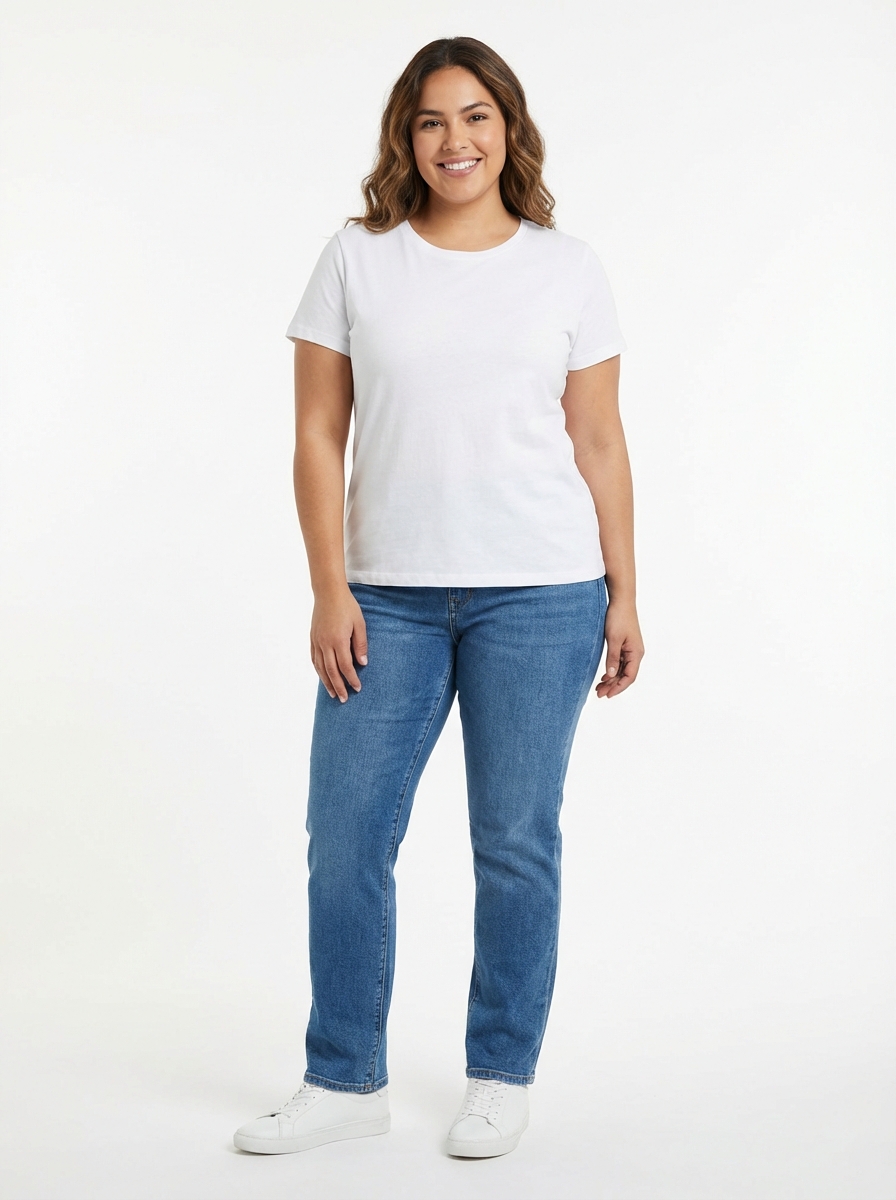
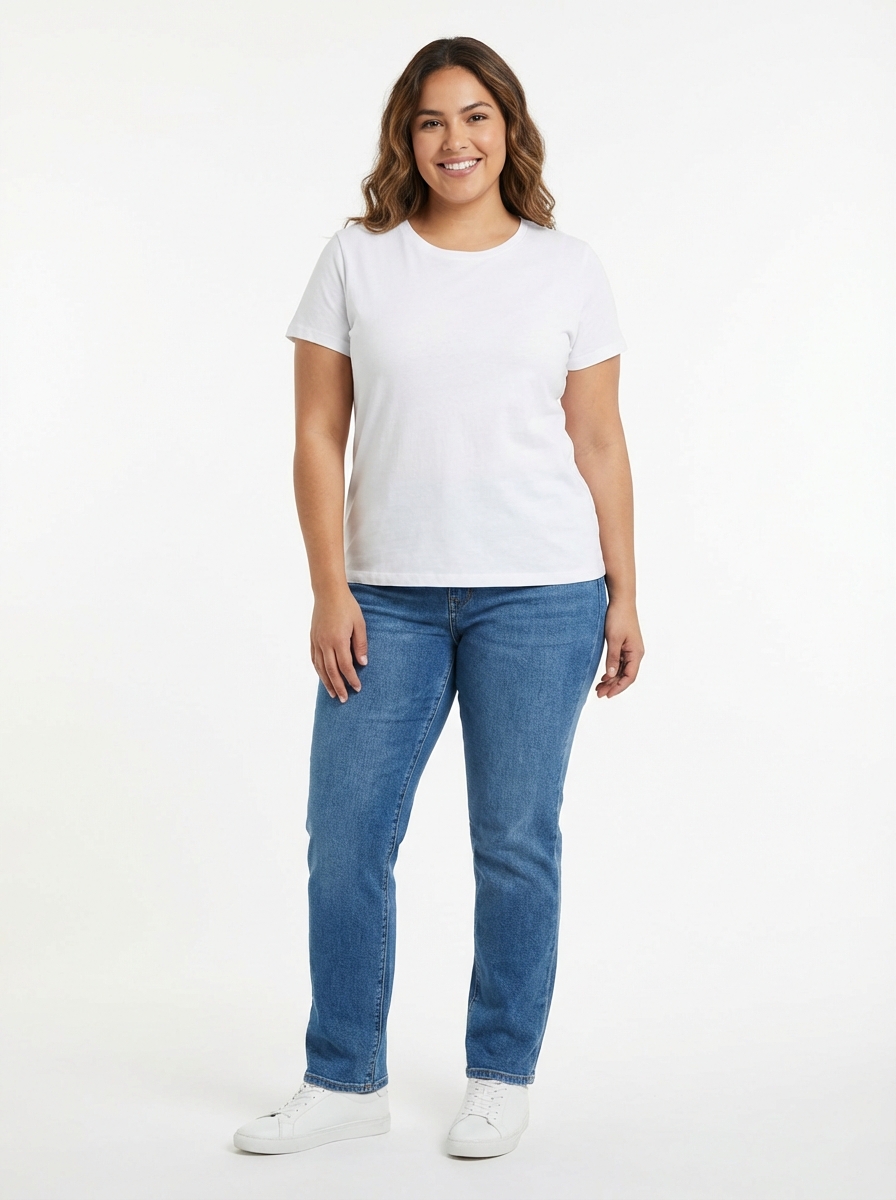
Female · Latin · Curvy
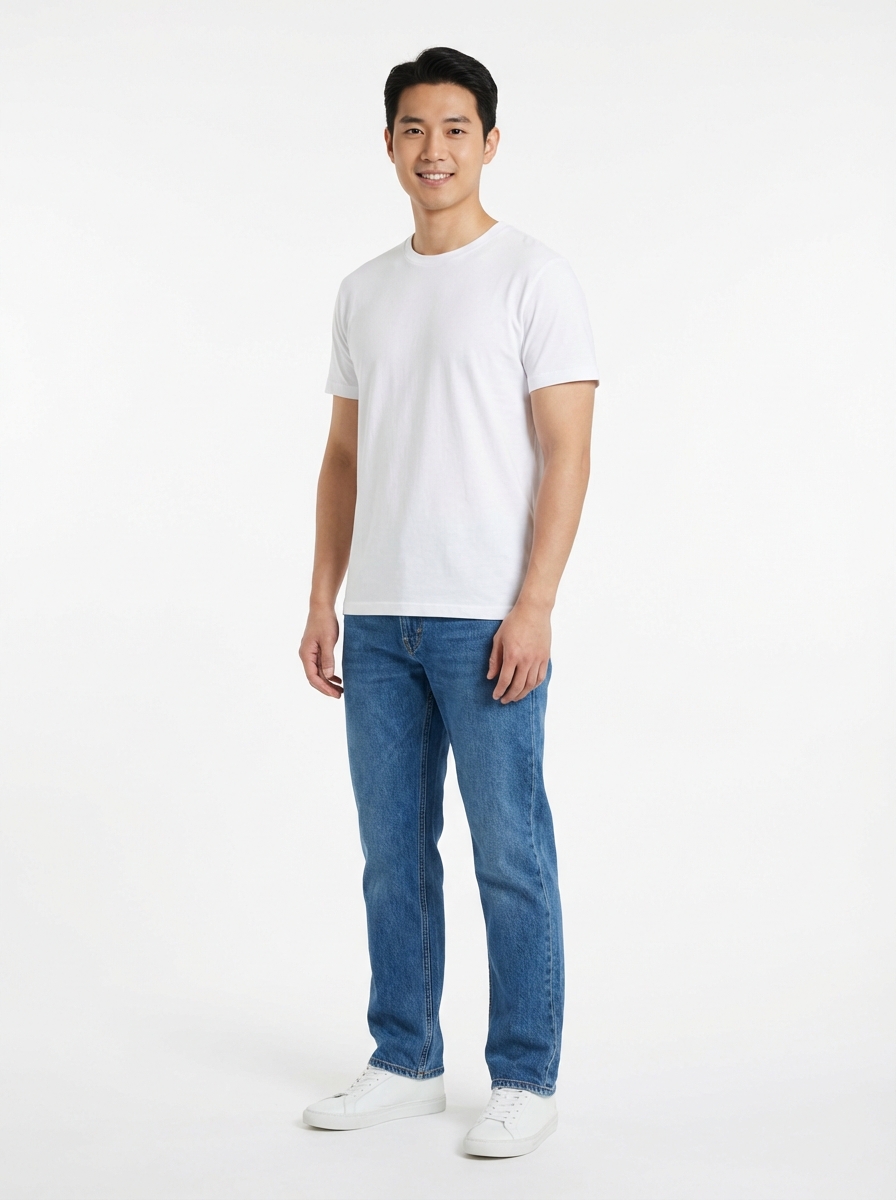
Male · East Asian · Average
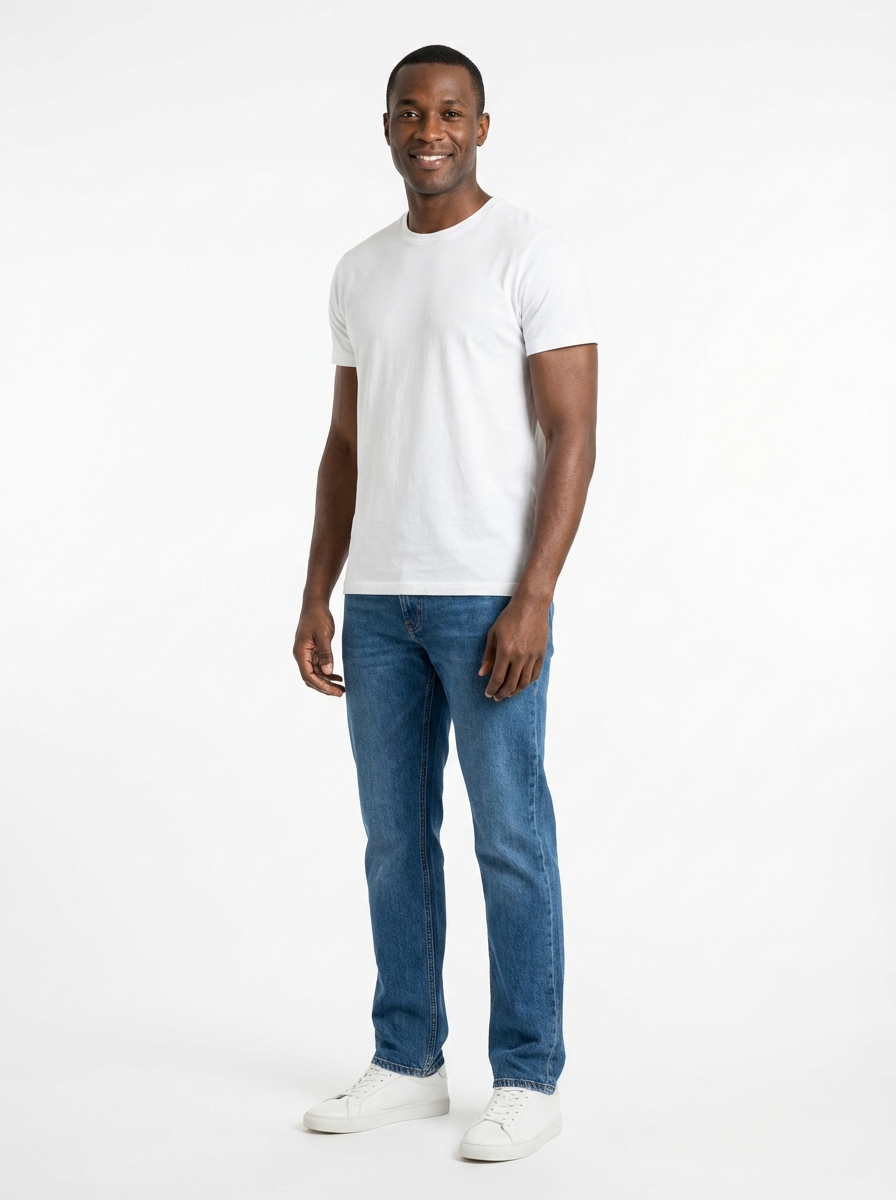
Male · African · Tall
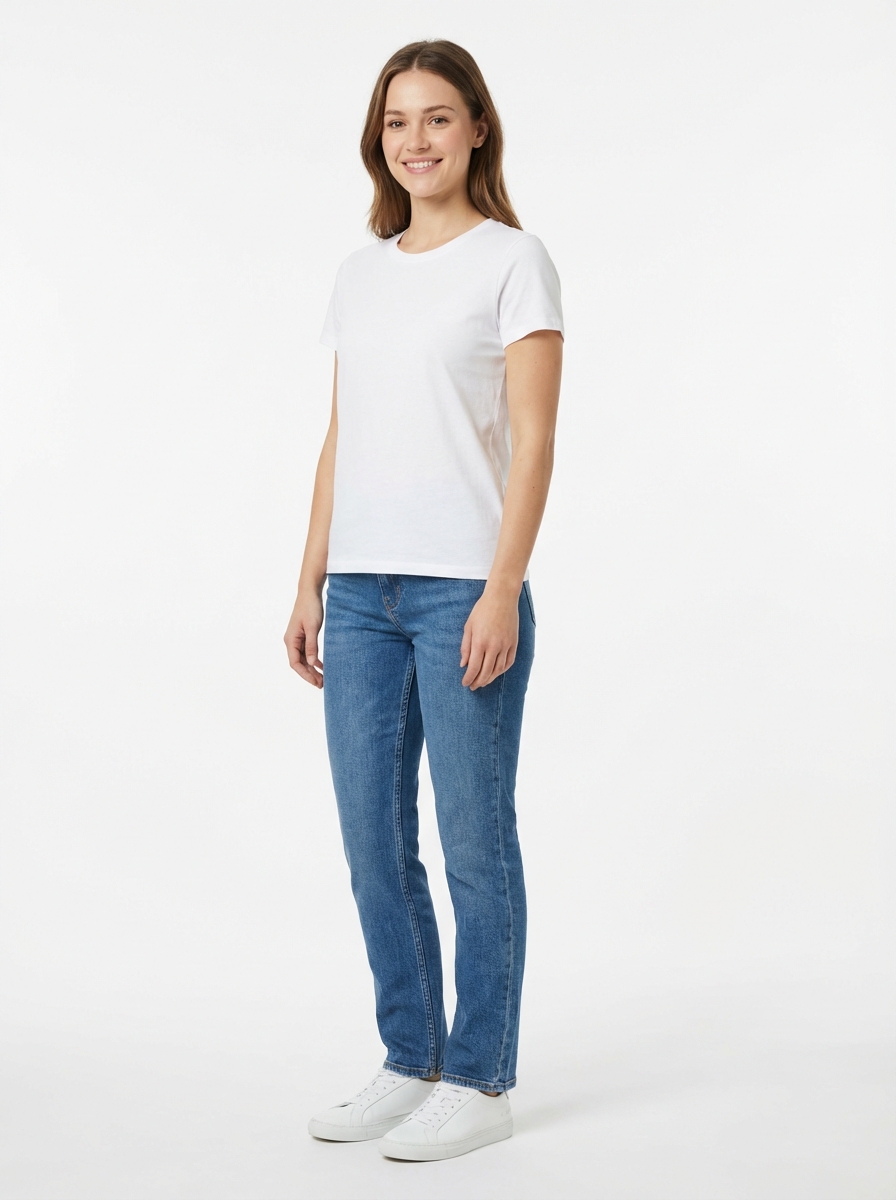
Female · Caucasian · Petite
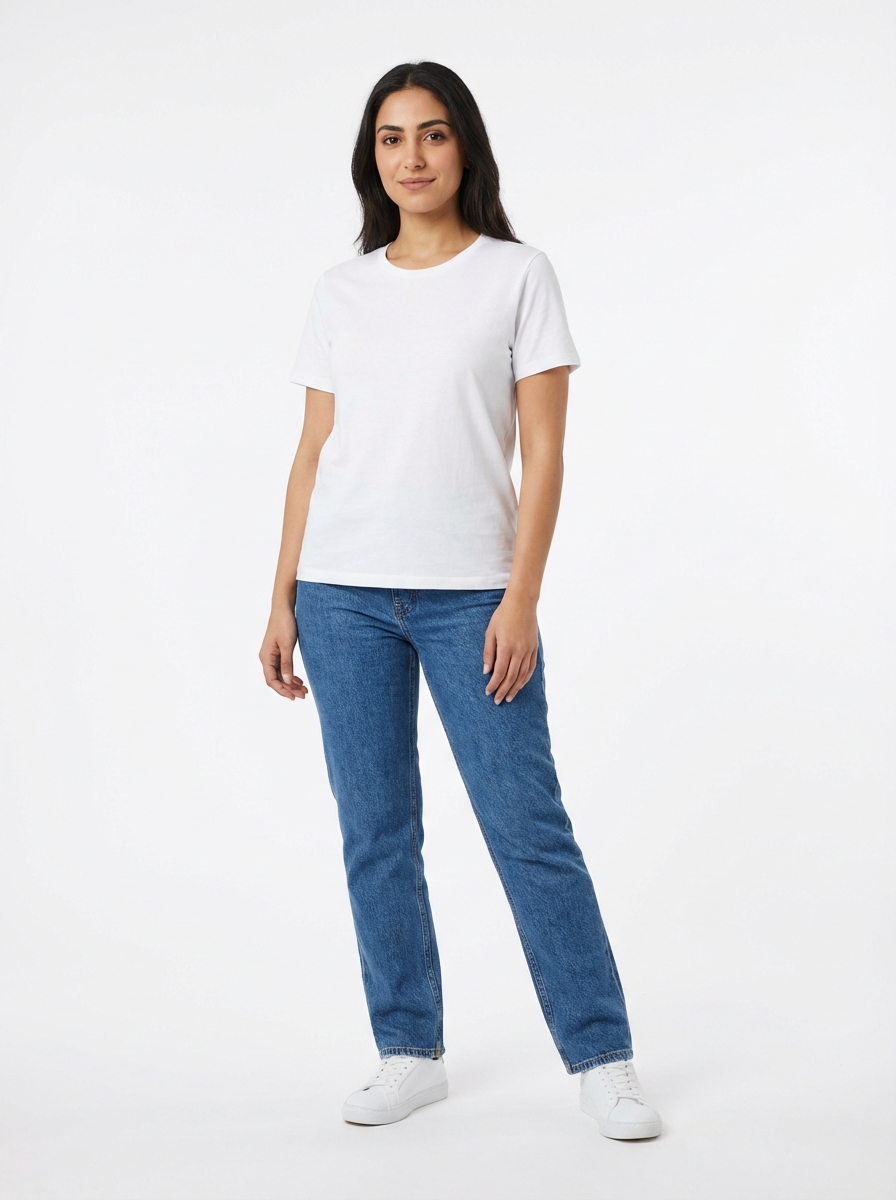
Female · Middle Eastern · Average
AI Clothes Changing Across Every Style
From casual dresses to formal suits, our AI clothes changer produces photorealistic outfit swaps that preserve fabric texture, accurate fit, and natural lighting.
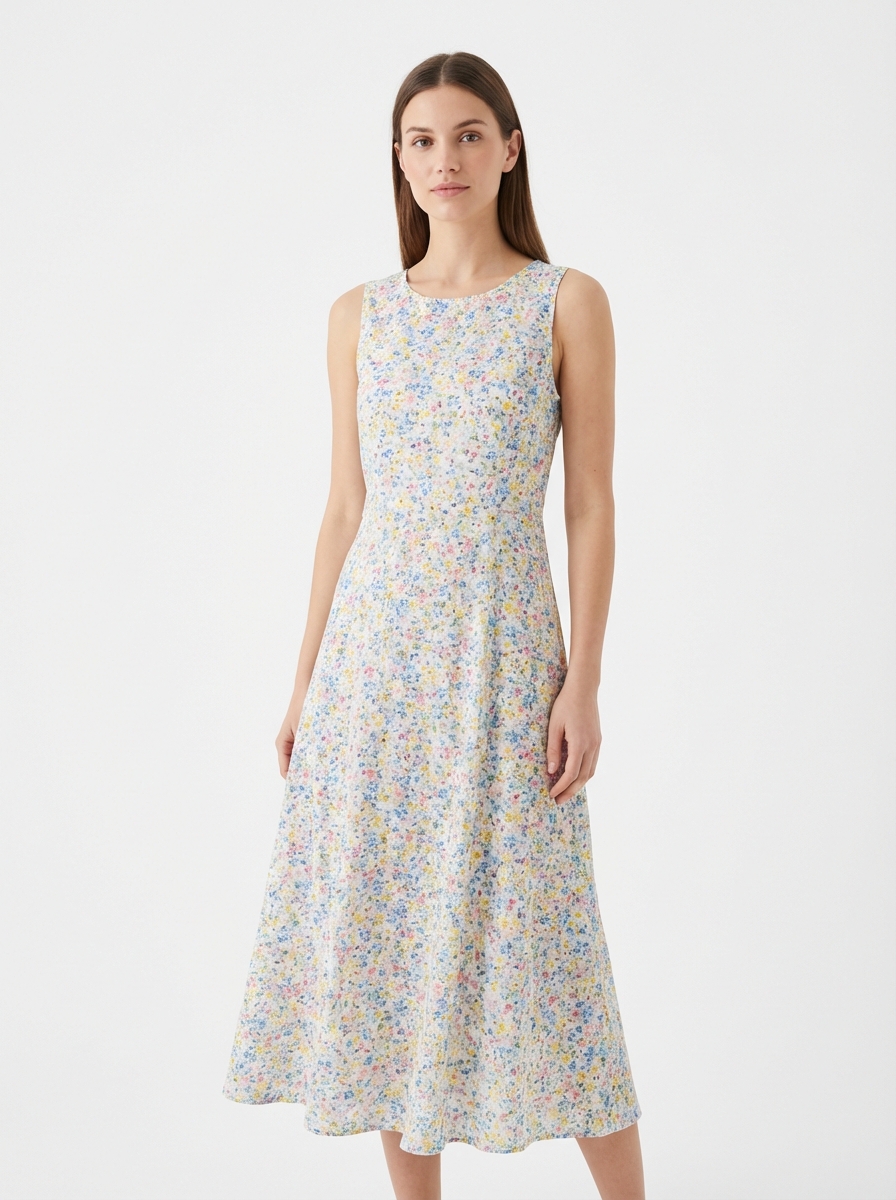
Casual Dress
Light floral summer dress with natural cotton draping — the AI preserves fabric weight and gentle movement in the swap.
Casual
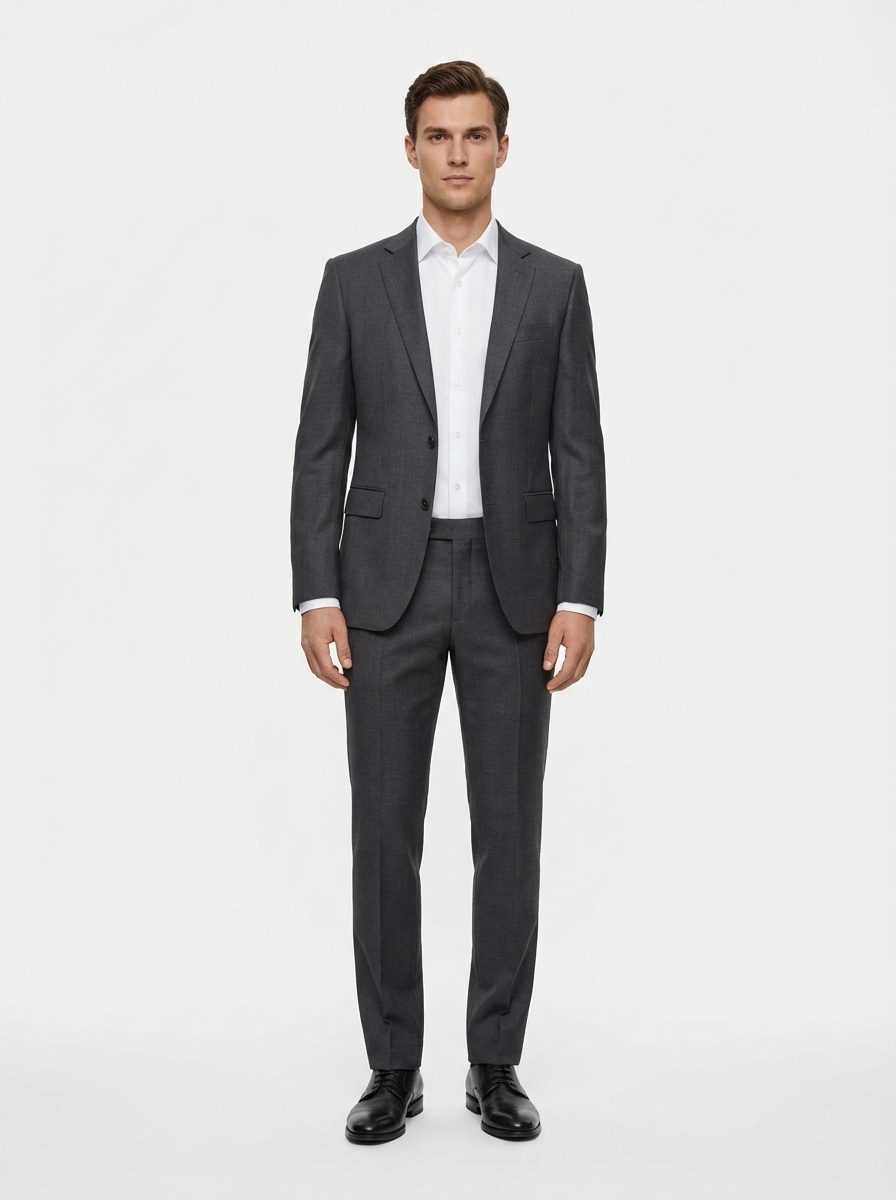
Business Formal
Tailored charcoal suit with structured shoulders and proper lapel fold — AI maintains the garment architecture.
Business
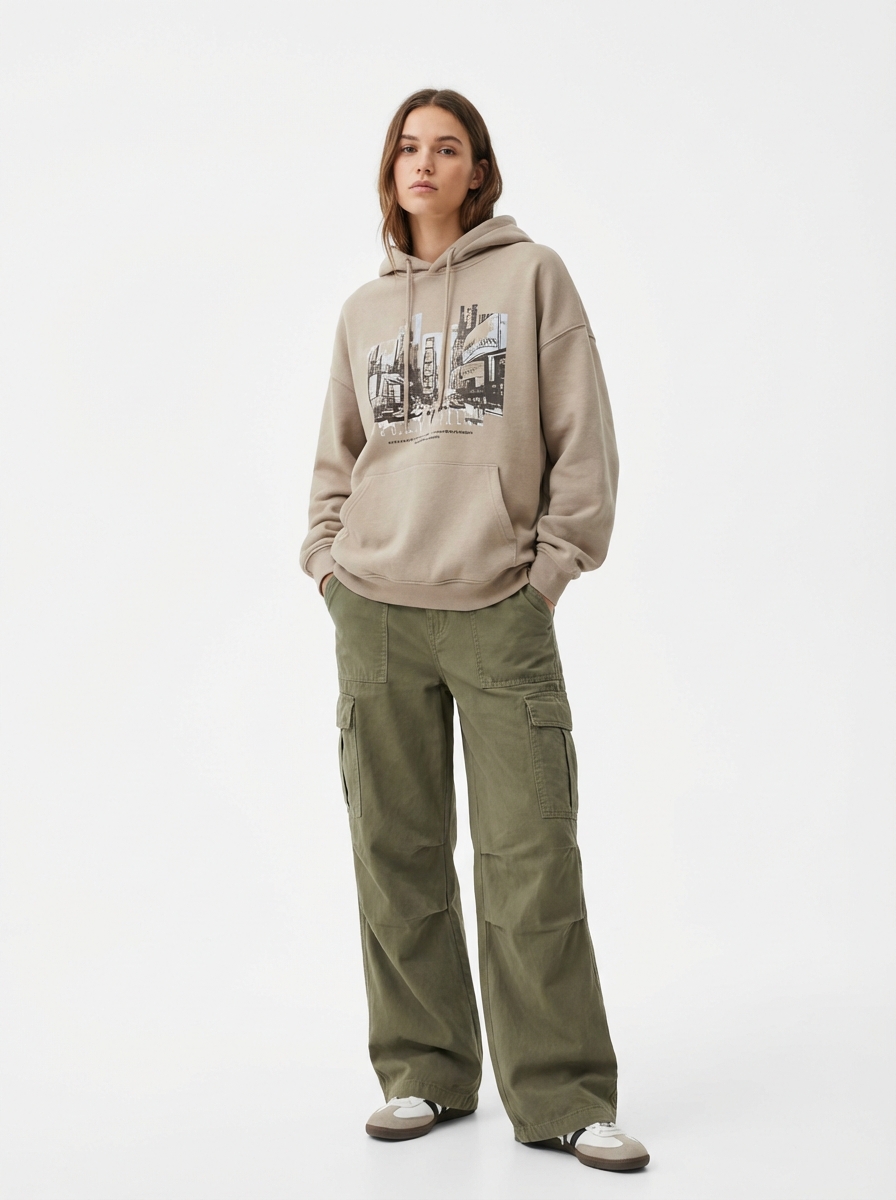
Streetwear
Oversized hoodie and cargo pants — the AI captures the relaxed fit and heavy cotton fleece texture.
Streetwear
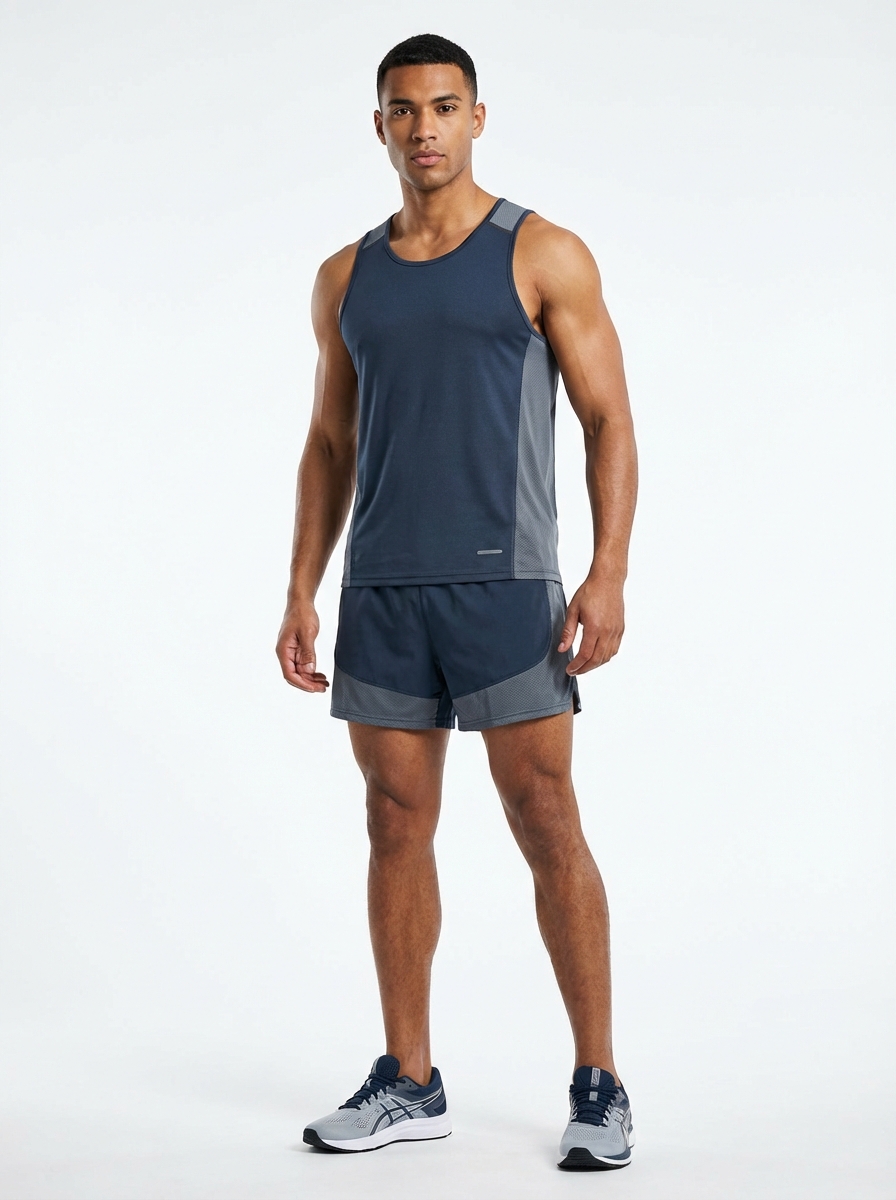
Athletic Wear
Performance running outfit with moisture-wicking texture — AI matches the body-hugging fit and technical fabric sheen.
Athletic
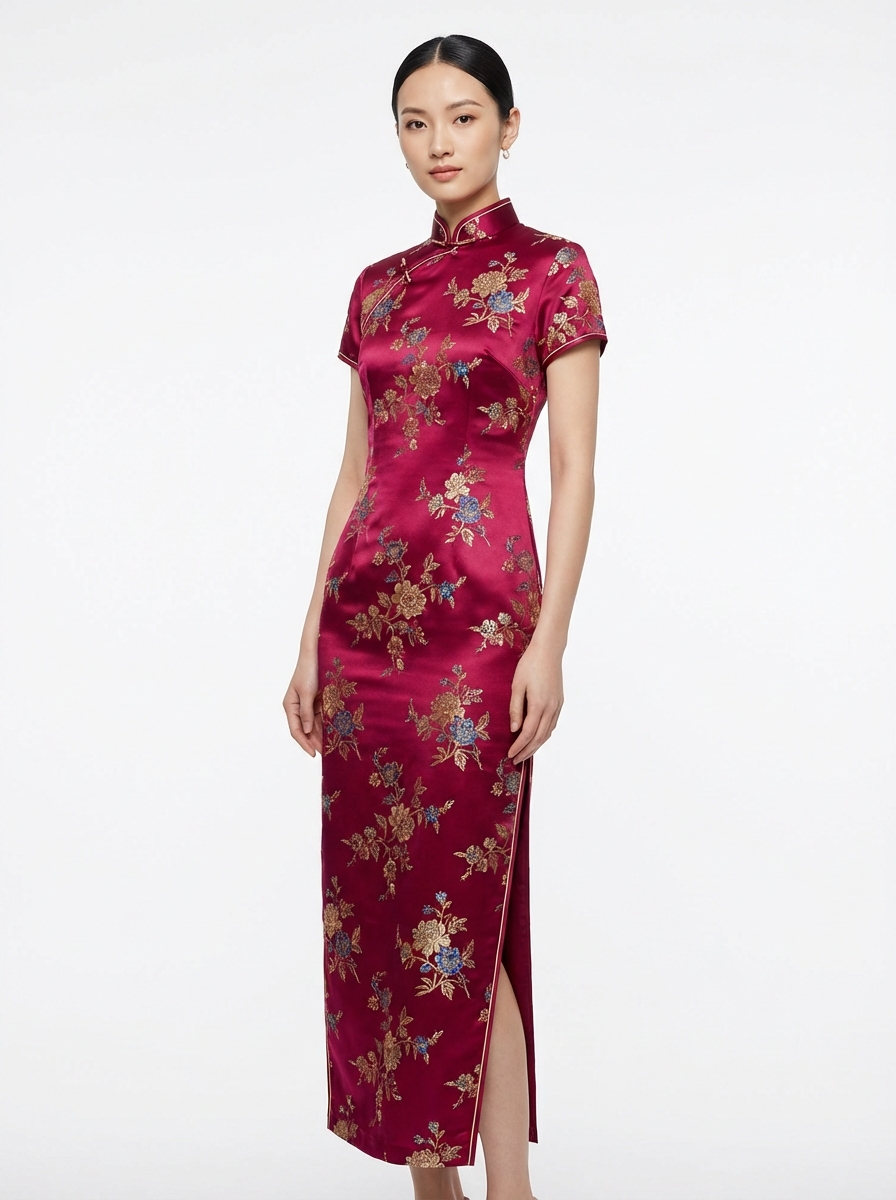
Traditional Wear
Richly embroidered cultural garment — AI preserves intricate patterns and the unique draping style of traditional textiles.
Traditional
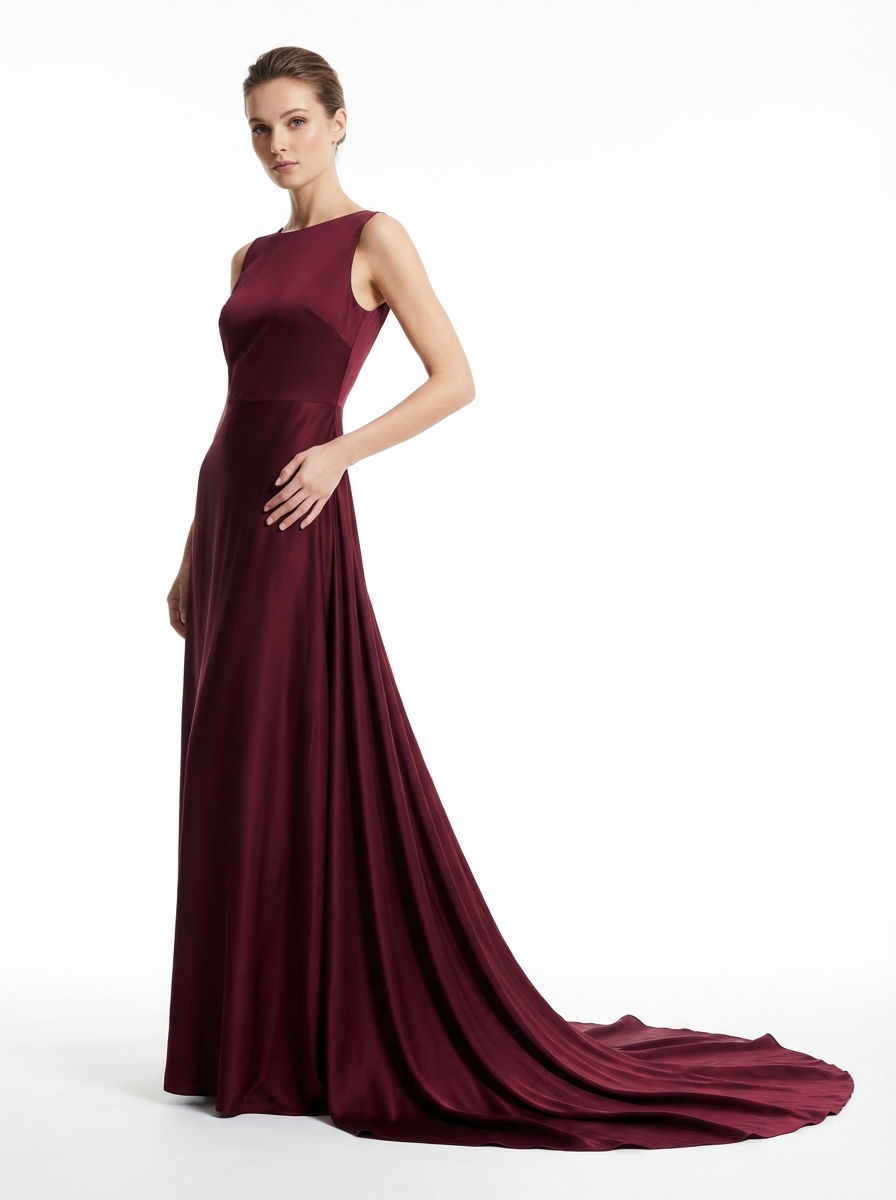
Evening Gown
Flowing silk evening dress — the AI captures the luxurious fabric sheen, natural cascading folds, and body-skimming silhouette.
Evening
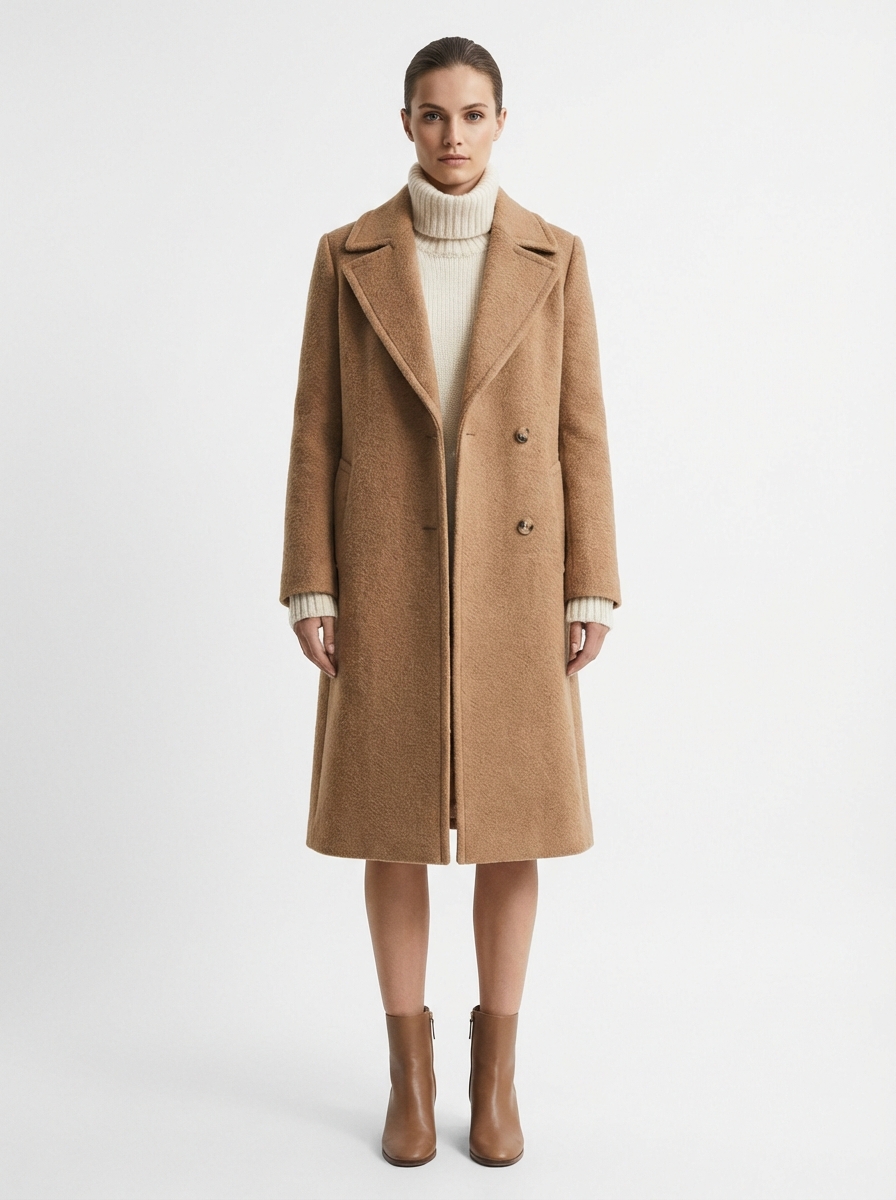
Winter Coat
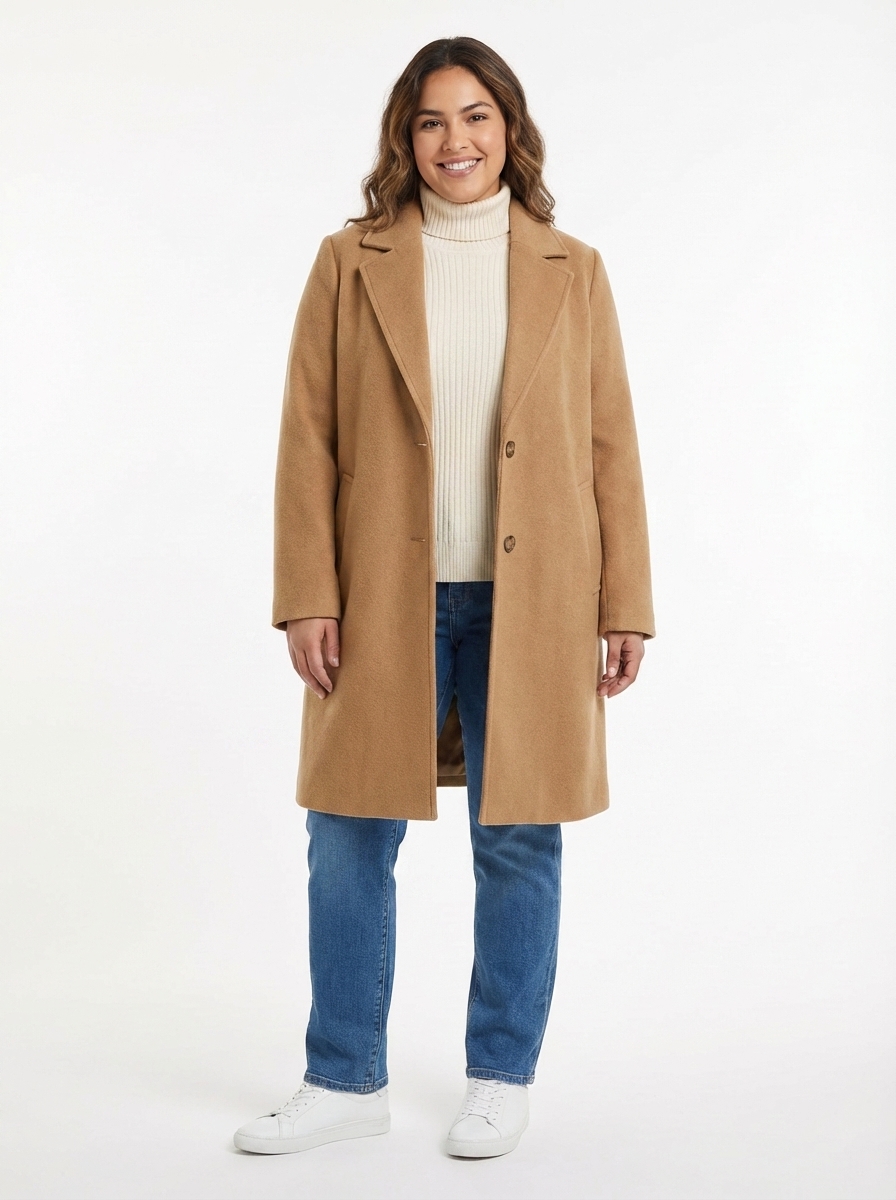
Heavy camel wool overcoat with structured shoulders — AI preserves the thick fabric weight and tailored construction.
Winter
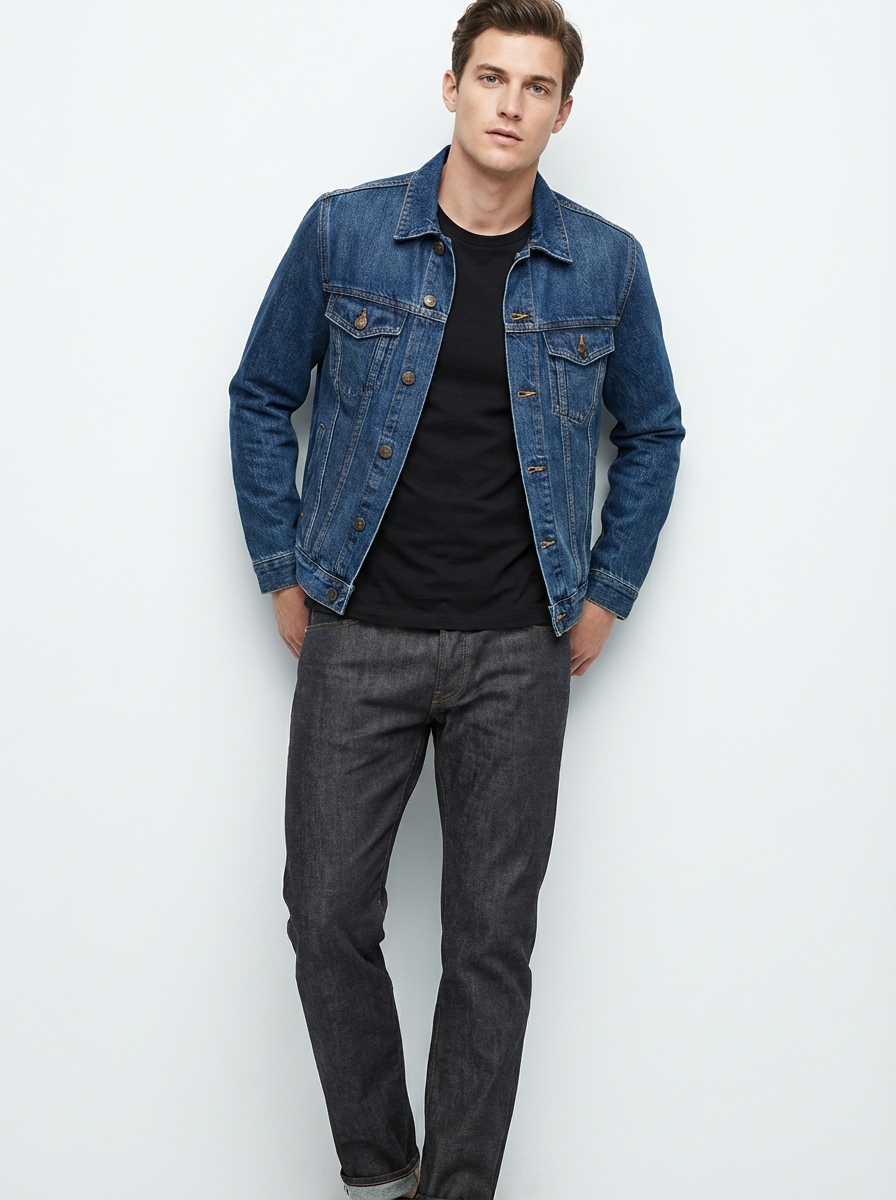
Denim Jacket
Classic blue denim jacket with visible stitching and fading — AI reproduces the authentic washed texture and rigid construction.
Denim
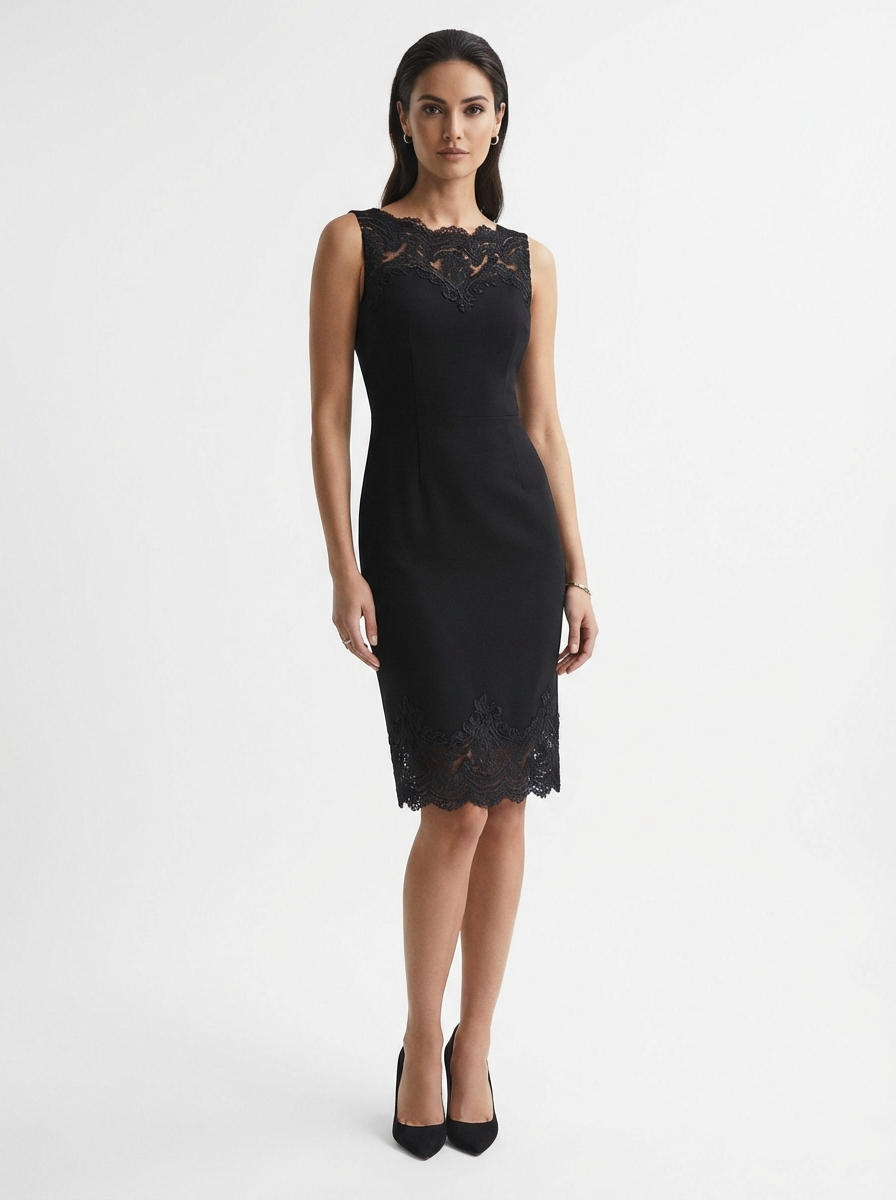
Cocktail Dress
Short black cocktail dress with delicate lace details — AI handles fine detail work like lace patterns and sheer fabric overlays.
Cocktail
Why Brands Choose AI Outfit Swapping
Built for Realistic AI Clothes Changing
Our AI clothes changer goes beyond simple overlay — it understands fabric physics, body proportions, and lighting to produce outfit swaps that look like real photographs.
Natural Fabric Draping
The AI understands fabric physics: cotton drapes differently from silk, wool holds structure differently from linen. Every outfit swap respects the garment material.
Body-Aware Fitting
Garments adapt to the model body proportions — not just overlaid as a flat layer. Shoulders, waist, and hem align naturally with the figure.
Lighting & Shadow Match
Automatic adjustment of garment lighting and shadows to match the original photo environment, keeping the outfit swap seamless.
Texture Preservation
Every stitch, pattern, and weave from your garment reference is faithfully reproduced at up to 4K resolution in the final output.
Batch Outfit Swaps
Change one model into 50 different outfits, or show one outfit on 50 different models. Ideal for e-commerce catalog production at scale.
Commercial License
All generated images include a commercial license. Use them on your online store, ad campaigns, social media, or print — no extra fees.
How to Change Clothes with AI
Four steps from upload to download. No Photoshop, no manual editing — just chat.
Upload Your Model Photo
A full-body shot works best. Don’t have one? Download any model from our gallery above — we provide 9 diverse body types ready to use.
Add Your Garment
Upload a garment photo (flat lay, product shot, or even a mannequin image) or describe the outfit you want in plain text.
AI Swaps the Outfit
Our AI analyzes body proportions, fabric properties, and lighting conditions to create a photorealistic clothes change in 4-6 seconds.
Download & Use
Get your outfit swap in up to 4K resolution. Use it for your online store, social media, or lookbook — commercial rights included.
Before & After — AI Clothes Changing Results
Same model, different outfit. See how the AI clothes changer preserves body proportions, skin tone, and lighting while swapping the garment completely.
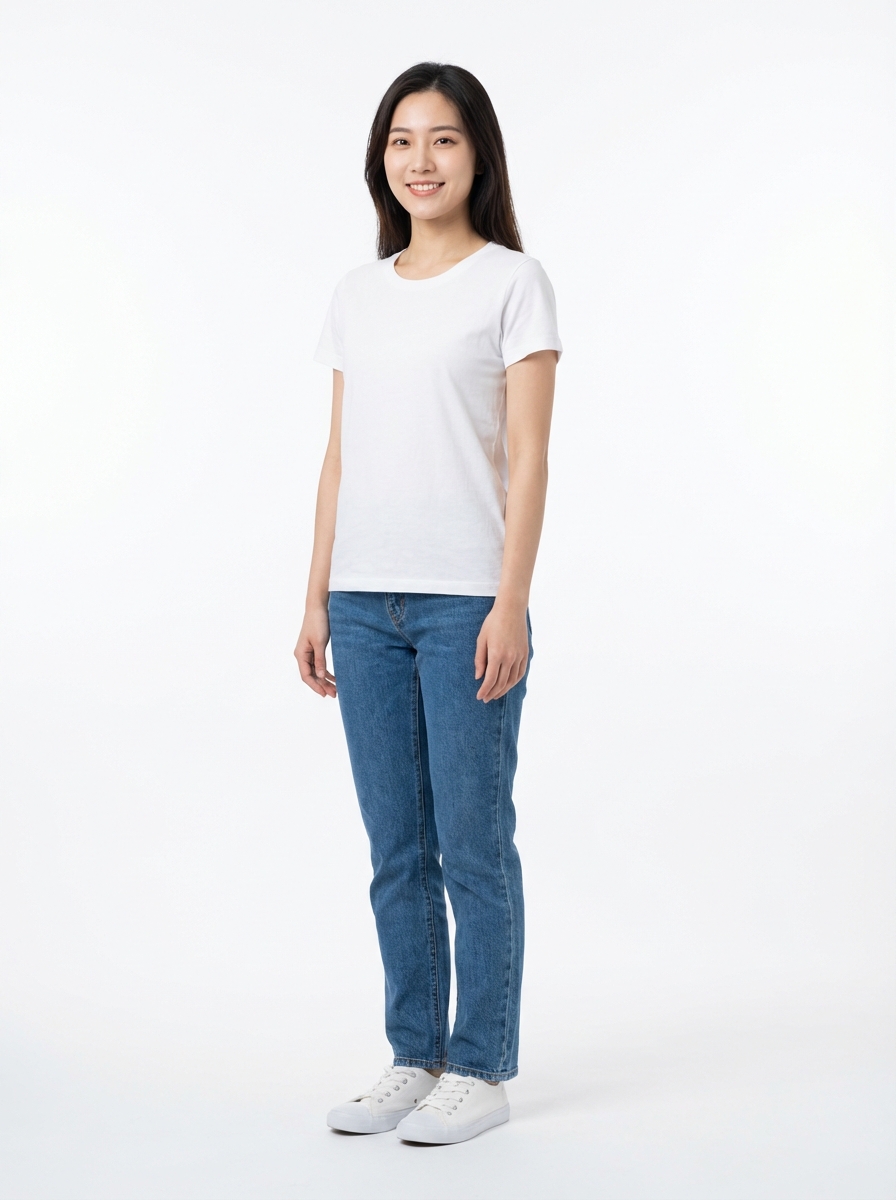
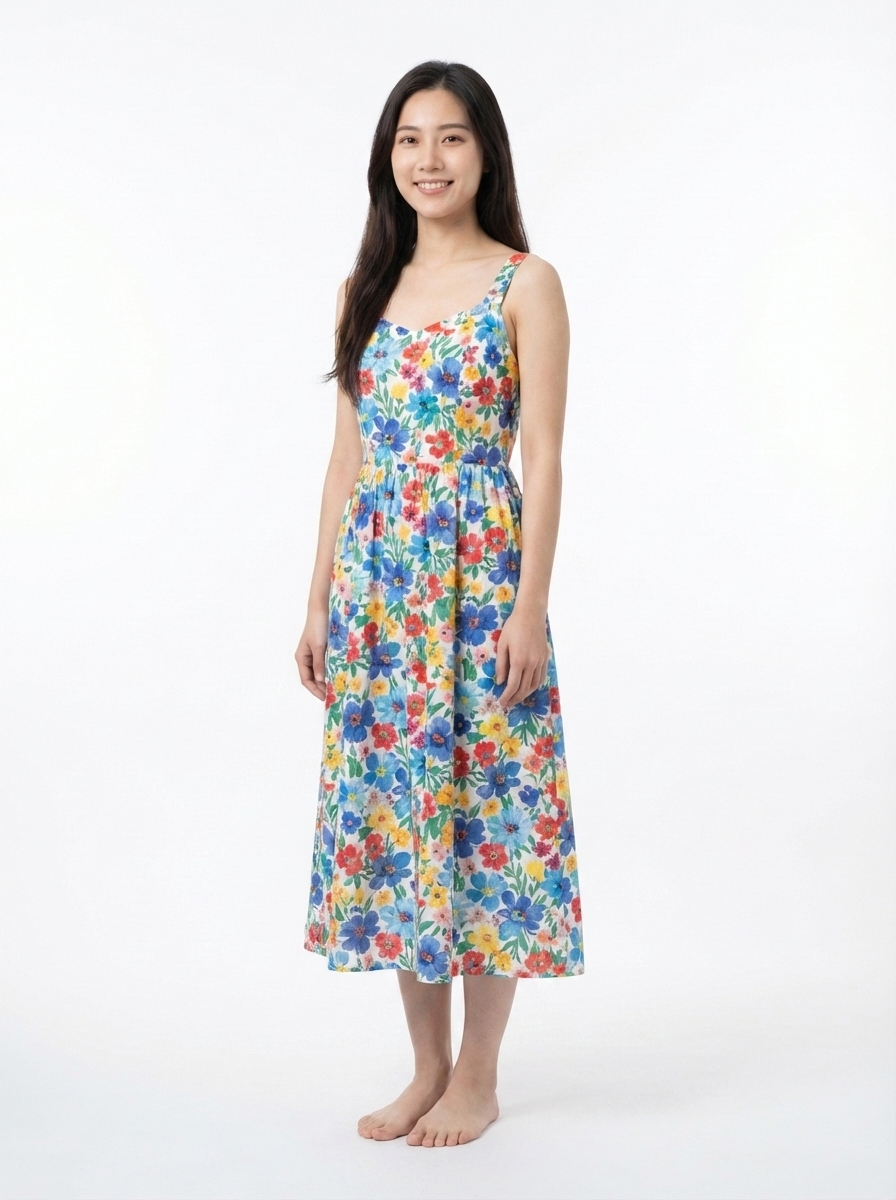
Light Fabric — Summer Dress
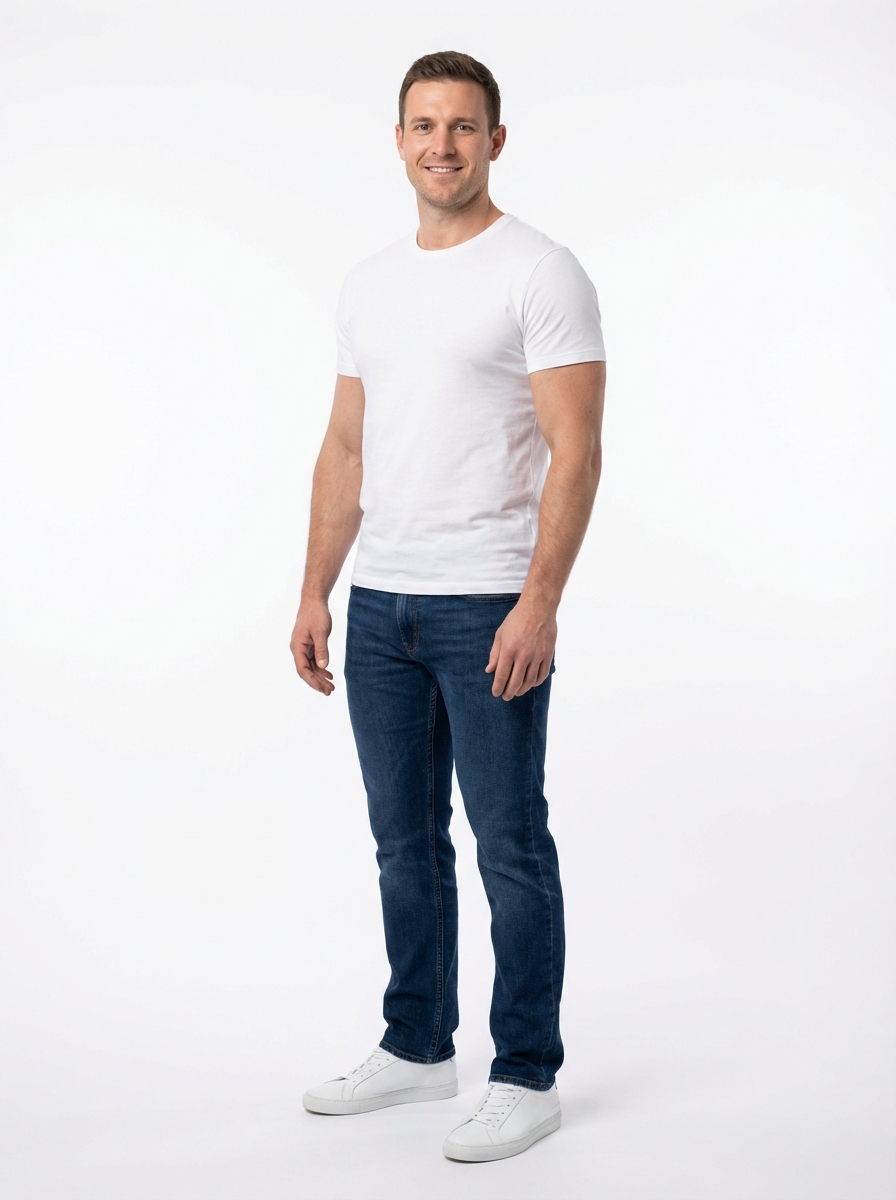
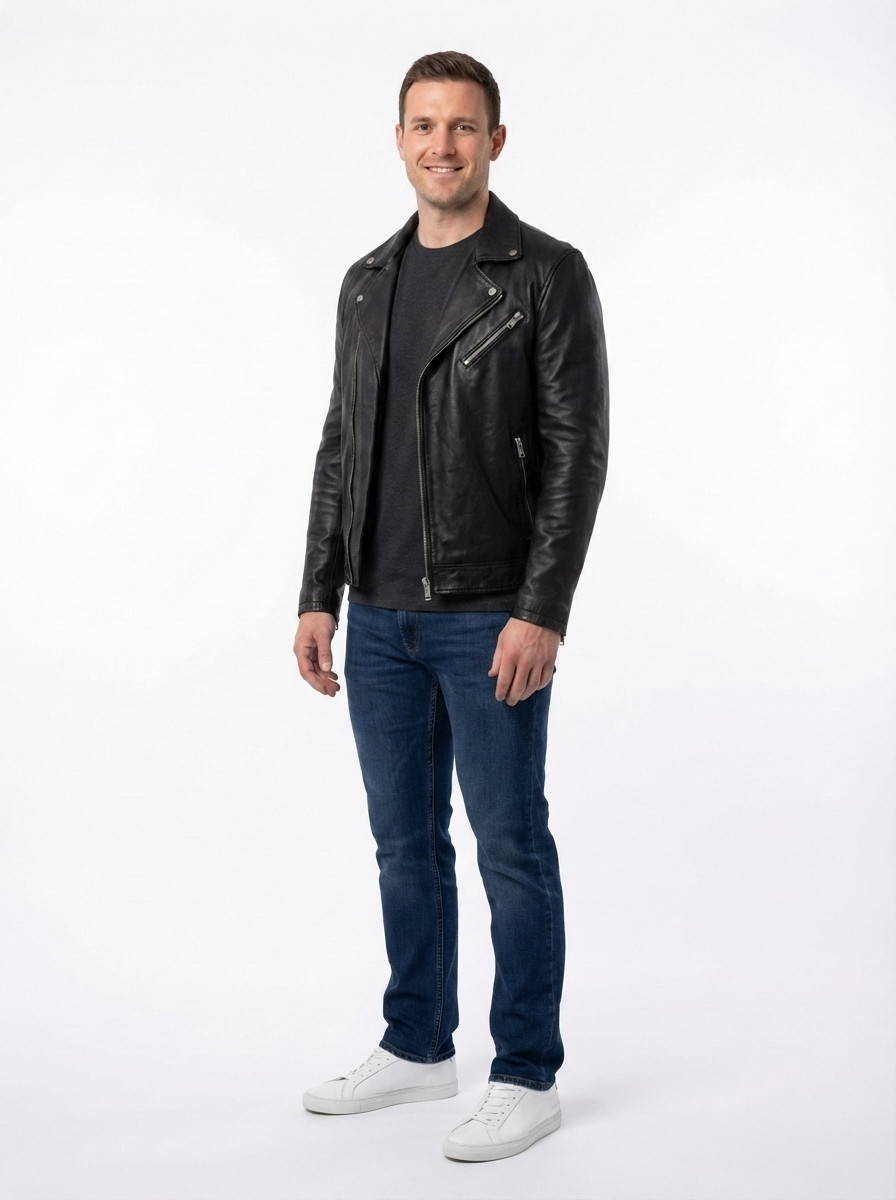
Structured Fabric — Leather Jacket
Shiny Fabric — Silk Blouse
Heavy Fabric — Wool Overcoat
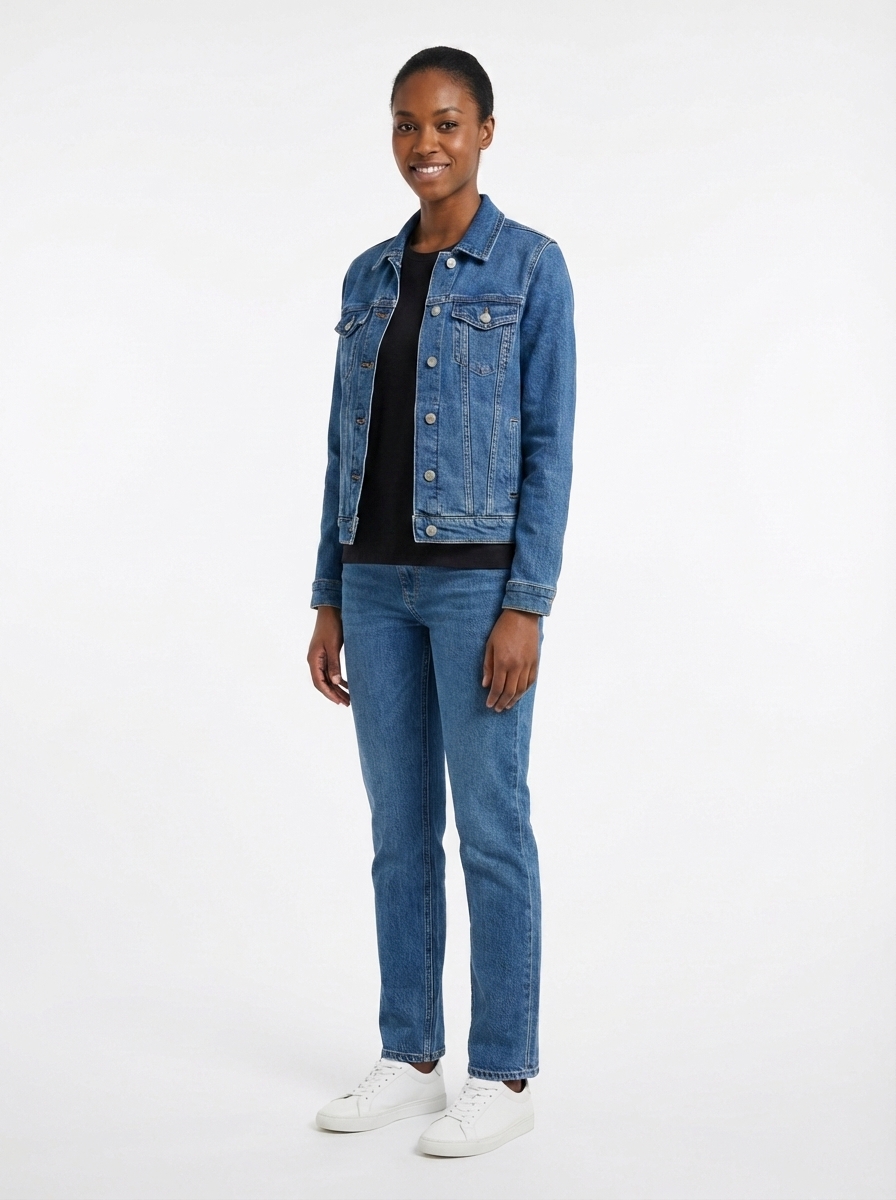
Casual Fabric — Denim Jacket
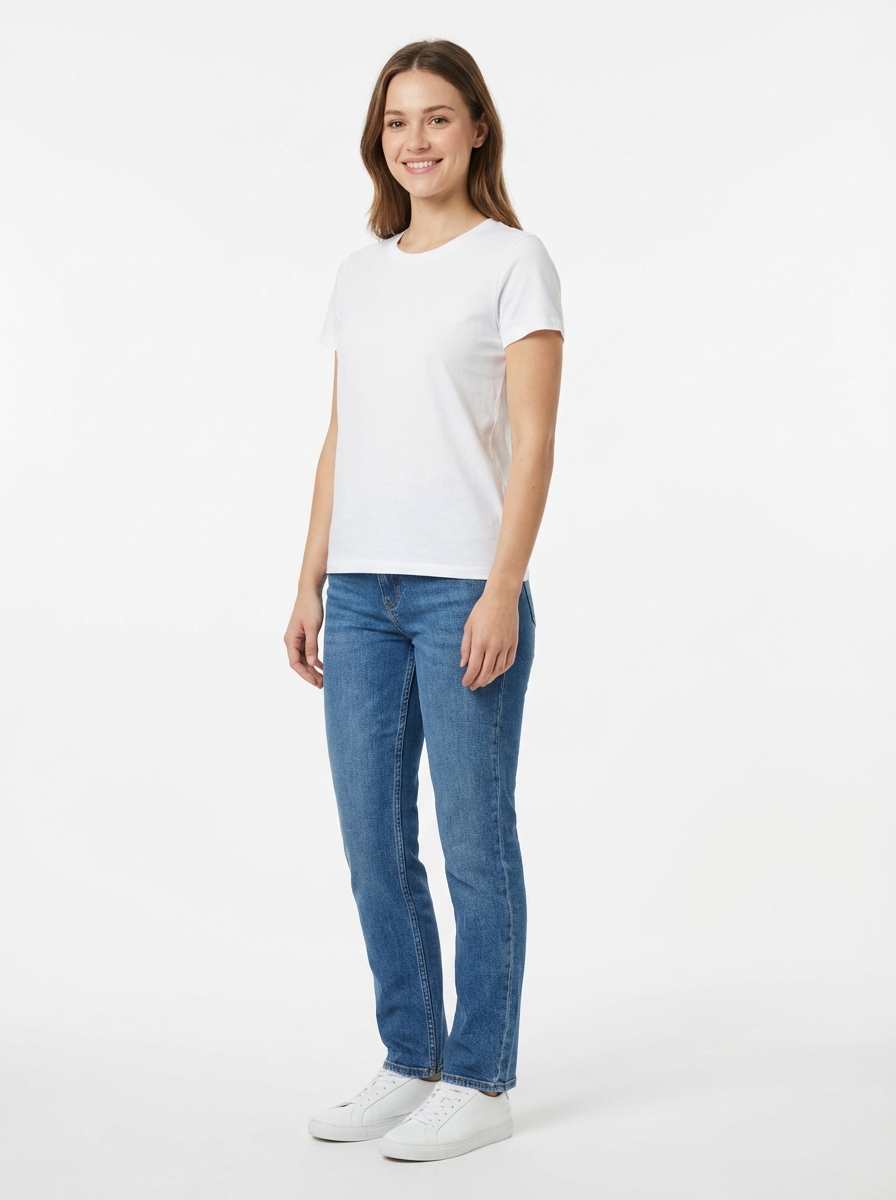
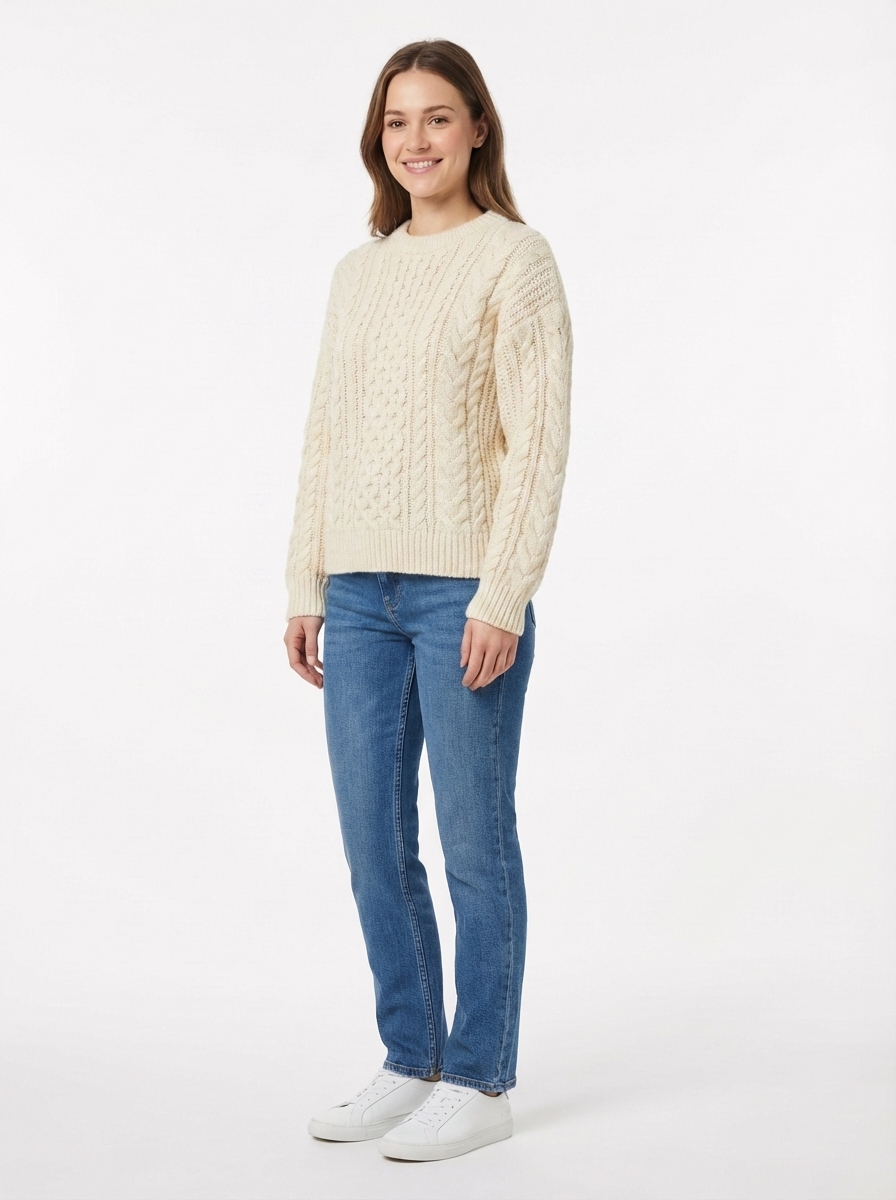
Knit Fabric — Cable Sweater
AI Clothes Changer vs Traditional Methods
How does AI clothes swapping compare to a traditional reshoot or manual Photoshop editing? Here is the real cost breakdown.
AI Clothes Changer
Traditional Reshoot
Photoshop Manual Edit
Outfit Swap Use Cases for Every Industry
Whether you sell fashion online, manage a brand, or create content — our AI clothes changer eliminates the costume change bottleneck.
E-commerce Sellers
Show every color variant and style option without reshooting. One model photo, dozens of AI clothing changer swaps — ready for Amazon, Shopify, or your own store.
Fashion Brands
Create full lookbooks from a single photoshoot session. Test new designs on diverse body types before committing to production.
Social Media Creators
Generate fresh outfit content daily with our AI outfit changer — no new wardrobe or photoshoot budget needed for every post.
Clothing Designers
Visualize designs on different body types and skin tones before cutting fabric — iterate faster, waste less material.
DTC Brands
A/B test product images across demographic segments at near-zero marginal cost. Optimize conversion before committing to a full photoshoot.
Cross-border Sellers
Localize model imagery for different markets instantly — swap outfits to match regional fashion preferences and cultural norms.
From Reshoot Budgets to Instant Outfit Swaps
E-commerce sellers and fashion brands are replacing expensive photoshoots with AI clothes changing.
We used to schedule a full-day photoshoot every time we launched a new colorway — $400 per session, 3-day turnaround. Now I upload the garment flat lay, pick a model from the gallery, and have all 12 color variants done in under 10 minutes. We cut our product photography budget by 85% last quarter.
Running a 2-person fashion label, hiring 3 models for a single lookbook was out of budget. The downloadable model gallery solved that — I showed our spring collection on 6 different body types in one afternoon, and the fabric rendering on the silk pieces was close to what I get from a professional retoucher.
I post 2 outfit reels a day on Instagram. Before finding this, every outfit meant a physical try-on and reshoot. Now I upload a garment flat lay, pick a model, and have a polished image in 6 seconds. My content output tripled and average reel engagement went from 1.2% to 2.8%.
Simple, Credit-Based Pricing
Start free with 10 credits. Upgrade when you need more outfit swaps or higher resolution.
Free
Free — No Card NeededTry the AI clothes changer — no credit card needed.
Your 10 credits cover 1 outfit swap at 1K/2K resolution.
10 free credits — enough for 1 outfit swap on Nano Banana 2
Access to all AI models
Commercial license included
Up to 2K resolution
4K resolution (Pro plan)
Priority queue (Pro plan)
Pro
Most PopularFor sellers and creators who need regular outfit swaps.
~$0.14 per outfit swap (NB2 1K). Covers ~70 swaps per month.
Everything in Free, plus:
500 credits/month — ~70 Nano Banana 2 outfit swaps
All AI models including Nano Banana 2 and Pro
4K resolution output
Priority generation queue
Commercial license included
Premium
Best ValueFor brands and agencies with high-volume catalog needs.
Best per-swap cost — ideal for sellers with 100+ SKUs.
Everything in Pro, plus:
2000 credits/month — ~285 Nano Banana 2 outfit swaps
32% more credits per dollar vs Pro
Built for agencies managing multiple brand catalogs
Frequently Asked Questions About AI Clothes Changing
An AI clothes changer (also called an AI clothing changer or AI outfit changer) is a tool that uses artificial intelligence to swap the outfit on a person in a photo. You upload a model image and a garment reference, and the AI generates a new image showing the model wearing that garment — with realistic fabric draping, proper fit, and matched lighting. Banana AI’s clothes changer uses advanced image generation models (Nano Banana 2) that understand fabric physics and body proportions.
The AI analyzes two inputs: a model photo (the person) and a garment reference (the clothing item). It uses semantic understanding to identify the body shape, existing clothing boundaries, and lighting conditions. Then it generates a new composite image where the garment is rendered onto the model with accurate draping, shadows, and color matching — all in 4-6 seconds.
Yes, you can try the AI clothes changer for free. New users receive 10 credits — enough for one outfit swap using Nano Banana 2 at 1K resolution. No credit card required. For regular use, Pro plans start at $9.90/month with 500 credits (~70 outfit swaps).
The AI works best with clear, well-lit full-body or half-body photos where the person is visible. It handles a wide range of body types, poses, and skin tones. For optimal results, use photos with a clean or simple background and ensure the person’s body is not heavily occluded.
Upload a model photo (or download one from our model gallery), then upload a garment image or describe the outfit you want. The AI processes both inputs and generates the outfit swap in seconds. You can refine the result through follow-up chat messages — no need to start over.
The AI handles virtually any garment type: dresses, suits, t-shirts, hoodies, jackets, athletic wear, traditional clothing, evening gowns, and more. It adapts its rendering based on the fabric type — cotton drapes differently from silk or leather. The garment reference can be a flat lay, product photo, mannequin shot, or even a text description.
Yes. With Nano Banana 2 at 4K resolution, the output quality is suitable for e-commerce product listings, social media content, and digital marketing. The AI preserves fabric texture, generates accurate shadows, and matches skin tone and lighting. Many e-commerce sellers use these images directly on Amazon, Shopify, and social media.
All images generated on Banana AI include a commercial license at no extra cost. You can use them on your online store, in advertising campaigns, on social media, or in print materials.
A skilled Photoshop retoucher might take 1-4 hours per outfit swap and charge $30-80 per edit (based on average Fiverr/Upwork rates). Our AI clothes changer produces comparable results in 4-6 seconds at ~$0.14 per swap. The AI also handles fabric physics automatically — something that requires significant manual skill in Photoshop.
Banana AI stands out among AI clothing changers for its chat-based interface (no complex UI to learn), diverse model gallery (9 body types included), up to 4K output resolution, and transparent credit-based pricing. Unlike most AI outfit changers that only offer upload-and-wait interfaces, you can refine results through natural conversation.
Yes. The AI adapts garments to the model’s actual body proportions rather than simply overlaying a flat image. Our model gallery includes 9 diverse body types — slim, average, curvy, muscular, petite, and tall — across multiple ethnicities. You can also upload your own model photos.
AI clothes changing focuses on creating product photography — the output is a polished commercial image ready for listings or marketing. Virtual try-on is typically an interactive consumer-facing feature that lets shoppers preview how items look on them before buying. Both use similar underlying technology, but serve different stages of the e-commerce workflow.
Yes. Uploaded images are processed securely via Cloudflare’s global infrastructure and are only accessible to your account. We do not use your uploaded photos to train AI models. Generated images are stored in your private workspace and can be deleted at any time. For full details, see our Privacy Policy.
The Technology Behind AI Clothes Changing
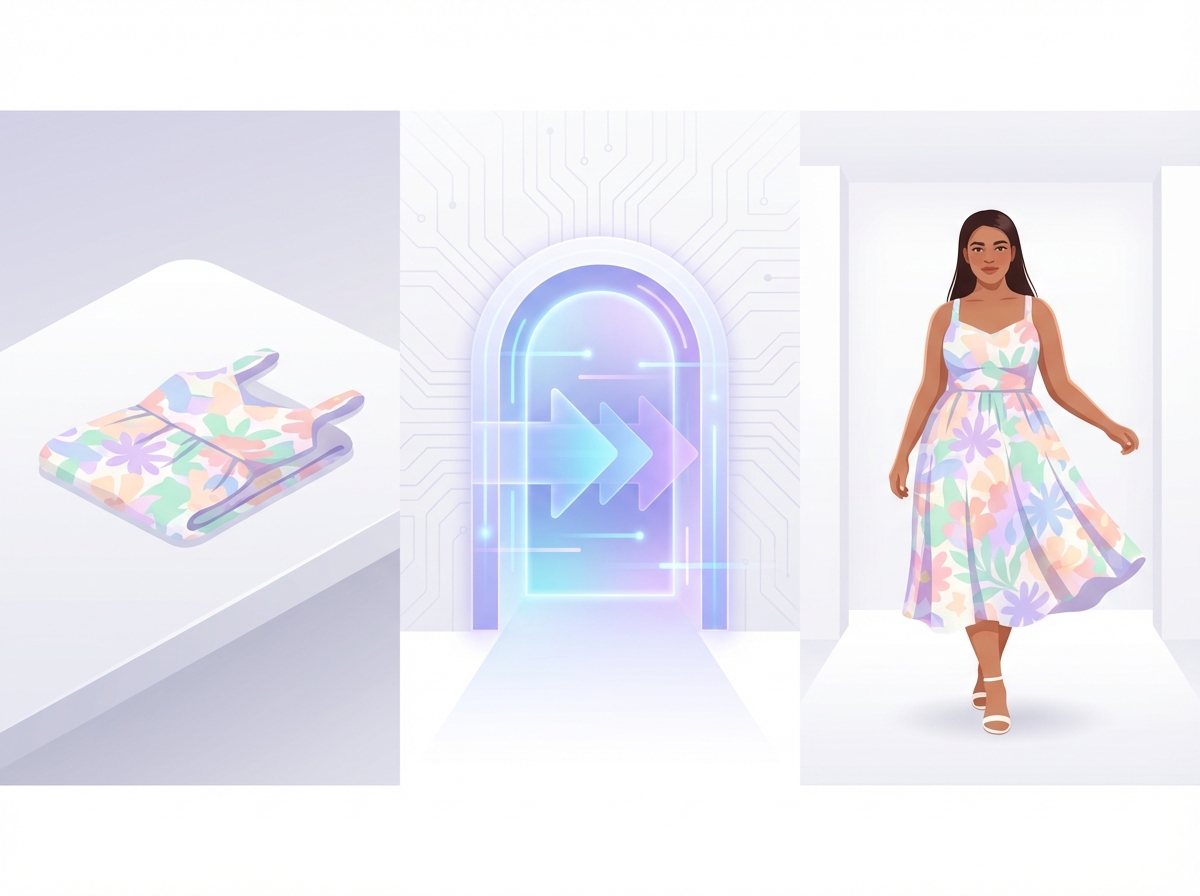
How AI Outfit Swapping Works
Modern AI clothes changers use a combination of semantic segmentation and generative image models. The AI first identifies the person’s body shape and existing clothing boundaries in the model photo. Then it uses the garment reference to understand the fabric type, pattern, and construction. Finally, a diffusion-based image model (like Nano Banana 2 or Nano Banana Pro, available on Banana AI) generates the composite image — rendering the garment onto the body with physically accurate draping, proper shadow casting, and matched environmental lighting. The entire process takes 4-6 seconds.
AI Clothes Changer vs Virtual Try-On
While both technologies swap clothing on people, they serve different use cases. An AI clothes changer is a production tool — it generates high-resolution commercial images for product listings, lookbooks, and marketing. Virtual try-on is a consumer-facing feature — it lets shoppers preview items on themselves before purchasing. If you’re building product catalogs, the AI clothes changer is what you need. For more AI-powered visual tools, visit Banana AI to explore the full suite.
Getting Started with AI Outfit Swaps for Your Business
The fastest way to start: download a model from our gallery above, upload it alongside your garment photo, and describe the swap you want. For e-commerce sellers managing large catalogs, the workflow is simple — shoot your garments as flat lays, then let the AI put them on models at scale. At ~$0.14 per swap, producing 100 outfit variations costs less than a single traditional photoshoot session. Combine with AI Photoshoot for product hero images and AI Background Remover for clean white-background extractions.
Swap outfits on any model — your first image is free
Ready to Transform Your Product Photography?
Join thousands of e-commerce sellers and fashion brands already using AI clothes changing to cut photography costs by up to 85%. No credit card required to start.