
Banana Prompts — AI Image Prompts for Every Use Case
Curated Banana Prompts for e-commerce sellers, content creators, marketers, and educators. Copy any prompt and generate instantly in the chat — no prompt engineering required.
Prompt Library — Copy, Customize, Generate
Tested AI image prompts that produce real results. Pick any Banana Prompts template, hit "Generate This," and the AI image generator takes it from there.
Product Photos
AI product photography prompts for studio shots, lifestyle scenes, and platform-ready images. Banana Prompts for Amazon, Shopify, and Etsy listings.
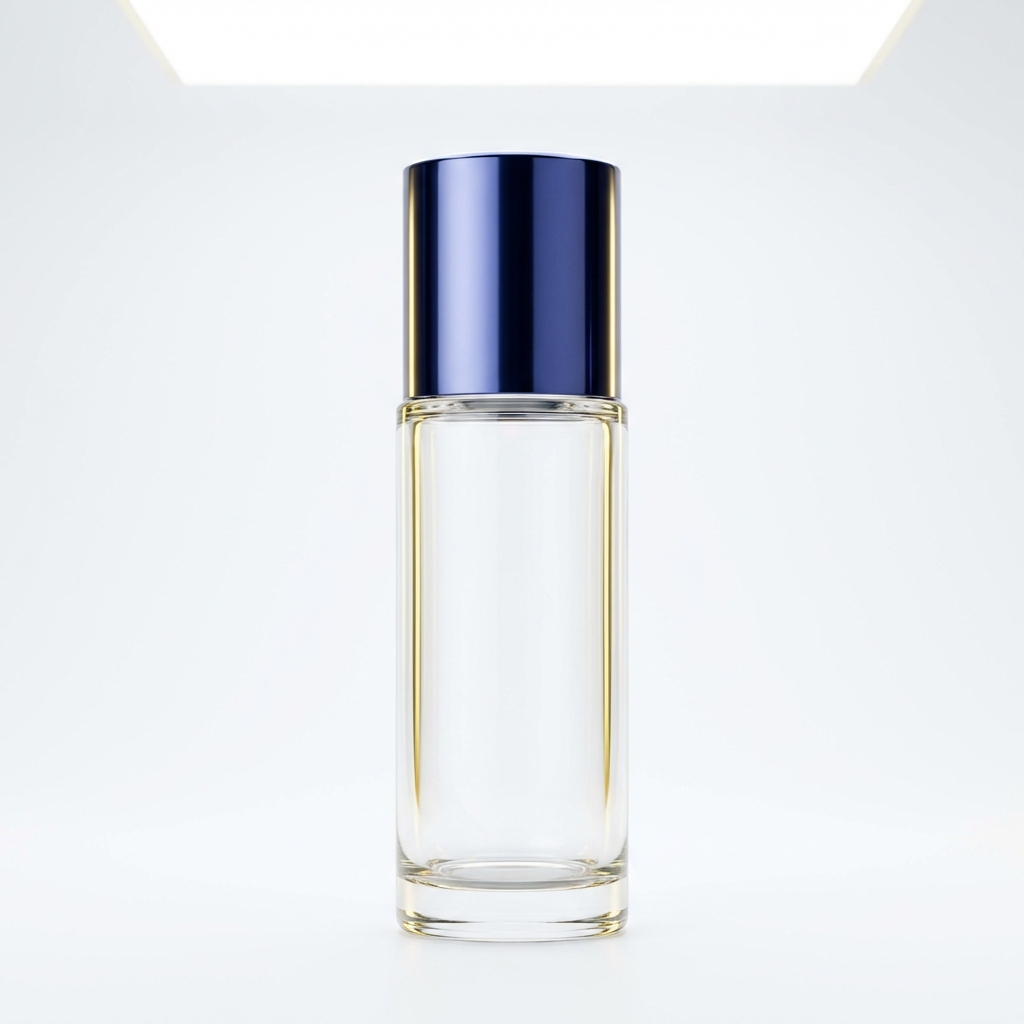
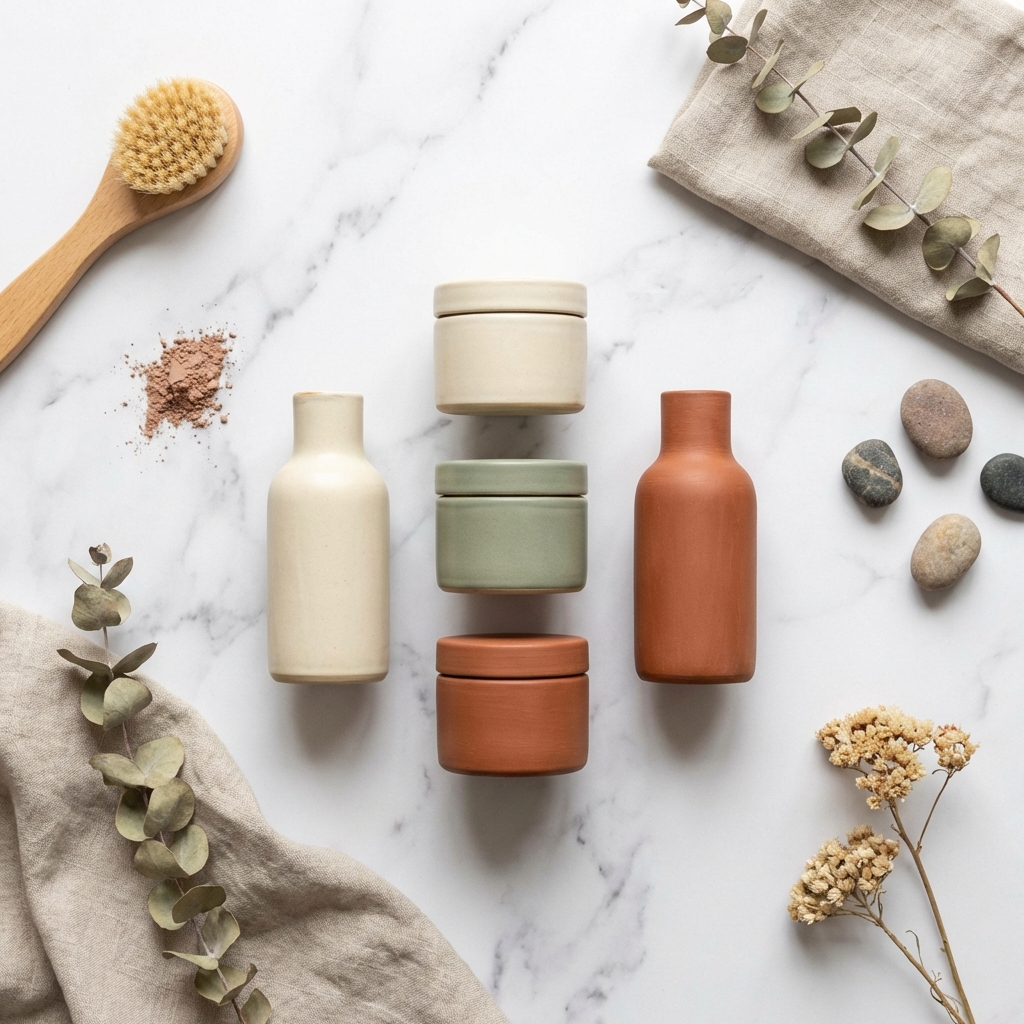
Studio Product Shot
Ultra-realistic studio photograph on pure white seamless background, product centered filling 85-90% of frame, 85mm prime lens look, f/8 sharpness, ISO 100, softbox high-key lighting, gentle contact shadow underneath, natural colors, no props, no text, no logos, square composition
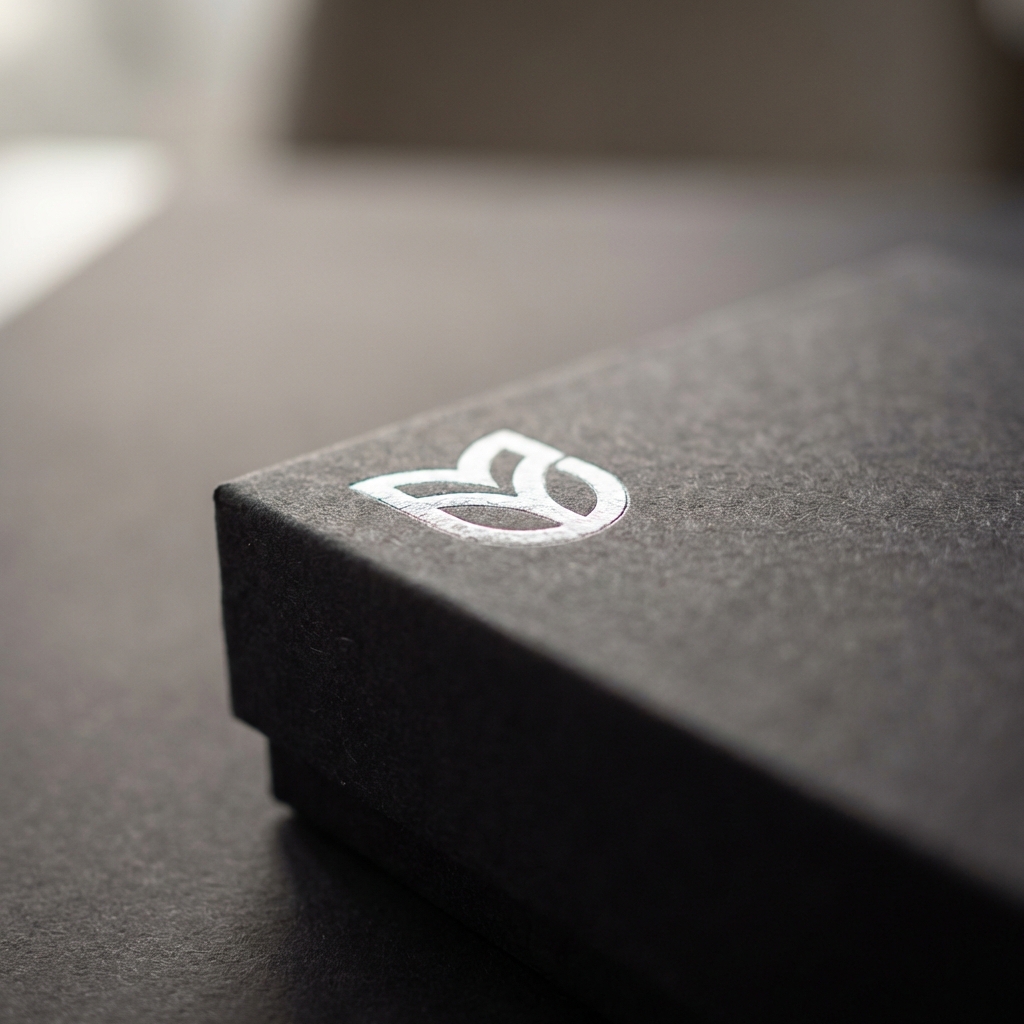
Package Close-Up
Extreme close-up of premium product packaging on matte charcoal surface, macro lens look revealing paper texture and embossed logo detail, shallow depth of field (f/2.0), single softbox from upper left creating dramatic highlight on foil stamp, complementary neutral background, no hands visible, no text overlays, square crop
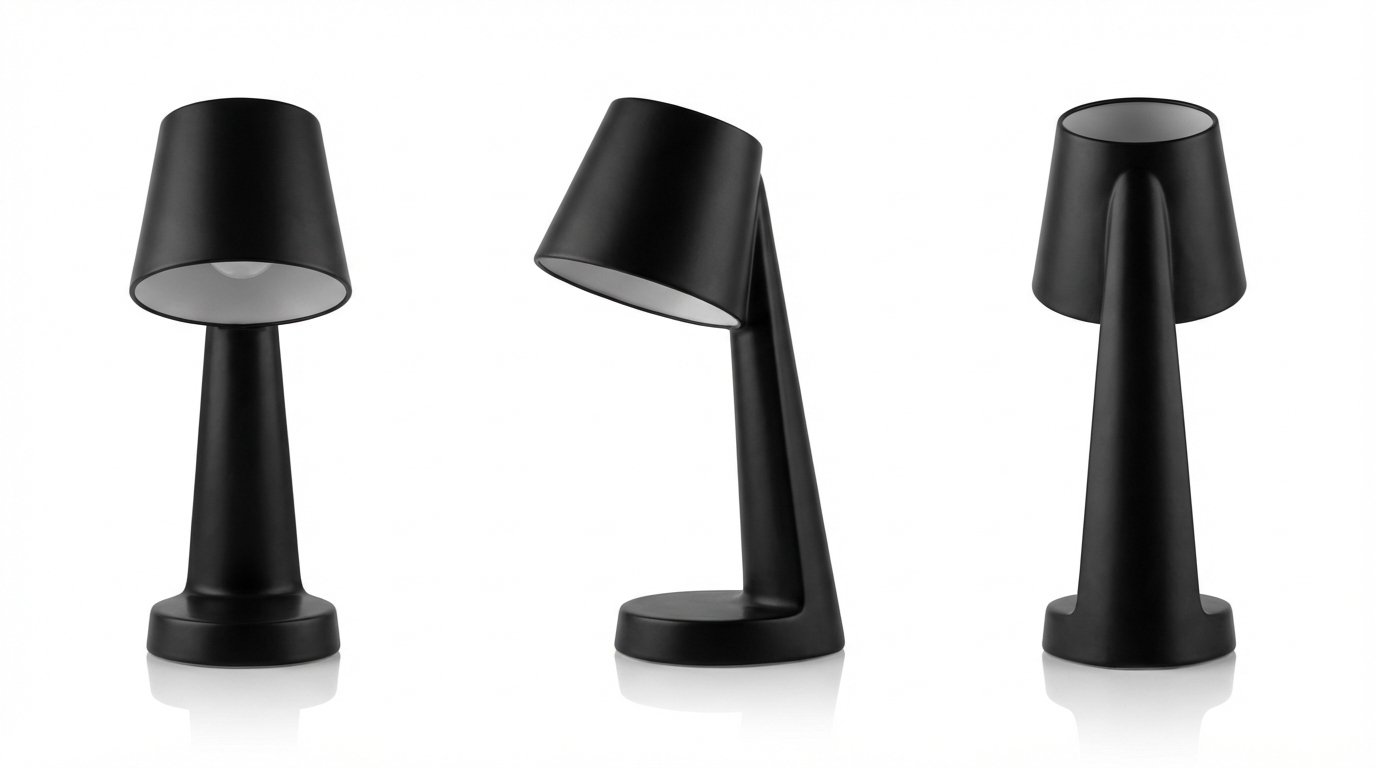
Multi-Angle Composite
Professional product composite showing the same item from three angles — front, 45-degree side view, and back — arranged horizontally on a clean white background with consistent softbox lighting, even spacing between views, subtle reflection underneath each angle, no text, no logos, wide landscape format
Thumbnails & Covers
YouTube thumbnail prompts, TikTok covers, and podcast art with bold text and attention-grabbing compositions. Banana Prompts designed to stand out in feeds.
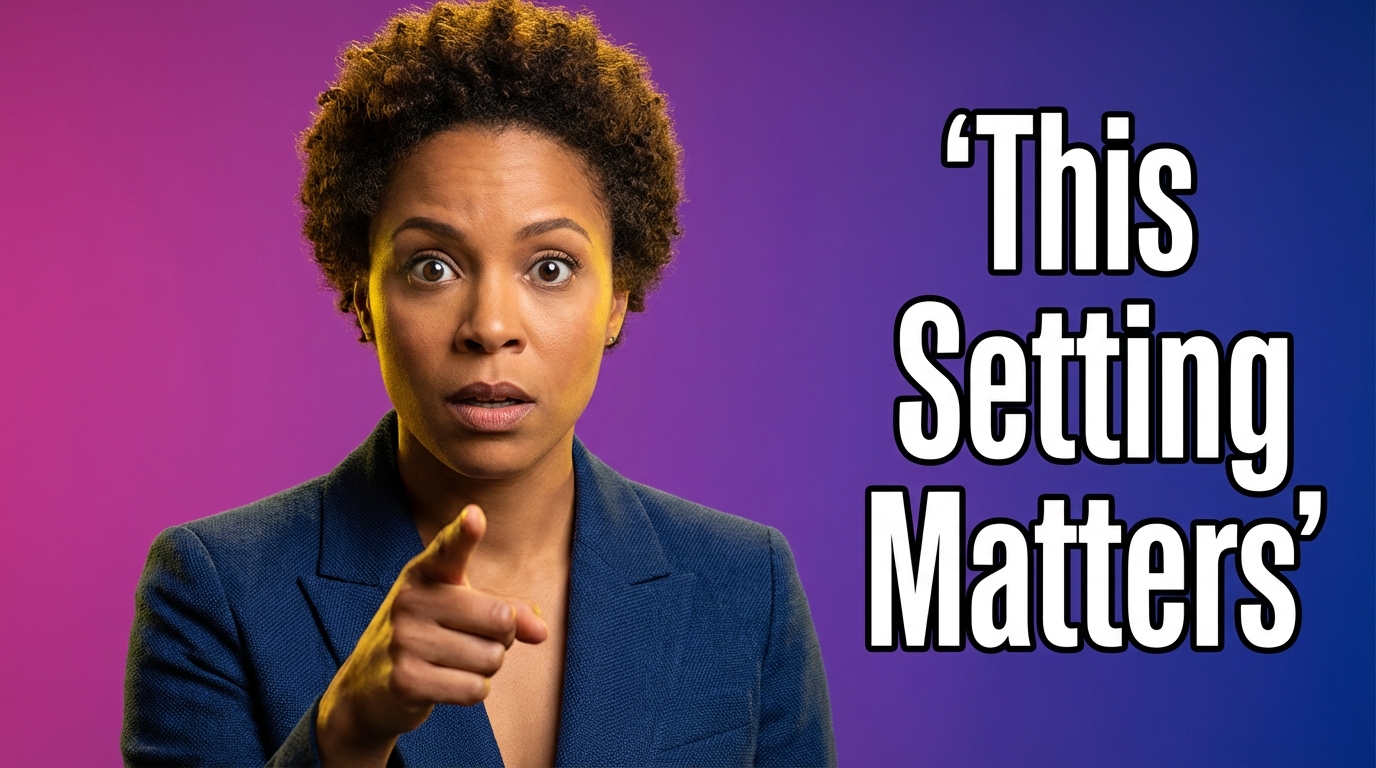
YouTube Thumbnail — SLCT
SUBJECT: Host, female, medium-brown skin, short curly hair, intense eyebrow raise, pointing at camera; tight 3/4 crop. LIGHTING: Hard backlight, soft key, vivid contrast; clean background magenta-to-dark gradient. CAMERA: 35mm lens look, slight low angle, eyes to lens, native 4K. TEXT/DETAILS: 3 words: "This Setting Matters" condensed bold sans, white text with black stroke; add small app icon lower-left; no extra text
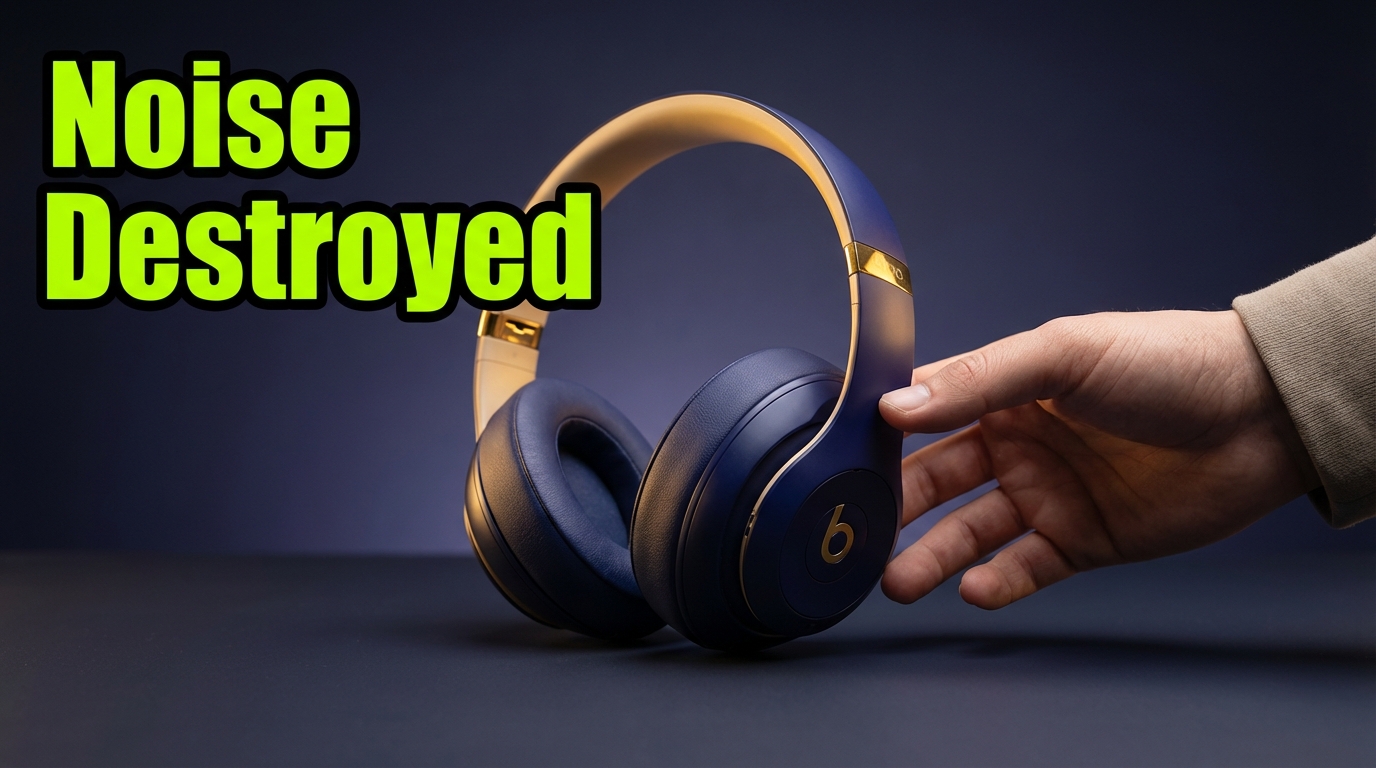
Product Unboxing Cover
SUBJECT: Product center, angled 30 degrees, clean shadows; hand entering frame for scale. LIGHTING: Studio key light, controlled reflections, product logo visible. CAMERA: 70mm lens look, tight crop, native 4K. TEXT/DETAILS: 2-3 words: "Noise Destroyed" heavy sans, neon green on black stroke; add price tag icon only; no small text
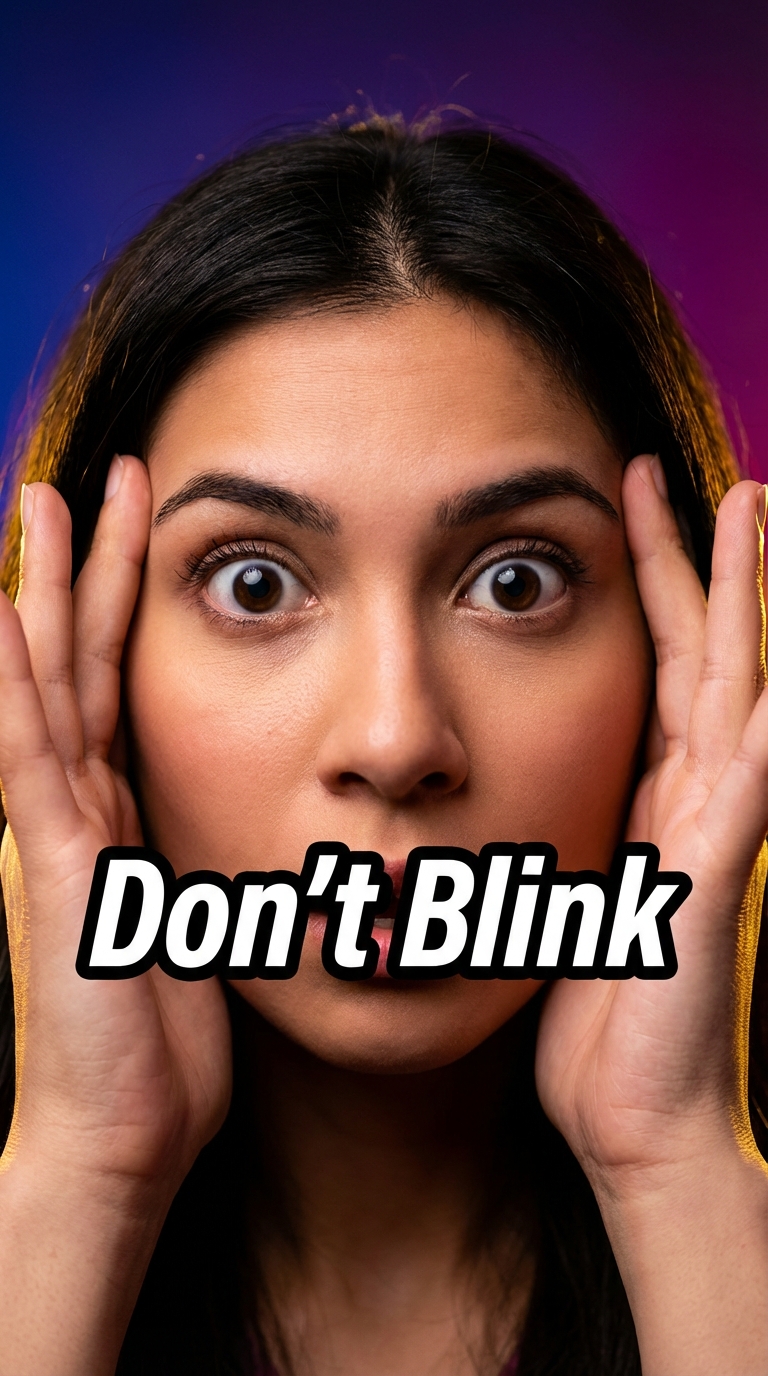
Shorts / TikTok Vertical
SUBJECT: Extreme close-up of eyes wide open; hands framing face. LIGHTING: Harsh, punchy, saturated. CAMERA: 24mm wide look; slight distortion for energy; native 4K. TEXT/DETAILS: 2 words only: "Don't Blink" heavy italic; white on black stroke; vertical-safe margins (centered)
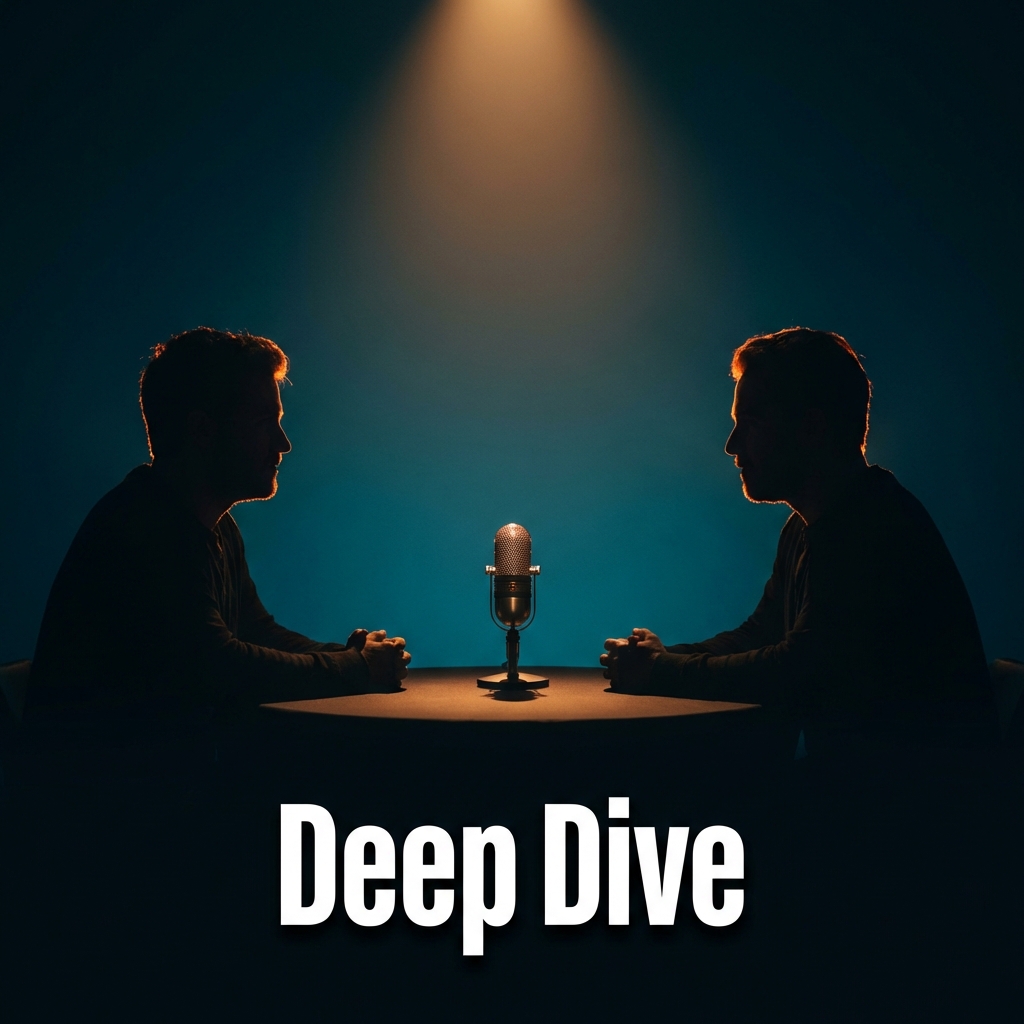
Podcast Episode Art
SUBJECT: Two silhouetted figures sitting across a table, dramatic rim lighting outlining their profiles, microphone visible between them. LIGHTING: Deep teal-to-midnight gradient background, single warm spotlight from above, cinematic mood. CAMERA: Medium wide shot, 50mm lens look, centered composition. TEXT/DETAILS: 2 words: "Deep Dive" bold condensed sans-serif, white with subtle drop shadow, bottom-center placement; no extra graphics
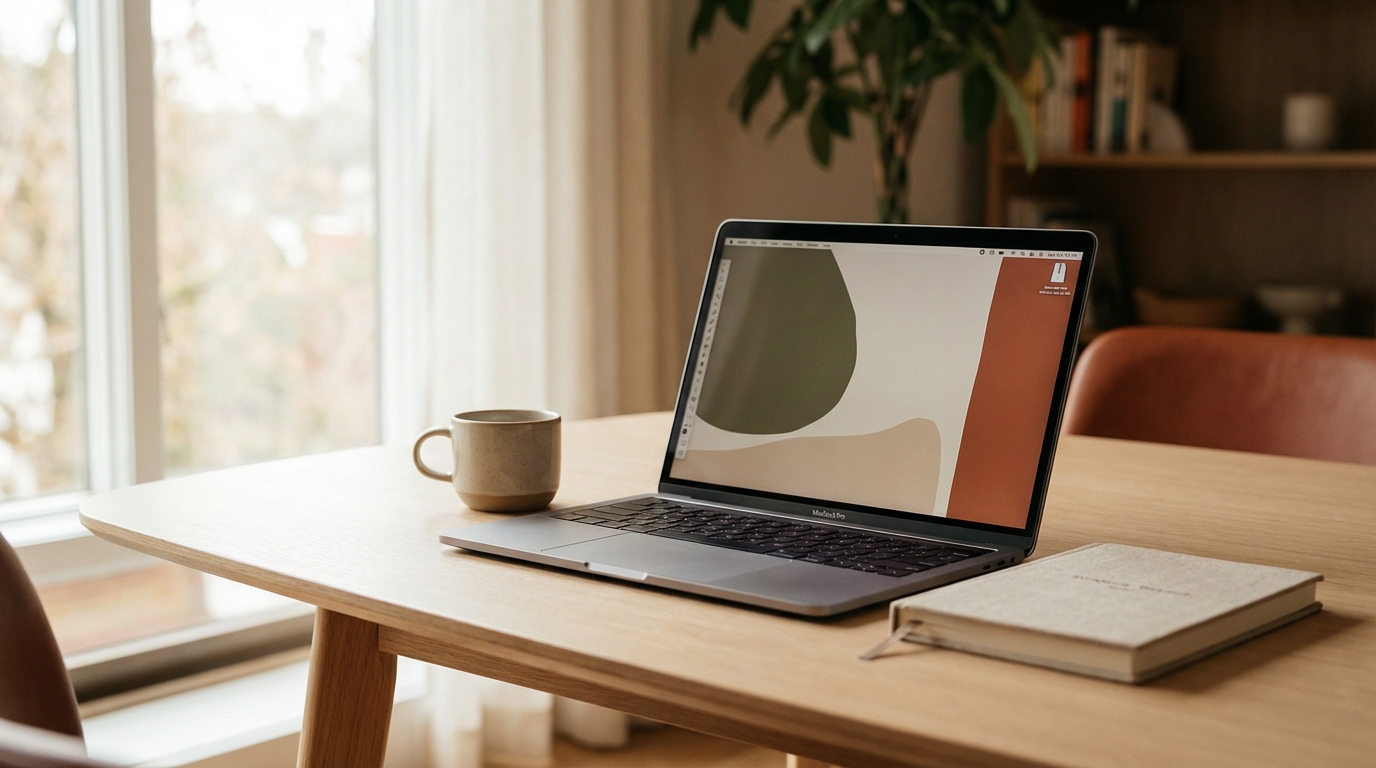
Blog Hero Banner
Cinematic wide-angle hero banner image for a blog article about productivity, modern minimalist desk setup with open laptop, coffee cup, and notebook, soft natural daylight from large window, shallow depth of field blurring the background into warm bokeh, muted warm color palette, editorial lifestyle aesthetic, no text overlays, ultra-wide 21:9 aspect feel in 16:9 frame

Online Course Cover
Professional online course cover thumbnail featuring a clean isometric 3D illustration of a laptop surrounded by floating icons — lightbulb, gear, chart, pencil — on a soft gradient background from deep navy to electric blue, modern flat design with subtle shadows, bold white title area at bottom third reserved for text, no actual text rendered, square format
Brand Visuals
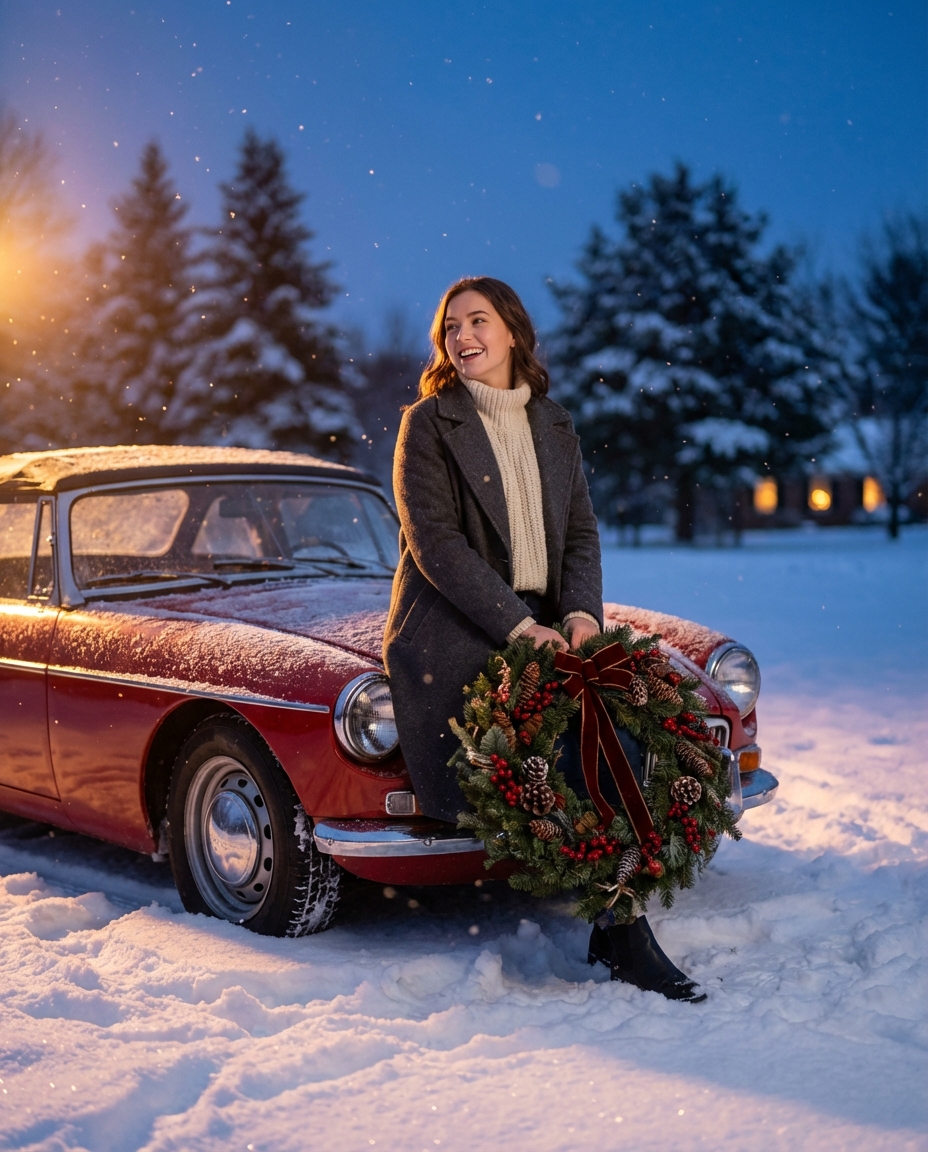
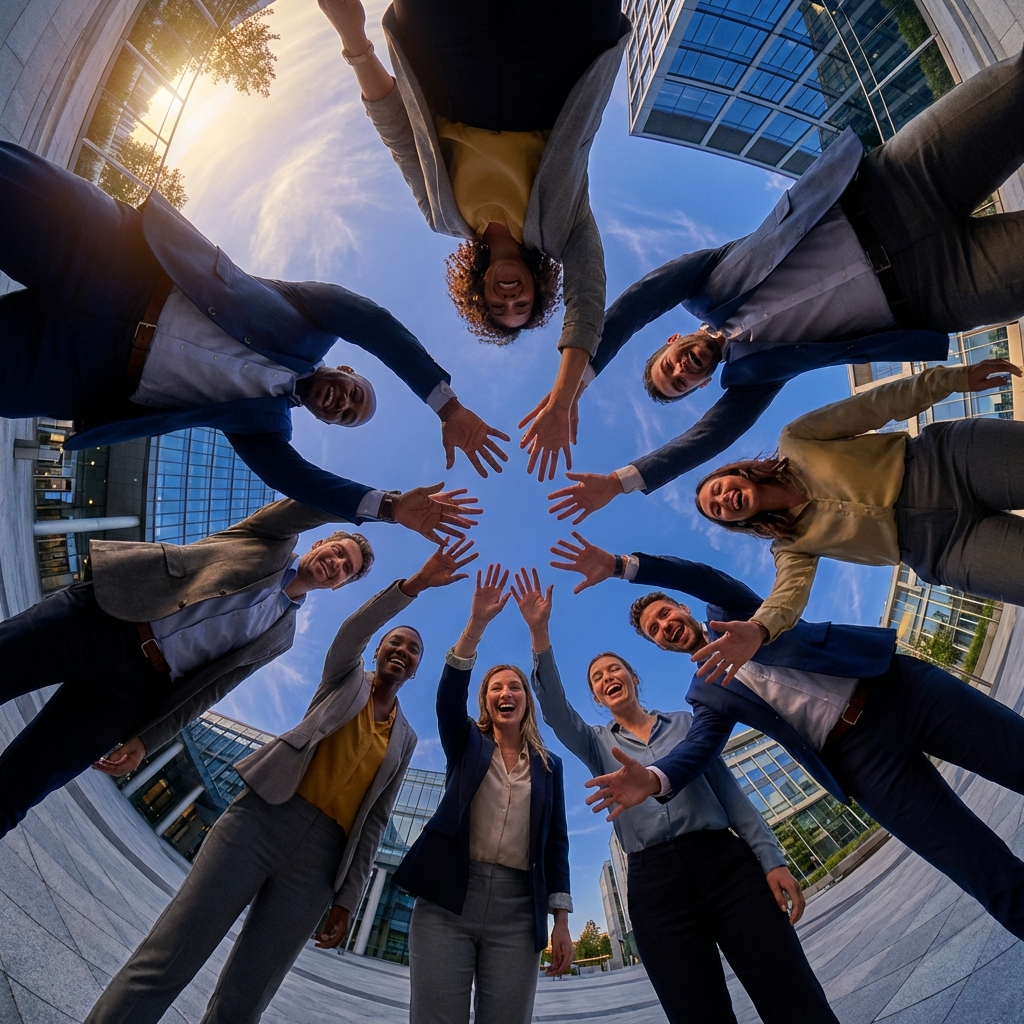
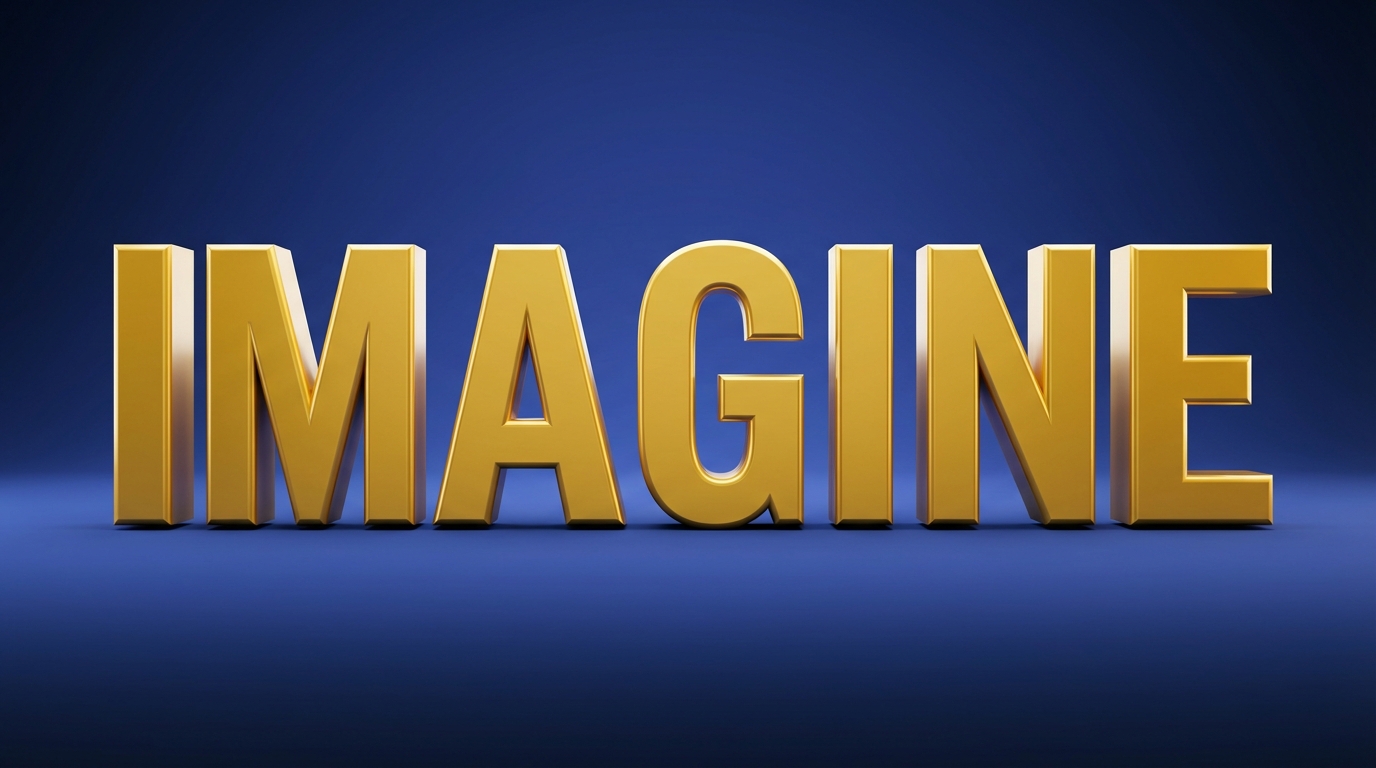
AI marketing visual prompts for seasonal campaigns, team brand stories, social media assets, and 3D logos. Banana Prompts designed to match your brand identity.
Instagram Carousel Slide
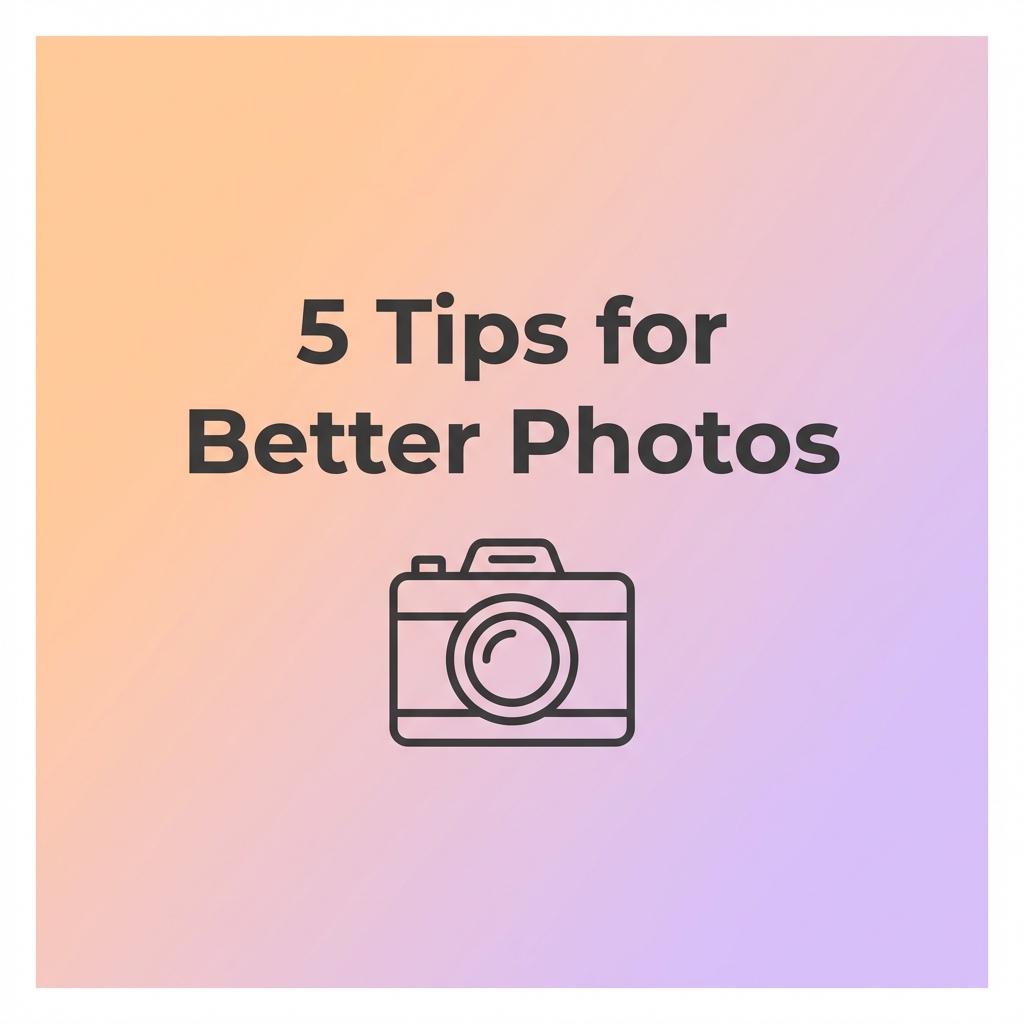
Clean, modern carousel slide for Instagram with soft gradient background transitioning from peach to lavender, centered bold headline text reading "5 Tips for Better Photos" in dark sans-serif font, minimalist line-art camera icon below text, ample white space, no photographs, brand-safe aesthetic, square format
Holiday Sale Banner
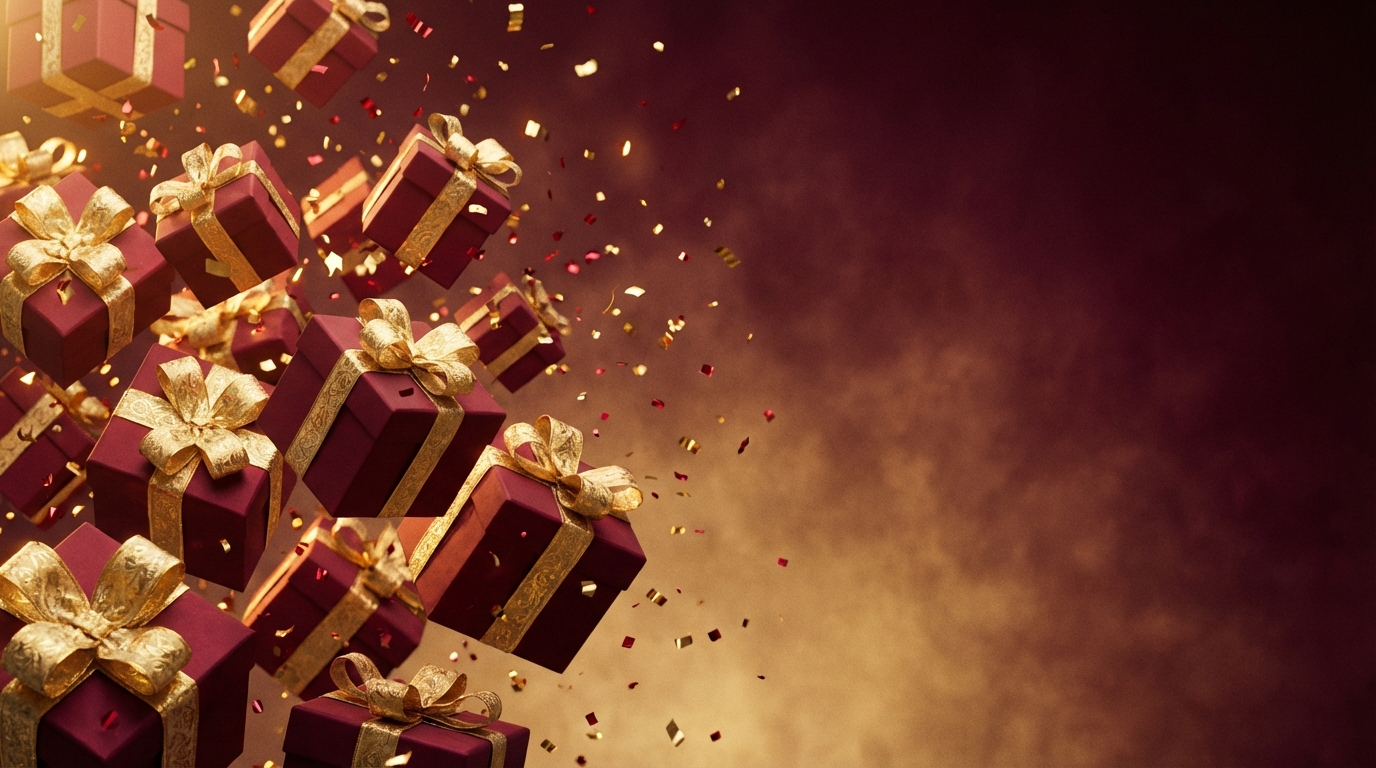
Festive holiday sale promotional banner with gift boxes wrapped in red and gold ribbon cascading across the frame, confetti particles frozen mid-air, deep burgundy-to-gold gradient background, cinematic studio lighting with warm key light, space on the right side for text overlay, no text rendered, wide landscape format, premium commercial aesthetic
Email Header Visual
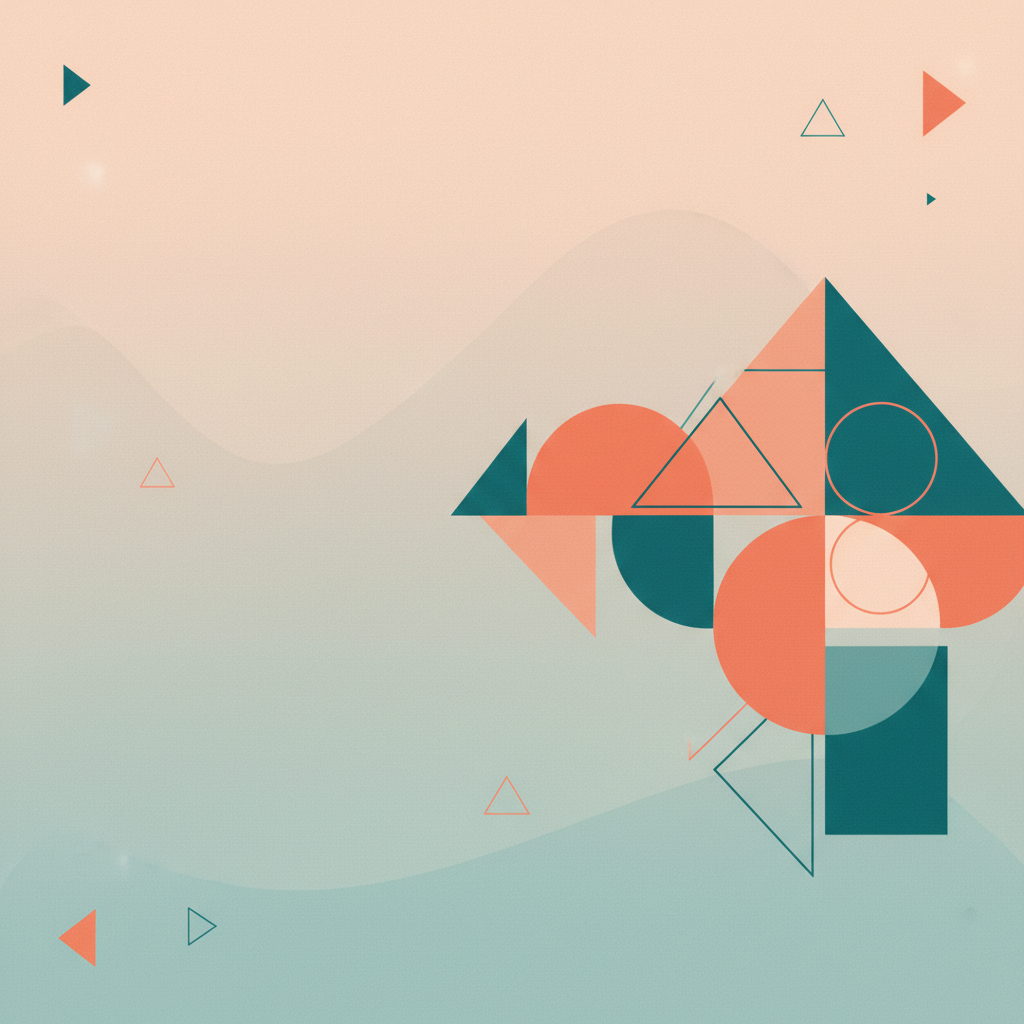
Clean, professional email newsletter header image with abstract geometric shapes in brand-safe coral and teal palette, soft gradient background, modern minimalist design, negative space on the left for text overlay, no text rendered, subtle grain texture for organic feel, horizontal banner format at 600x200 pixel aspect ratio
Diagrams & Maps
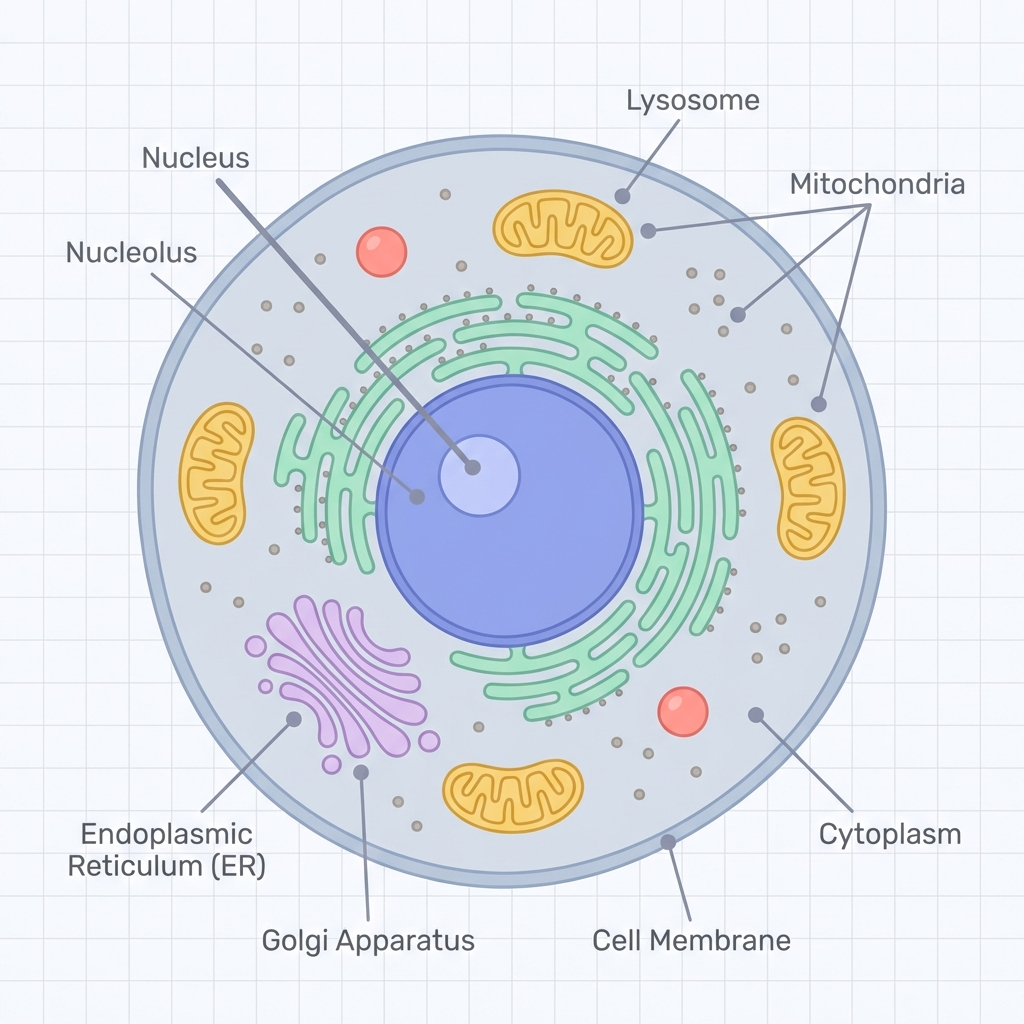
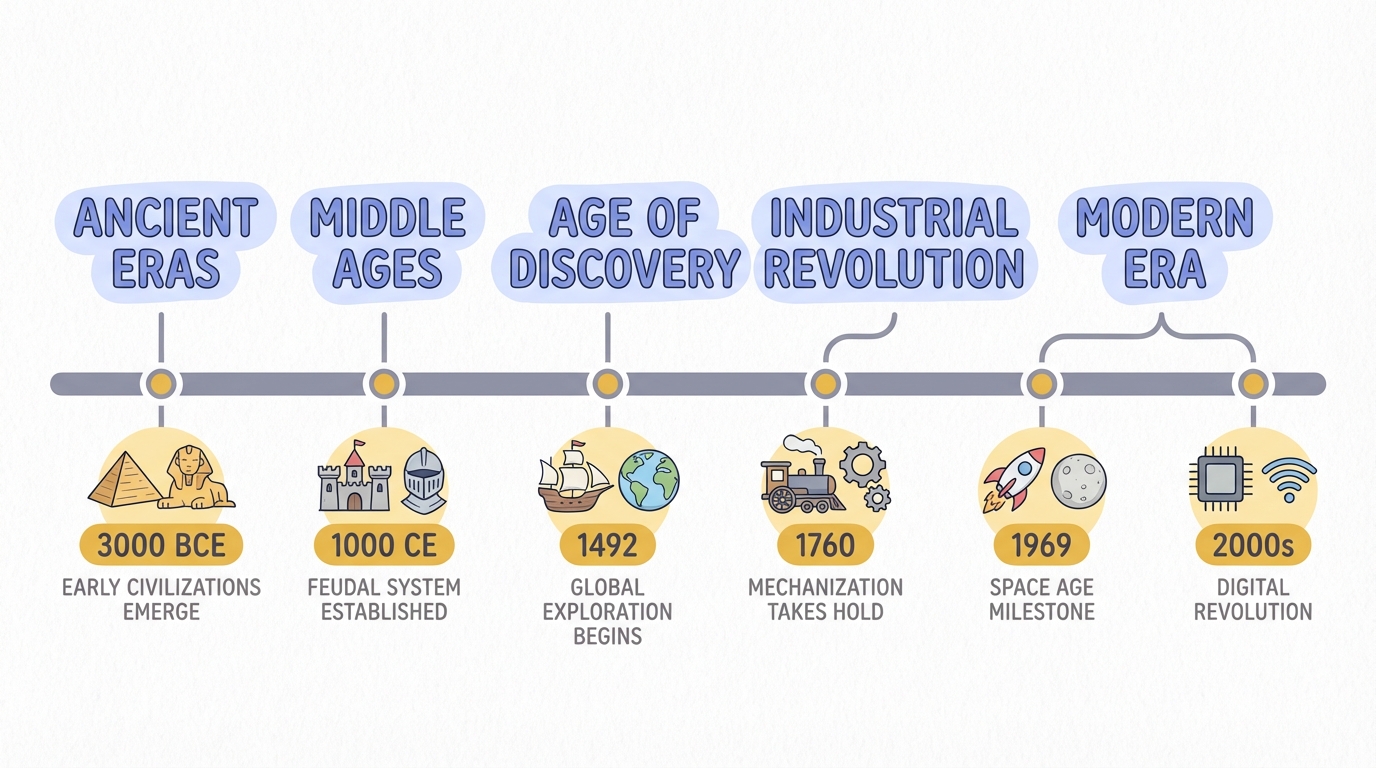
Educational AI illustration prompts for annotated diagrams, timelines, geography maps, and concept visualizations. Banana Prompts built for classrooms and courseware.
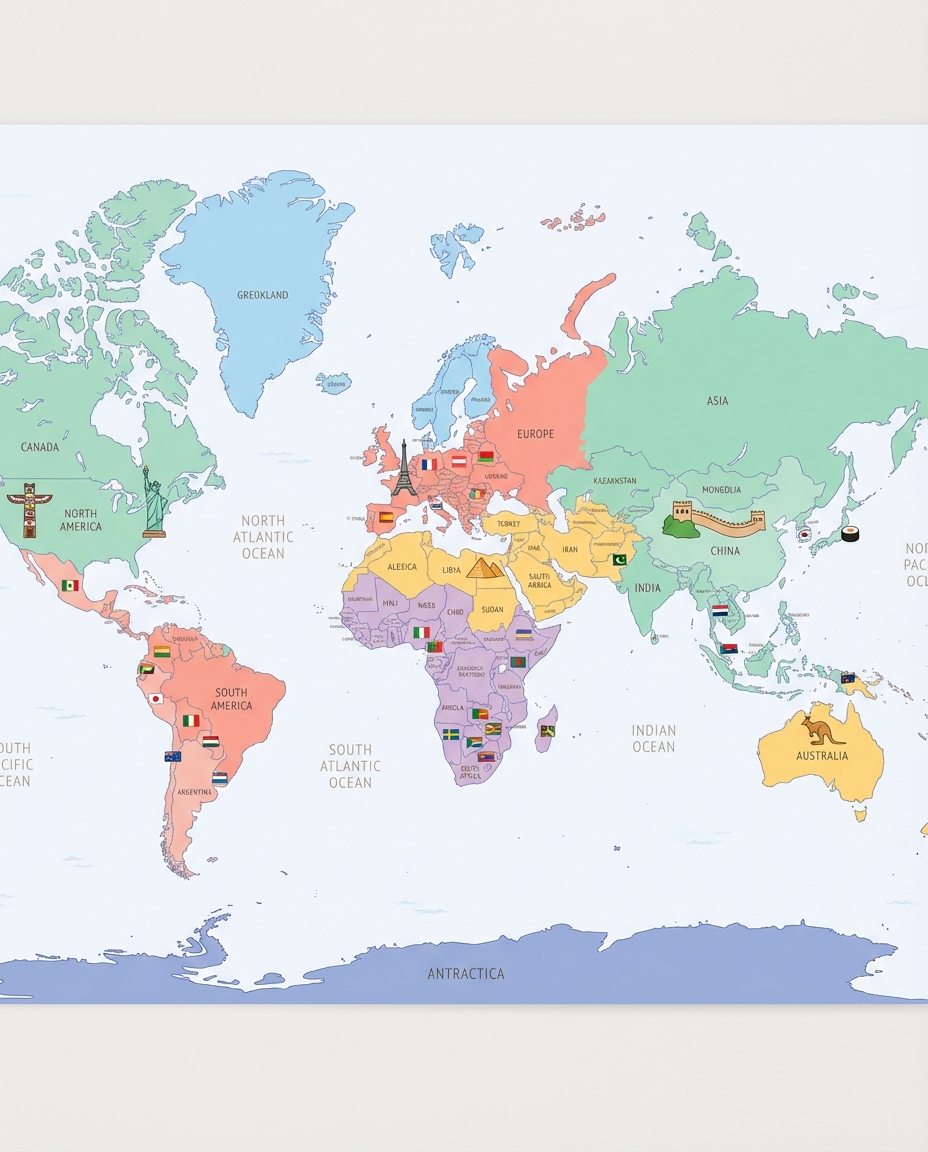
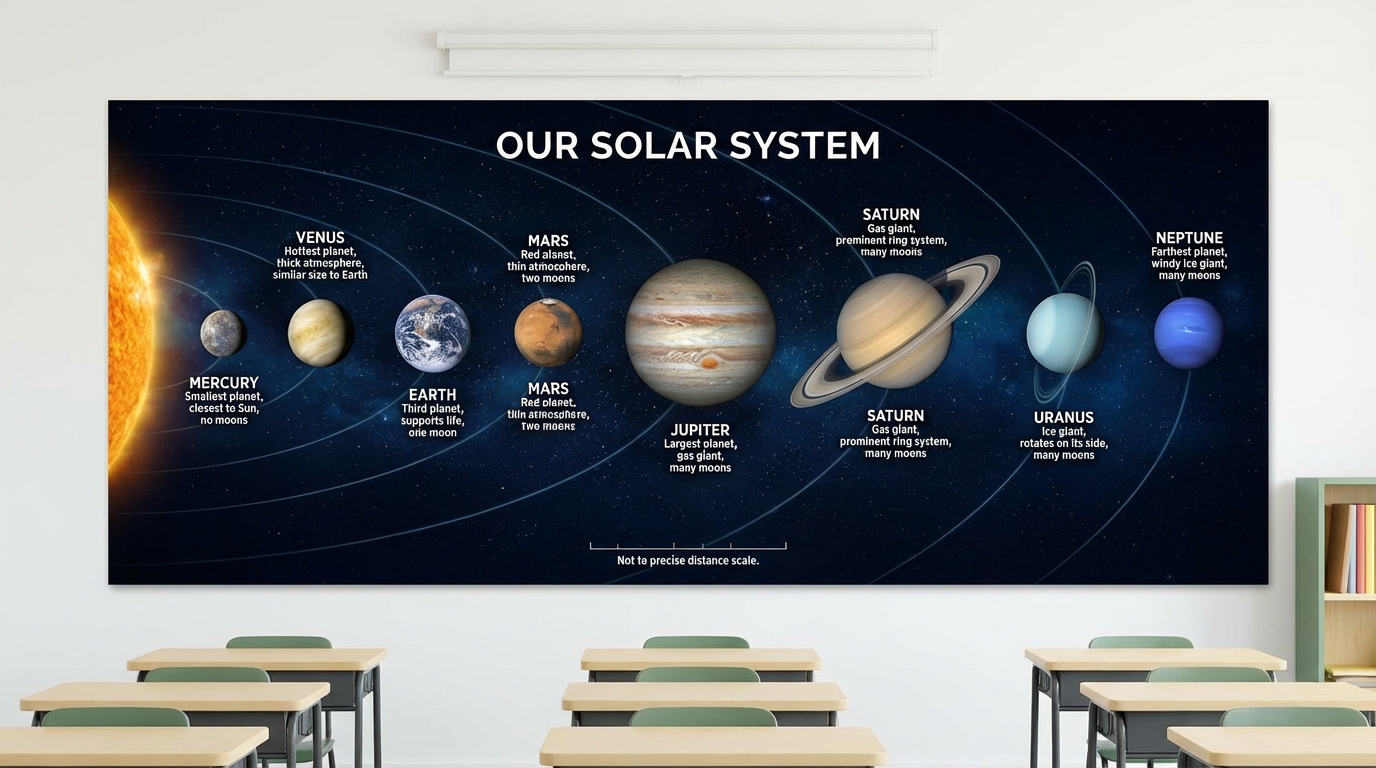
Solar System Poster
Educational poster of the solar system with all eight planets to scale along an orbital path, each planet labeled with name and key facts (diameter, distance from sun), dark navy space background with subtle star field, realistic planet textures, clean sans-serif labels in white, landscape orientation suitable for classroom wall display
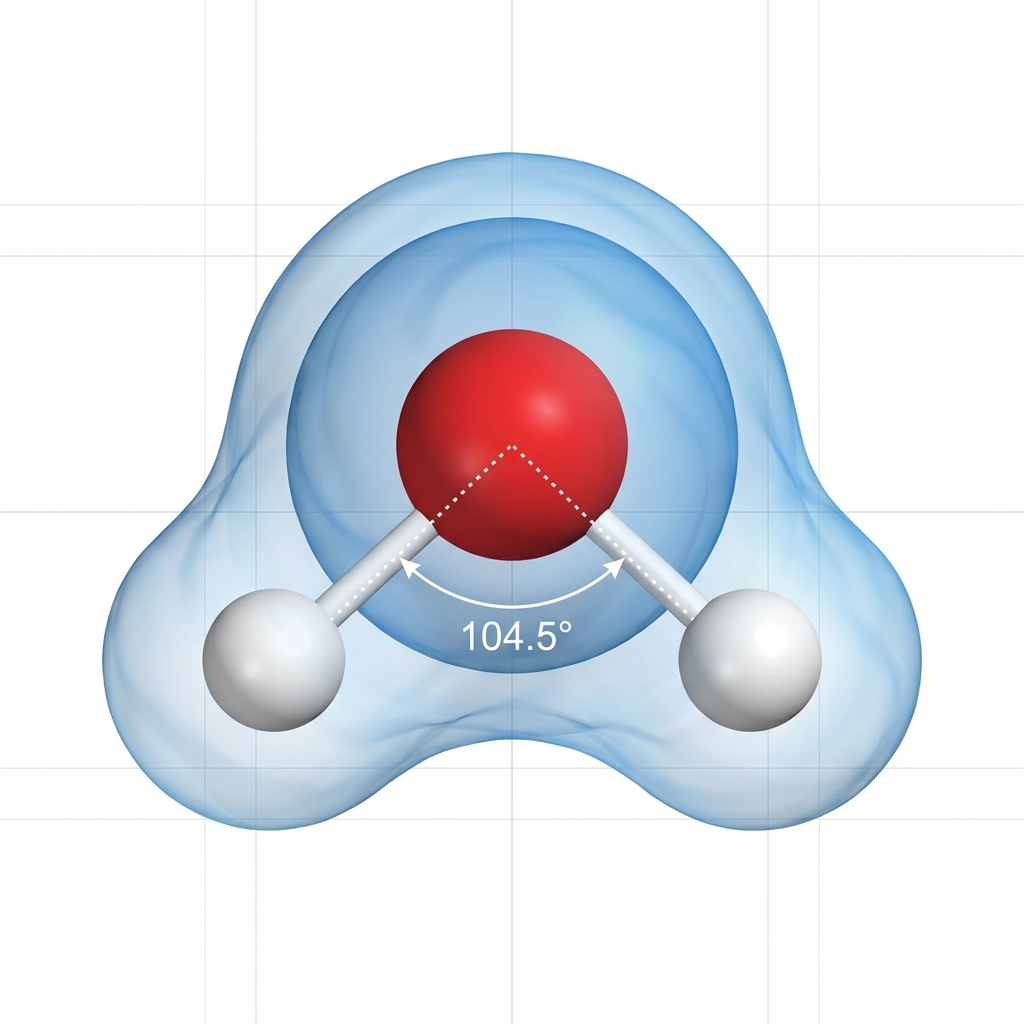
Molecular Structure
Scientific 3D visualization of a water molecule (H2O) showing ball-and-stick model with oxygen in red and hydrogen atoms in white, electron cloud visualization as translucent blue shells, clean white background with subtle grid lines, educational annotation style with dotted lines showing bond angles, soft ambient lighting, no text labels rendered, square format
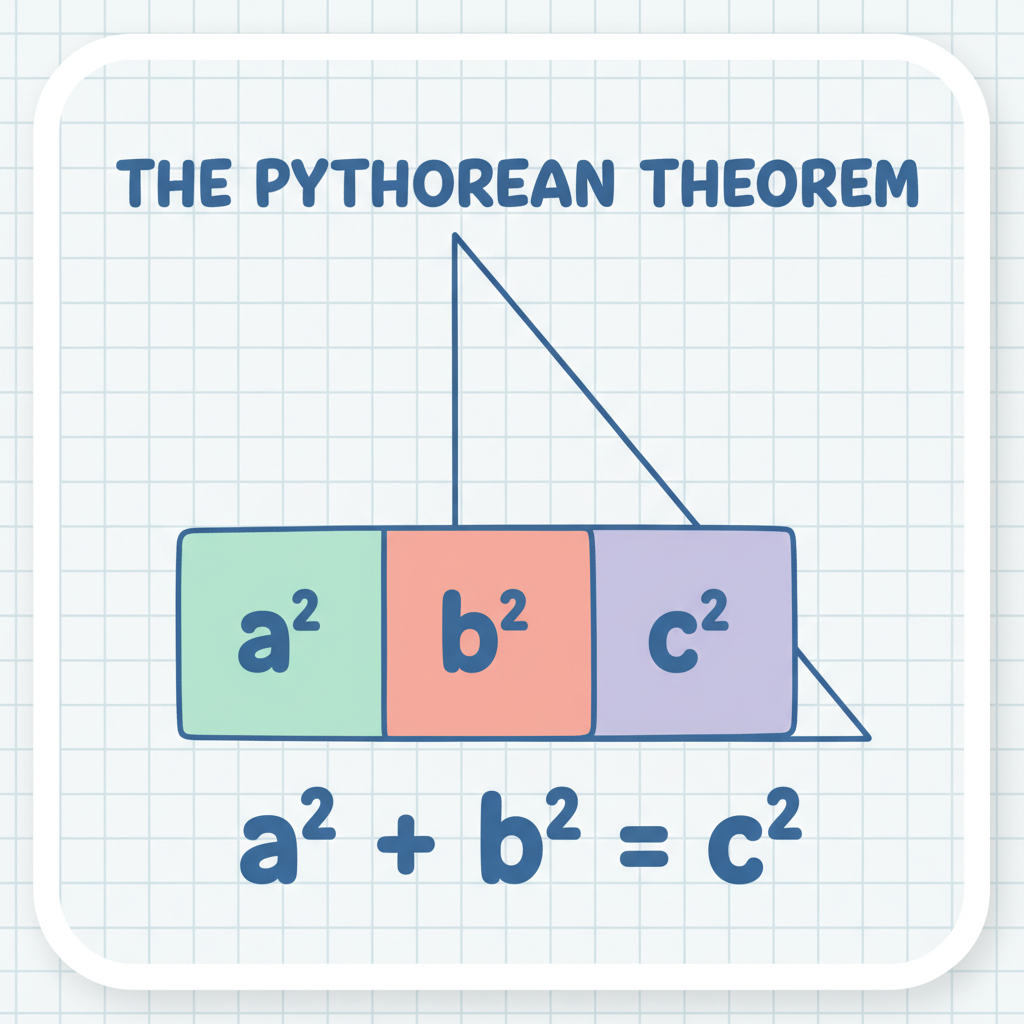
Math Concept Visual
Colorful educational illustration explaining the Pythagorean theorem, showing a right triangle with squares drawn on each side, each square filled with a different pastel color (mint green, soft coral, lavender), hand-drawn friendly vector style with rounded corners, light grid paper background, geometric labels showing a², b², c², classroom-friendly aesthetic, clean white border
The Prompt Writing Guide
Master the 5-layer Banana Prompts formula used by professional AI artists. Turn vague ideas into precise, repeatable AI image prompts that produce stunning results every time.
The 5-Layer Prompt Formula
“A ceramic coffee mug with a matte black finish, resting on a wooden table”
“Ultra-realistic studio photograph, commercial product photography style”
“Softbox high-key lighting, gentle morning light from the left, pure white seamless background”
“85mm prime lens, f/8 sharpness, ISO 100, centered square crop, product fills 85% of frame”
“Natural colors, gentle contact shadow underneath, no props, no text, no logos”
Full prompt
“A ceramic coffee mug with a matte black finish, resting on a wooden table. Ultra-realistic studio photograph, commercial product photography style. Softbox high-key lighting, gentle morning light from the left, pure white seamless background. 85mm prime lens, f/8 sharpness, ISO 100, centered square crop, product fills 85% of frame. Natural colors, gentle contact shadow underneath, no props, no text, no logos.”
See the Difference Good Prompts Make
Product Photography
A photo of a coffee mug on a table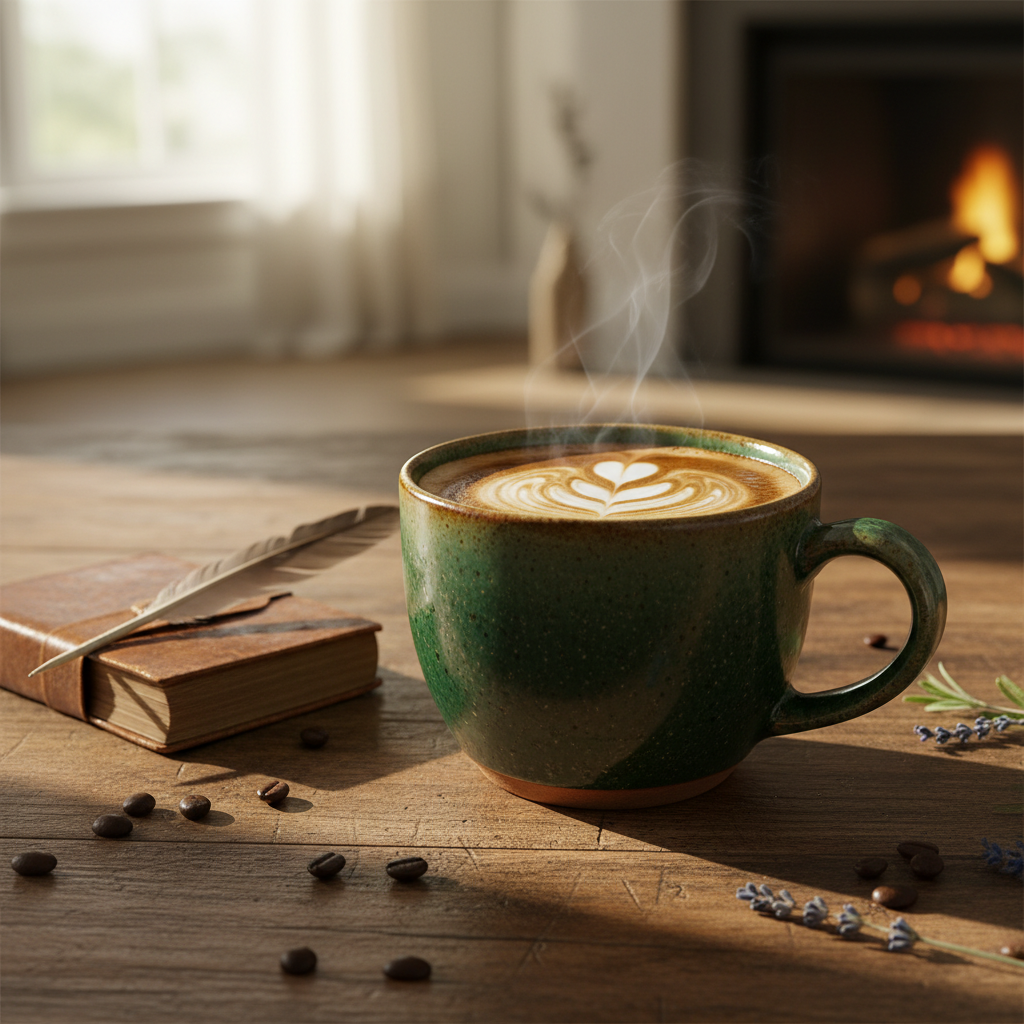
Ultra-realistic studio photograph of a retro ceramic cone-shaped coffee mug in slate gray with textured surface, sitting on a round solid wood coaster, solid wood handle, pure white seamless background, 85mm prime lens look, f/8 sharpness, softbox high-key lighting, gentle contact shadow, product centered, no props, no text, no logos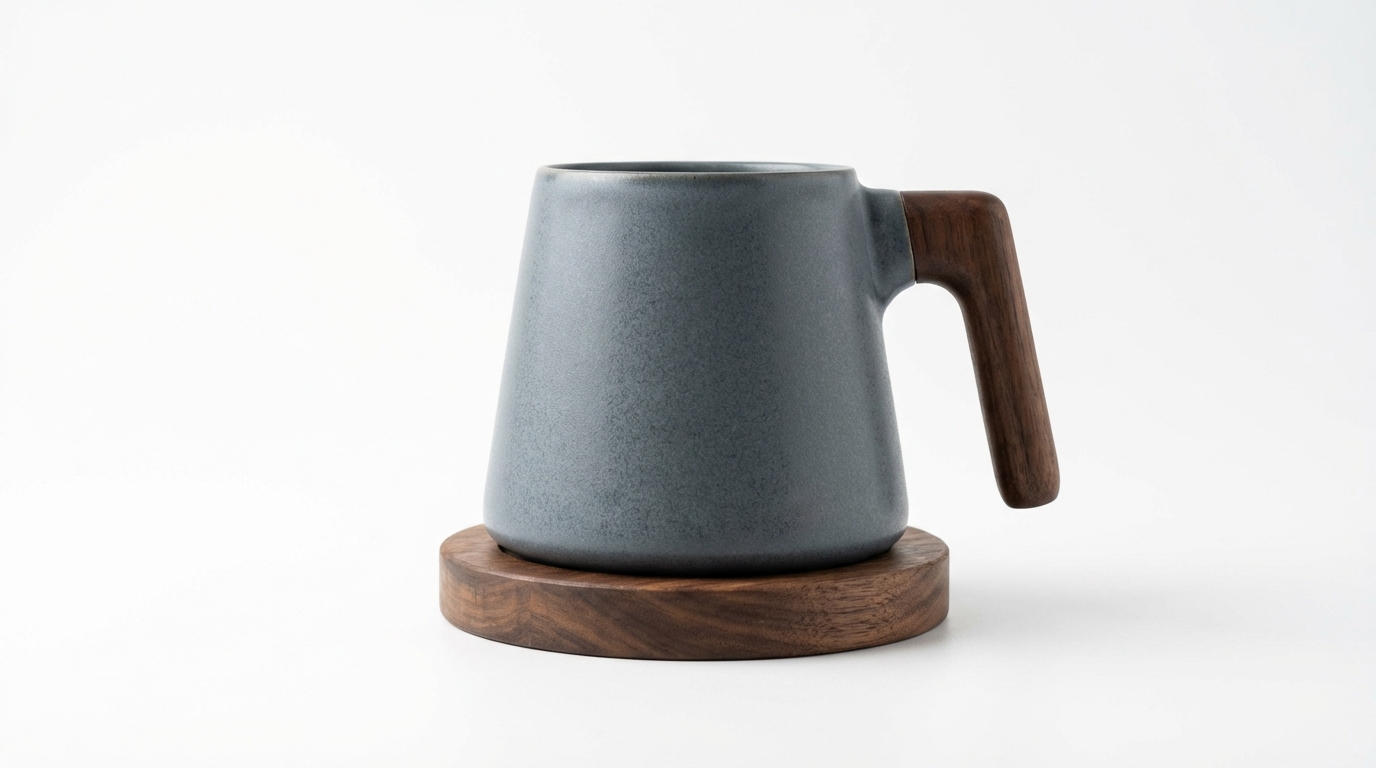
The structured prompt specifies lens, lighting, background, composition, and what to exclude. The AI no longer guesses — it follows a precise brief, producing results ready for an Amazon listing.
YouTube Thumbnail
A person looking surprised with text saying wow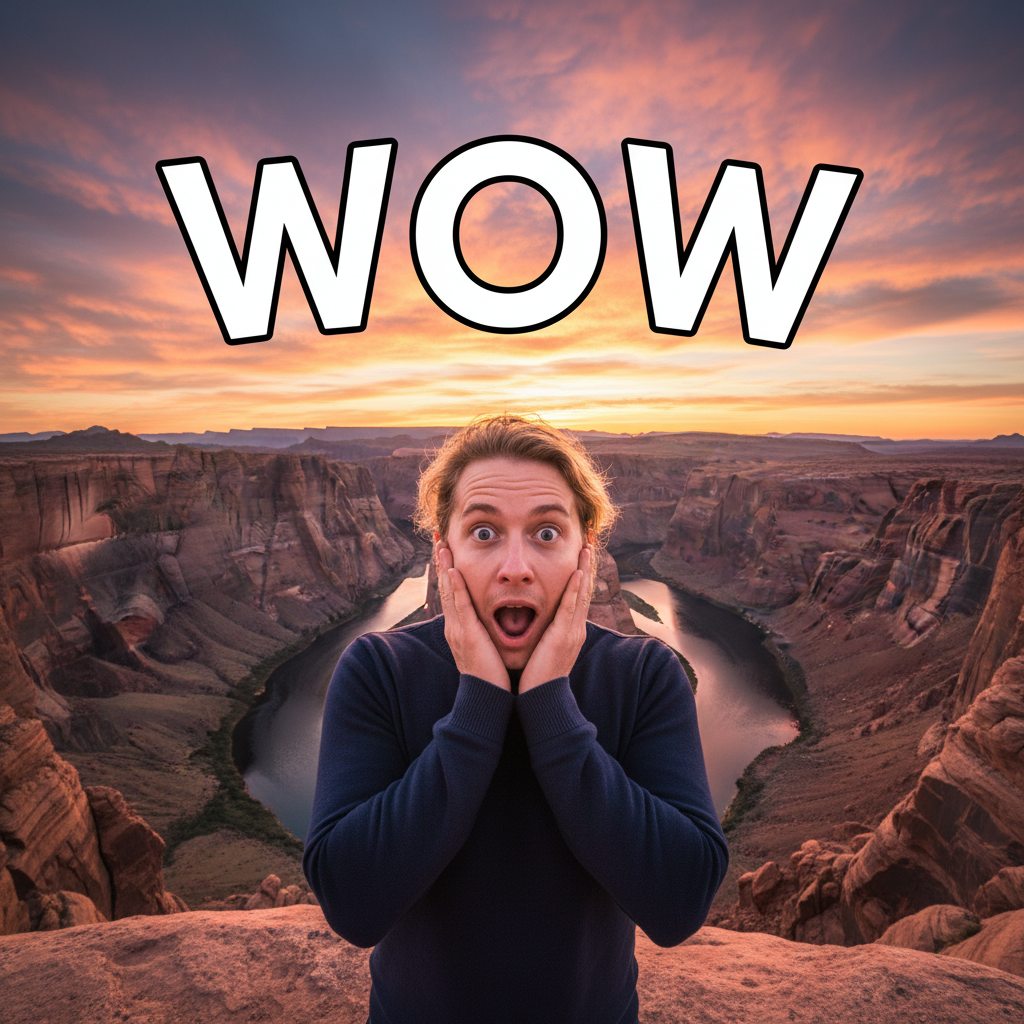
SUBJECT: Host, bald male with glasses and full beard, wearing bright green hoodie, jaw-drop surprised expression, both hands on cheeks; tight 3/4 crop. LIGHTING: Hard backlight creating rim light, soft key on face, vivid contrast; clean light gray gradient background. CAMERA: 35mm lens look, slight low angle, eyes to lens, native 4K. TEXT/DETAILS: "$0 MRR" gray badge left, "$10K MRR" green badge right, red curved arrow between them, "HOW TO GET THERE" heavy condensed black sans at bottom; no extra text or icons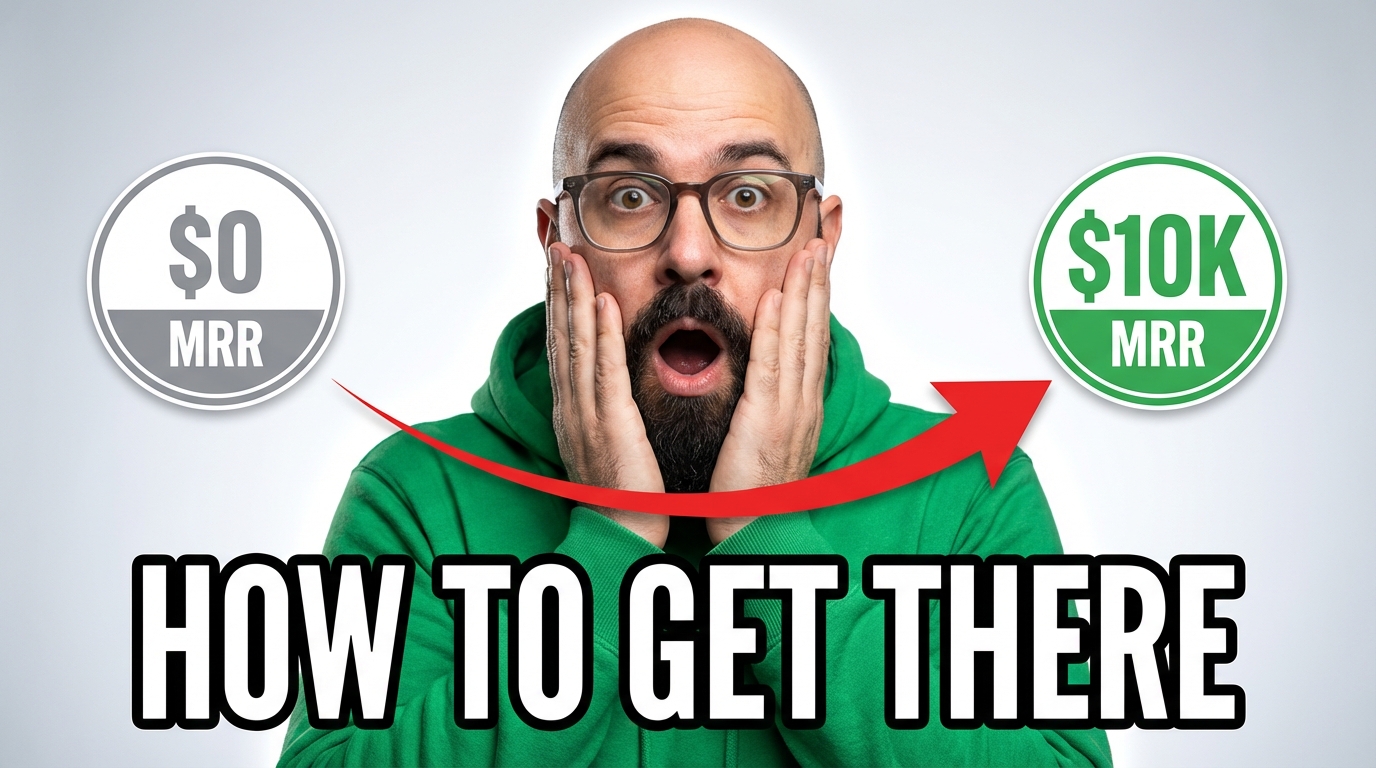
The SLCT format (Subject, Lighting, Camera, Text/Details) gives the AI a structured brief for each visual layer. The result is a thumbnail that pops in a YouTube feed instead of blending into the noise.
Typography
A logo that says Banana AI with nice design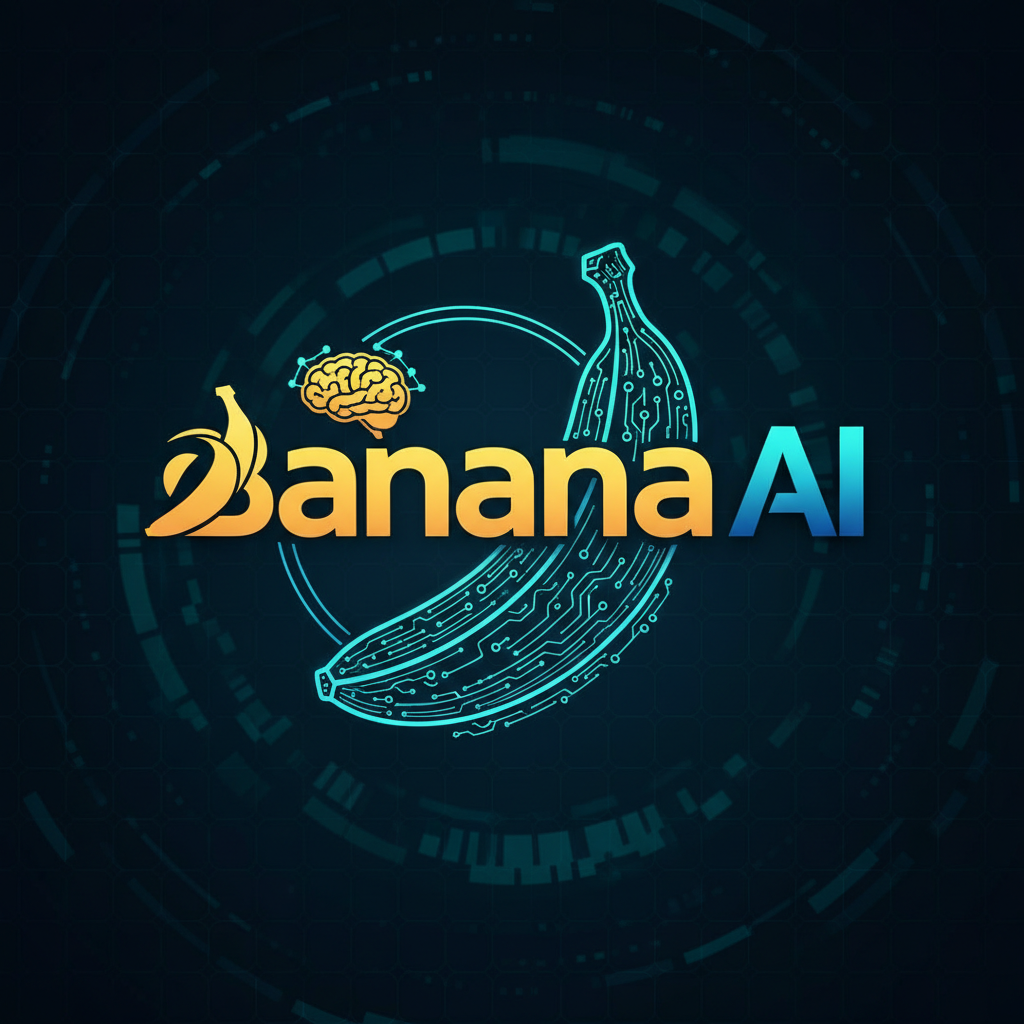
Render the words 'BANANA AI' in 3D block letters with brushed gold metallic texture, soft ambient occlusion shadow on a clean white background, letters slightly rotated for perspective depth, high-resolution, no additional text or graphics, no background patterns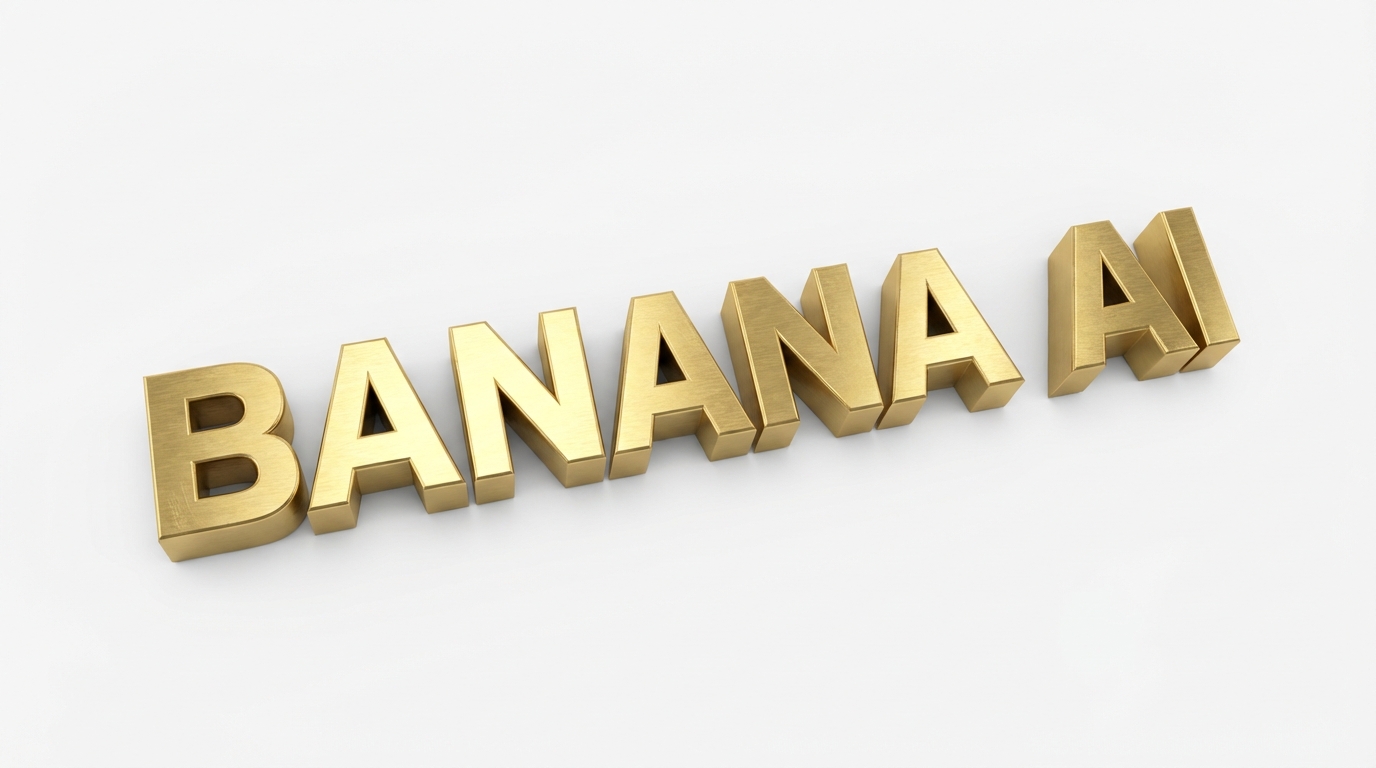
Text rendering works best when you specify the exact words in quotes, the font style (block, sans-serif, handwritten), the material/texture, and explicitly exclude unwanted elements. Keep it to 1-3 text elements for best results.
Pro Tips from the Community
Organize your prompt by Subject, Style, Lighting, Camera, and Details. Structured prompts outperform stream-of-consciousness descriptions every time. The AI processes layered instructions more accurately than a single run-on sentence.
Replace vague words with precise terms. "Beautiful lighting" could mean anything — "warm golden-hour light from the left at 45 degrees" tells the AI exactly what to render. Aim for under 500 words; precision beats length. Every Banana Prompts template in the library follows this principle.
Explicitly mention what you do not want: "no text, no watermarks, no extra people, no background clutter." Negative prompting is especially important for clean product shots and minimalist compositions.
When rendering text in images, limit yourself to 1-3 text elements. Put the exact words in quotes, specify the font style (bold sans-serif, handwritten script), and define placement (top-center, lower-right). More text elements increase the chance of rendering errors.
Don't ask for "watercolor" and "photorealistic" in the same prompt — the AI will compromise on both and nail neither. Pick one dominant style and reinforce it with compatible details. If you want to explore multiple styles, generate separate images.
Upload a reference image to lock in a style, character, or color palette. Nano Banana supports up to 4 references; Nano Banana 2 and Pro support up to 14. Layer them: first for aesthetic, then for subject detail, then for composition. Pair references with any Banana Prompts template for consistent results.
Use 1K for quick drafts and social media thumbnails. Use 2K for web banners and standard prints. Reserve 4K for large-format printing, packaging, and hero images. Higher resolution costs more credits — pick the tier that matches the output. The prompts in this library tag each example with its recommended resolution.
Don't start over when something is off. Say "make the background darker" or "move the light source to the right." The chat remembers your full session — each message refines the previous result without losing what already works. Start from any Banana Prompts template and iterate — faster than writing from scratch.
Choose the Right Model for Your Prompts
Each AI image generator model handles prompts differently. Use this guide to pick the best model for your Banana Prompts and budget.
Nano Banana
Nano Banana 2
Nano Banana Pro
Flux Fast
Frequently Asked Questions About AI Prompts
Everything you need to know about writing prompts, using Banana AI, and getting the best results from AI image generation.
Banana Prompts are curated, tested AI image prompts designed for specific use cases like e-commerce product photography, YouTube thumbnails, brand marketing, and educational diagrams. Each prompt has been optimized for the Nano Banana family of models and can be used with a single click in the Banana AI chat interface.
No. Every prompt in the library is ready to use as-is — just click “Generate This” and the AI produces the image. If you want to customize it, you can tweak the prompt in the chat or simply describe what you want changed in plain language. The chat-based interface means you never have to write a prompt from scratch.
Use the 5-layer formula: start with your subject and action, add the style or medium, describe the environment and lighting, specify camera and composition details, and finish with what to include and exclude. The more specific each layer, the closer the result matches your vision. See our Prompt Guide section above for examples and before/after comparisons.
It depends on your goal. Flux Fast (1 credit) is ideal for quick concept tests. Nano Banana (5 credits) handles fast drafts in 2-5 seconds. Nano Banana 2 (7-14 credits) delivers pro-quality images at flash speed with up to 4K resolution. Nano Banana Pro (10-20 credits) is best for final deliverables that require accurate text rendering, deep reasoning, and maximum detail. Start with a cheaper model for exploration, then upscale your favorite with Pro.
Yes. All images generated from Banana Prompts are allowed for commercial use under the model provider terms. Use them for product listings, marketing campaigns, social media posts, client presentations, and printed materials. Generated images include an invisible digital watermark (SynthID) for AI provenance tracking, which does not affect commercial use.
Banana AI uses a credit-based system. Flux Fast costs 1 credit, Nano Banana costs 5 credits, Nano Banana 2 costs 7-14 credits (depending on resolution), and Nano Banana Pro costs 10-20 credits (depending on resolution). New accounts receive 10 free credits — enough for 10 quick images or 1 high-quality Nano Banana Pro image. Paid plans start at $9.9/month for 500 credits. See pricing for details. Every Banana Prompts template shows the recommended model so you know the cost upfront.
Text rendering works best with Nano Banana Pro. Follow these rules: put exact words in quotes (e.g., “BANANA AI”), limit text to 1-3 elements, specify font style (bold sans-serif, handwritten, etc.) and placement (top-center, lower-right), and use high contrast between text and background. Avoid long sentences — short phrases and single words render most reliably. See the text rendering prompts in the Thumbnails category for ready-to-use examples.
Yes. Drop your image into the chat and describe what you want changed — swap backgrounds, adjust lighting, add or remove objects, change styling. The AI preserves everything you don’t mention. Nano Banana supports up to 4 reference images per generation; Nano Banana 2 and Pro support up to 14.
Banana AI supports many aspect ratio presets: 1:1 (square, ideal for Instagram and product listings), 4:5 (portrait, Pinterest and social stories), 2:3 (tall portrait), 9:16 (vertical, TikTok and Reels), 16:9 (landscape, YouTube thumbnails and banners), plus auto-detect. Pick the ratio that matches your target platform before generating.
Most prompt libraries give you text to copy and paste into another tool. Banana AI lets you generate directly from the prompt with one click — no switching apps. You can also refine through conversation: if the first result is 80% right, just tell the AI what to fix instead of rewriting the entire prompt. The chat remembers your full session, so each iteration builds on the last.
Pick a prompt, click generate, and see the result in seconds.
Ready to Create Your First AI Image?
No prompt engineering required. No credit card. Start with 10 free credits and use Banana Prompts to generate professional-quality images for your products, content, and campaigns.